

Finding the right time for a meeting can be frustrating, especially when you need to coordinate with clients, teammates, or multiple people across different time zones. Meeting scheduling tools make this process much easier by allowing you to share your availability, automate bookings, and avoid endless back-and-forth emails.
The best meeting scheduling tools offer features such as calendar integration, automated reminders, time-zone detection, meeting links, team scheduling, and customizable booking pages. Some platforms also include advanced options like payment collection, round-robin scheduling, analytics, and workflow automation. Whether you are a freelancer arranging client calls, a business managing sales meetings, or a remote team coordinating across different locations, these tools can save valuable time and reduce scheduling conflicts.
In this guide, we’ll look at some of the best meeting scheduling tools available today, comparing their key features, pricing, ease of use, and ideal use cases. This will help you find a scheduling solution that fits your workflow and makes booking meetings faster and more convenient.
- Calendly is still the safest default for most people – the biggest calendar-connection limit, the largest integration library, and a free plan that’s genuinely usable, though it gets pricey once you need team routing (Teams jumps to $16–20/seat/month).
- If your team lives in Gmail and sells for a living, look at Mixmax before Calendly. It’s the only tool on this list where booking a meeting automatically logs to Salesforce or HubSpot without a rep touching anything.
- Acuity Scheduling is the pick for anyone who gets paid for their time – coaches, consultants, therapists – because payment collection, intake forms, and packages are built in, not bolted on.
- Clockwise no longer exists. Salesforce acqui-hired the team and shut the product down on March 27, 2026, deleting all user data. If you see it recommended elsewhere, that article hasn’t been updated since early 2026 – treat it as a red flag on freshness, not just a missed pick. Reclaim.ai is the direct migration path and is what we recommend instead.
- YouCanBook.me and SetMore currently have the most usable free tiers if budget is the deciding factor – SetMore for small teams (unlimited bookings for up to four users), YouCanBook.me for solo users who want more customization than Calendly’s free plan allows.
Quick Verdict
| Pick | Tool | Best for |
|---|---|---|
| Best overall | Calendly | Most individuals and small teams |
| Best for sales teams | Mixmax | Reps who live in Gmail and need CRM logging |
| Best for paid appointments | Acuity Scheduling | Coaches, consultants, therapists |
| Best booking experience | SavvyCal | Anyone who wants a premium, low-friction feel |
| Best free plan | SetMore | Small teams up to 4 users |
Full Comparison
| Tool | Best for | Starting price | Free plan? | Standout feature | Rating (G2) |
|---|---|---|---|---|---|
| Calendly | Overall / most users | $10/seat/mo (Standard, annual) | Yes | 6 connected calendars, huge integration library | 4.7/5 |
| Mixmax | Sales teams in Gmail | Free tier; paid plans quote-based | Yes (limited) | Native Salesforce/HubSpot logging | 4.8/5 |
| Acuity Scheduling | Paid appointments | $16/mo (Starter, annual) | 7-day trial only | Built-in payments + intake forms | 4.6/5 |
| SavvyCal | Booking experience | $12/seat/mo | 7-day trial | Overlay shows your availability on their calendar | 4.7/5 |
| YouCanBook.me | Free plan | $0 | Yes | Deep customization without per-seat pricing | 4.7/5 |
| Reclaim.ai | AI calendar defense | $10/seat/mo (Starter, annual) | Yes (Lite) | Auto-reschedules flexible meetings to protect focus time | 4.8/5 |
| Doodle | Group polls | $6.95/mo (Pro, annual) | Yes | Vote-based scheduling for large groups | 4.4/5 |
| Google Calendar | Google Workspace users | $0 (with Workspace) | Yes | Zero setup if you already use Gmail | — |
| HubSpot Meetings | Free CRM logging | $0 (Sales Hub free tier) | Yes | Meetings sync straight into a real CRM record | 4.4/5 |
| SetMore | Small team free plan | $0 (up to 4 users) | Yes | Unlimited appointments + payments on the free tier | 4.5/5 |
Prices shown are per-seat/month billed annually where applicable, verified against vendor pricing pages and third-party pricing trackers as of September 2026. Vendors change pricing often — confirm on the provider’s site before buying.
How We Ranked These
We didn’t just skim marketing pages. Each tool below was evaluated against five criteria that actually predict whether a scheduling tool solves your problem or becomes shelfware:
- Real-time calendar sync reliability – does it actually prevent double-booking across multiple connected calendars?
- Integration depth – video conferencing, CRM, and payment processors, not just a logo on a page.
- Free-tier honesty – how much can you actually do before hitting a paywall?
- Pricing transparency – is the real cost at 5, 10, or 50 seats easy to calculate, or does it require a sales call?
- Category fit – client-facing appointment booking is a different job than internal shift scheduling, and we didn’t let the two bleed together (see the callout below).
One important scoping note: this list covers client- and calendar-facing appointment scheduling – the “share a link, someone books a slot” category. If what you actually need is a tool to build employee shift rosters (retail, restaurants, healthcare), that’s a different category entirely, led by tools like Deputy, Homebase, and 7shifts – worth its own separate guide, not a footnote here.
1. Calendly – Best Overall
Best for: Individuals, freelancers, and small teams who want the safest, most widely-supported default.
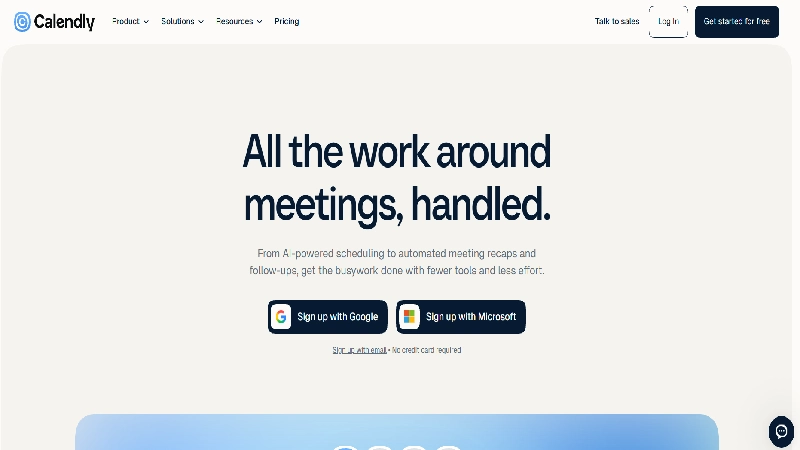
Quick Facts
- Starting price: Free / $10 per seat/mo (Standard, annual) / $16-20 per seat/mo (Teams) / from $15,000/yr (Enterprise)
- Free tier: Yes – 1 event type, 1 connected calendar
- Platforms: Web, iOS, Android, browser extensions
- Standout feature: Up to 6 connected calendars on paid plans, preventing double-booking across work and personal accounts
[Screenshot placeholder: annotated image of the Calendly booking page with buffer-time and event-type settings highlighted]
Detailed Review Calendly remains the default answer to “what scheduling tool should I use” for a reason: it does the core job – connect a calendar, set availability, share a link – without friction, and its integration library (Zoom, Google Meet, Salesforce, HubSpot, Slack, Stripe) is the deepest of any standalone tool on this list. The free plan is genuinely usable for a solo user with one meeting type, which is more than several competitors offer. Where it gets expensive is the jump to Teams pricing: a 10-person sales team pays roughly $1,900–2,400/year just for round-robin routing and Salesforce sync – features that come cheaper, or bundled, elsewhere. If your need stops at “let people book time with me,” Standard at $10/seat is hard to beat. If you need routing, admin controls, or deep CRM logic, price it against Mixmax or SavvyCal before committing.
| Pros | Cons |
|---|---|
| Connects up to 6 calendars per user, the most of any tool here | Team/routing features are meaningfully more expensive than rivals |
| Largest third-party integration ecosystem | No native CRM logging on lower tiers – needs Zapier or a paid integration |
| Free plan is a real product, not a crippled trial | Free plan branding can look unpolished on a client-facing page |
| Familiar to almost everyone who’ll book with you |
Who it’s best for: Solo professionals, freelancers, and small teams who want the most broadly compatible tool. Who should skip it: Sales teams needing native CRM sync without paying for Teams – look at Mixmax or HubSpot Meetings instead.
→ See current Calendly pricing
2. Mixmax – Best for Sales Teams in Gmail
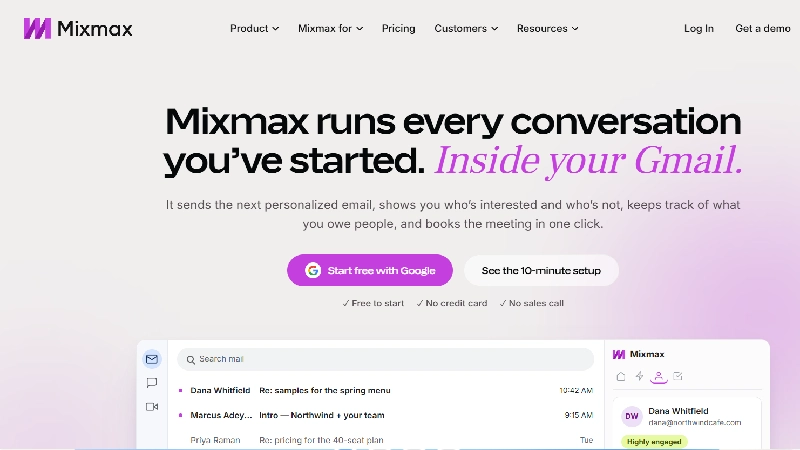
Best for: Sales reps and account managers who work inside Gmail all day and need scheduling to feed the CRM automatically.
Quick Facts
- Starting price: Free tier available; paid plans are quote-based per seat
- Free tier: Yes, with one-click scheduling and basic email tracking
- Platforms: Gmail (browser extension), web
- Standout feature: Booked meetings automatically attach to the correct contact, account, and deal in Salesforce or HubSpot
[Screenshot placeholder: Mixmax scheduling link embedded inside a Gmail compose window]
Detailed Review Mixmax takes a different position than the other tools here: scheduling isn’t the product, it’s one feature inside a sales execution platform built to live inside Gmail. The practical effect is that a rep never leaves their inbox to send an availability link, and every booked meeting, reschedule, or cancellation syncs to the CRM without manual entry – the single feature most sales leaders say they’d pay extra for. Mixmax itself reports that removing manual scheduling can give reps back over two hours a day, and that closing rates improve by roughly a quarter when meetings sync automatically to the pipeline. The tradeoff is scope: Mixmax is overkill if you just need a personal booking link, and its full value only shows up once you’re also using its outreach and workflow tools, not just the scheduler in isolation.
| Pros | Cons |
|---|---|
| Native, bidirectional Salesforce/HubSpot sync | Full pricing requires a sales conversation – no clear self-serve Teams tier |
| Scheduling link can be embedded directly into an email in one click | Overkill for anyone who isn’t doing sales outreach |
| Adoption is easier because reps never leave Gmail | Less useful outside the Gmail/Google Workspace ecosystem |
| Part of a broader sales toolkit (sequences, tracking) if you need it |
Who it’s best for: B2B sales teams where every booked meeting needs to show up in the pipeline automatically. Who should skip it: Solo consultants or non-sales use cases – the CRM-native value proposition doesn’t apply.
3. Acuity Scheduling – Best for Paid Appointments
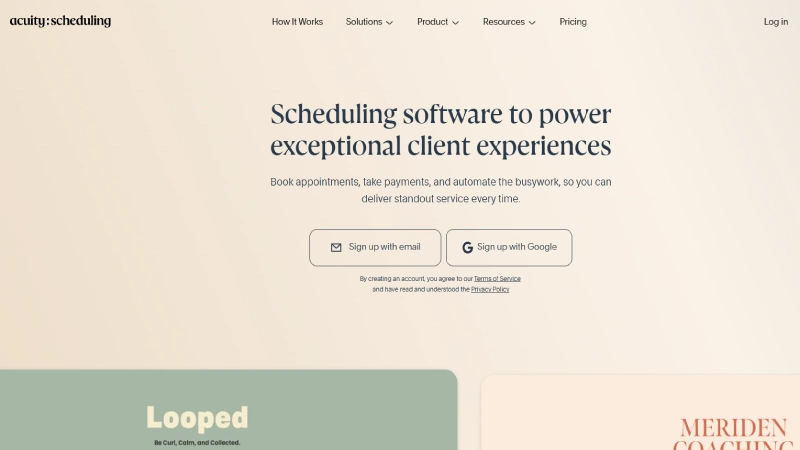
Best for: Coaches, consultants, therapists, and any service business that bills by the session.
Quick Facts
- Starting price: $16/mo (Starter, annual) / $27/mo (Standard) / $49/mo (Premium)
- Free tier: No – 7-day free trial only
- Platforms: Web, iOS, Android
- Standout feature: Built-in payment collection (Stripe/PayPal) plus intake forms and appointment packages
[Screenshot placeholder: Acuity’s client-facing booking page with a Stripe payment step visible]
Detailed Review Acuity is less a scheduling link and more a lightweight client-management system for anyone whose calendar is their inventory. Custom intake forms collect what you need before a session even starts, and requiring payment at booking is a genuine no-show deterrent – clients who’ve already paid show up. The entry Starter tier is limited to a single calendar, which is fine for a solo practitioner but forces an upgrade the moment a second provider joins the business. Acuity doesn’t have a permanent free plan, which puts its floor price ($16/mo annual, $20/mo monthly) above Calendly’s paid tier and noticeably above free alternatives like SetMore – a fair trade if you actually use the payment and package features, a real overpay if you don’t.
| Pros | Cons |
|---|---|
| Payment processing and packages/subscriptions built in | No permanent free plan, only a 7-day trial |
| Custom intake forms qualify or prep clients before the call | Starter tier is capped at one bookable calendar |
| Automatic time zone detection and SMS reminders (paid tiers) | Less useful if you don’t need payments or packages |
| Handles the full appointment lifecycle, not just the booking |
Who it’s best for: Service businesses where “book” and “get paid” need to happen in the same step. Who should skip it: Anyone who just needs a free, simple booking link – Acuity’s price only pays off if you use its business-management features.
→ See Acuity Scheduling pricing
4. SavvyCal – Best Booking Experience
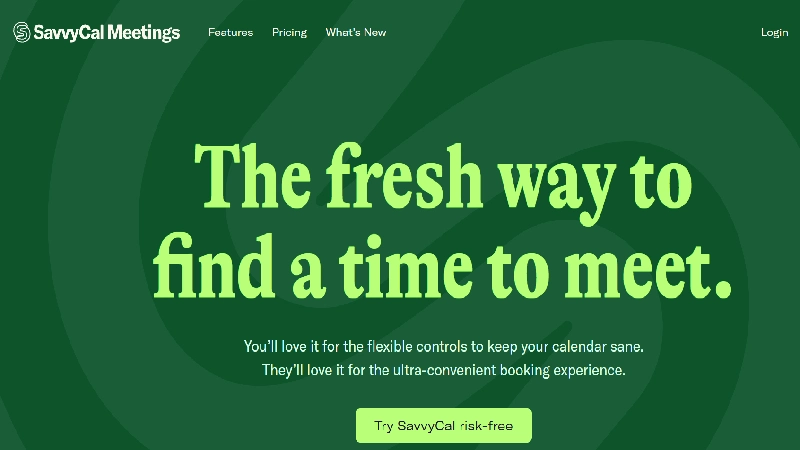
Best for: People who care about how the booking feels to the person on the other end, not just that it works.
Quick Facts
- Starting price: $12 per seat/mo (annual billing)
- Free tier: No – free trial only
- Platforms: Web, browser extension
- Standout feature: The “overlay” – invitees can connect their own calendar so both sides see combined availability on one screen
Detailed Review Most scheduling tools solve the coordination problem by showing you my availability and asking you to cross-reference it against your calendar manually. SavvyCal’s overlay removes that step entirely: when an invitee connects their calendar (optional, not required), they see both schedules on the same grid and pick a genuinely mutual slot. It’s a small interaction change with an outsized effect on how professional the booking process feels, especially for external, high-stakes meetings. SavvyCal also supports personalized links per recipient and frequency limits (cap meetings per day/week), which matter more once your calendar starts filling up. It’s priced above Calendly’s entry tier with no permanent free plan, so it’s a better fit once you’ve already decided scheduling experience is worth paying for, rather than a first tool to try.
| Pros | Cons |
|---|---|
| Overlay feature meaningfully reduces booking friction for invitees | No permanent free tier |
| Frequency limits protect your calendar from over-booking | Smaller integration library than Calendly |
| Personalized scheduling links per contact | Overlay’s full value depends on invitees actually connecting their calendar |
| Clean, modern interface that reflects well on your brand |
Who it’s best for: Client-facing professionals for whom the booking experience is part of the brand. Who should skip it: Budget-conscious solo users – YouCanBook.me or Calendly’s free plan cover the basics for less.
5. YouCanBook.me – Best Free Plan for Customization
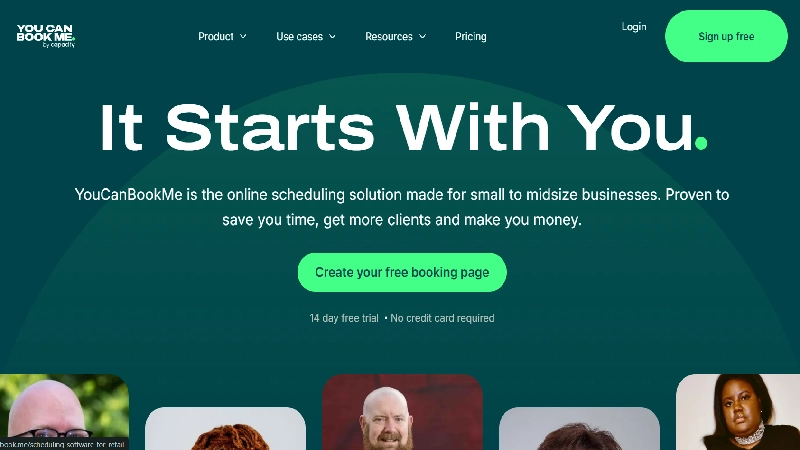
Best for: Solo users and small teams who’ve outgrown Calendly’s one-event-type free tier but don’t want to pay yet.
Quick Facts
- Starting price: $0 to start; paid plans available for teams
- Free tier: Yes, genuinely usable
- Platforms: Web
- Standout feature: Deep booking-page customization without forcing a paid seat
Detailed Review YouCanBook.me’s reputation, backed by a 4.7/5 G2 rating across nearly 2,000 reviews, rests on being easier to set up and customize than its price tag suggests. Where Calendly’s free plan restricts you to a single event type, YouCanBook.me’s free tier gives more room to configure booking pages, custom questions, and calendar rules before you hit a wall. It doesn’t carry the brand recognition of Calendly or the CRM depth of Mixmax, which is exactly why it’s worth knowing about: it’s the tool to reach for when you want more control than the free-tier leader but aren’t ready to pay for it. The tradeoff is a smaller integration list and less name recognition, which matters slightly if your booking page needs to reassure a first-time client.
| Pros | Cons |
|---|---|
| More generous free tier than most direct competitors | Smaller integration ecosystem than Calendly |
| Reviewers consistently rate it easier to set up than Acuity | Less brand recognition, which can matter on a client-facing page |
| Solid calendar sync and video conferencing integrations | Team features are thinner than Mixmax or Calendly Teams |
| Works well for both solo and small-team use |
Who it’s best for: Anyone wanting more free customization than Calendly’s free plan allows. Who should skip it: Sales teams needing CRM-native logging – this isn’t its strength.
6. Reclaim.ai – Best AI Calendar Assistant (Post-Clockwise)
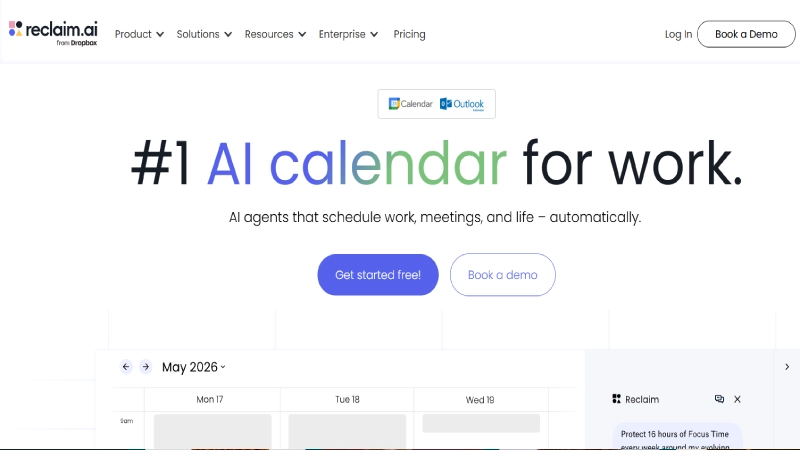
Best for: Anyone who needs their calendar defended, not just booked – protecting focus time around a full meeting load.
Quick Facts
- Starting price: Free (Lite) / $10/seat/mo (Starter, annual) / $15/seat/mo (Business) / $22/seat/mo (Enterprise)
- Free tier: Yes – 1 calendar sync, limited Smart Meetings
- Platforms: Web, Google Calendar and Outlook integration
- Standout feature: Automatically reschedules flexible meetings and tasks to protect deep-work blocks
Detailed Review Reclaim occupies a different lane than the rest of this list: it’s not primarily about booking meetings with outsiders, it’s about defending your calendar from the meetings you already have. Its “Smart Meetings” feature analyzes every attendee’s calendar to find the least disruptive time, and Habits let you protect recurring blocks – a workout, deep work, lunch – as if they were real meetings the system won’t override. This category got significantly more relevant in 2026: Clockwise, Reclaim’s closest direct competitor, was shut down permanently on March 27, 2026 after Salesforce acqui-hired its founding team, with all user data deleted and no successor product. Reclaim has since become the default migration path for displaced Clockwise users and now offers switcher pricing for exactly that reason. If your calendar problem is fragmentation rather than external booking, this is the category leader by default, not just by feature set.
| Pros | Cons |
|---|---|
| Genuinely useful free (Lite) tier, not just a trial | 10-seat cap on Starter before a jump to Business pricing |
| Auto-defends focus time without manual rescheduling | Not built for external client-facing booking pages the way Calendly or Acuity are |
| Now the clear category leader following Clockwise’s shutdown | Best value requires buying into the full habit/task ecosystem, not just sync |
| Integrates with task tools (Asana, ClickUp, Todoist, Linear, Jira) |
Who it’s best for: Individuals and teams whose real problem is a fragmented calendar, not a missing booking link. Who should skip it: Anyone needing a polished external booking page – pair it with Calendly or SavvyCal rather than replacing them.
READ MORE: Best Remote Desktop Software: Access Your PC From Anywhere
7. Doodle – Best for Group Polls
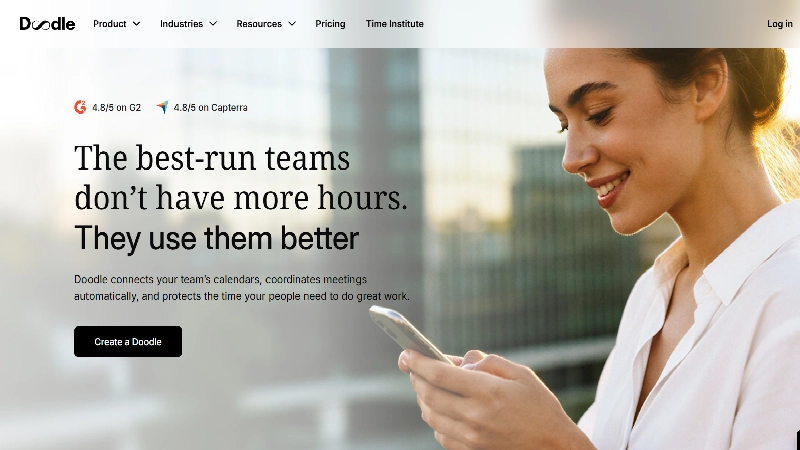
Best for: Coordinating a meeting time across a large group of external stakeholders who don’t share a calendar system.
Quick Facts
- Starting price: Free / $6.95 per user/mo (Pro, annual) / $8.95 per user/mo (Team, annual)
- Free tier: Yes, with ads and time-slot limits
- Platforms: Web
- Standout feature: Vote-based group polling – propose several times, let the group pick
Detailed Review Doodle solves a problem none of the one-to-one booking tools handle well: finding a time that works for a group of people who don’t share calendar visibility, like a board, a committee, or a set of external partners. Instead of a booking link showing your availability, a Doodle poll proposes several candidate times and lets each participant vote, without needing an account. It’s also commonly repurposed as a lightweight sign-up sheet for fixed-time events like webinars. Doodle has moved from a purely free tool to a tiered SaaS product over the past few years, and the free plan’s limits (capped time slots, ads) are noticeably tighter than they used to be, which is worth knowing if you remember Doodle as “the free polling site.” For genuine one-on-one client booking, it’s not the strongest option on this list – that’s Calendly’s or SavvyCal’s job.
| Pros | Cons |
|---|---|
| Best-in-class for group availability polling | Free tier has become noticeably more limited over time |
| Participants don’t need an account to vote | Not built for CRM-connected, one-to-one client booking |
| Doubles as a simple event sign-up tool | Lower G2 rating (4.4/5) than most others on this list |
| Reasonably priced Pro tier for solo power users |
Who it’s best for: Anyone coordinating a meeting across a group with no shared calendar access. Who should skip it: Sales or client-facing use cases – use a dedicated one-to-one tool instead.
8. Google Calendar – Best Free, No-Setup Option
Best for: Google Workspace users who need basic one-on-one booking without adding another subscription.
Quick Facts
- Starting price: $0 (included with any Google account; full features need Workspace)
- Free tier: Yes – this is the whole product
- Platforms: Web, iOS, Android
- Standout feature: Zero setup time if you already live in Gmail and Google Calendar
Detailed Review Google Calendar’s built-in appointment scheduling feature is easy to underrate because it isn’t marketed as a scheduling product -it’s a feature buried inside a calendar app you already use. You can create a booking page, define your availability window, and share the link or embed it on a website, all without leaving Google Calendar. For a solo user who needs exactly one thing – “let someone book 30 minutes with me” – this closes the gap for free, with no learning curve. It falls short the moment you need automated reminders beyond Google’s defaults, custom intake questions, multiple meeting types with different rules, or any CRM logging – at that point, every other tool on this list does more. Treat it as the right answer for “do I need to buy a tool at all,” not a long-term replacement for a dedicated scheduler.
| Pros | Cons |
|---|---|
| Completely free, already inside a tool most people use daily | No custom intake forms or advanced automation |
| No new account or app to learn | No CRM integration of any kind |
| Reliable calendar sync since it is the calendar | Limited to Google Calendar users; less useful on Outlook |
| Bookable page can be embedded on a website |
Who it’s best for: Individuals who need the absolute simplest free booking link and already live in Google Calendar. Who should skip it: Any team needing routing, CRM sync, or payments – this isn’t built for it.
→ Set up Google Calendar appointment scheduling
9. HubSpot Meetings – Best Free Option with Native CRM Logging
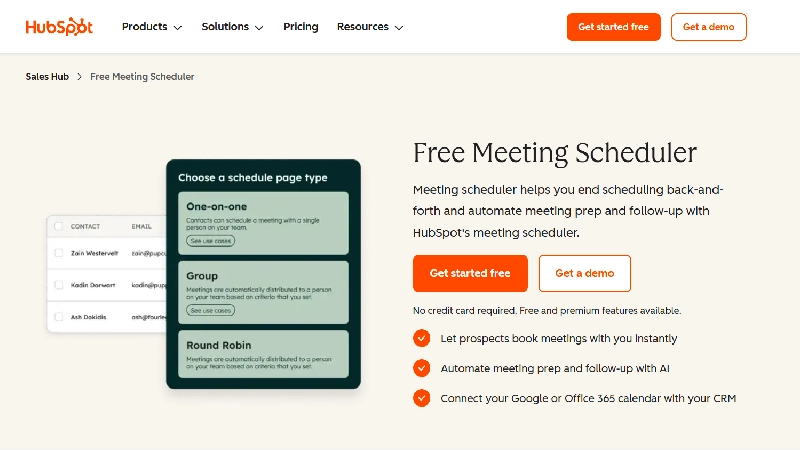
Best for: Small teams already on the free HubSpot CRM who want scheduling that logs to a real contact record.
Quick Facts
- Starting price: Free with a HubSpot account; advanced features need Sales Hub Starter (~$20/user/mo, annual)
- Free tier: Yes, meaningfully usable
- Platforms: Web, Gmail/Outlook integration
- Standout feature: Every booked meeting logs directly to the contact’s record in HubSpot’s CRM, for free
Detailed Review HubSpot’s meeting scheduler is worth including specifically because it undercuts the usual tradeoff on this list: free scheduling tools normally mean no CRM integration, and CRM-integrated tools normally aren’t free. HubSpot’s free tier breaks that pattern, since the scheduler is built directly into HubSpot’s free CRM rather than bolted on. You can create a scheduling page, connect Gmail or Office 365, and every booked meeting shows up on the associated contact record without any Zapier workaround. The tradeoff shows up as your needs grow: team scheduling, round-robin distribution, and custom branding all require upgrading to a paid Sales Hub tier, and the free tier’s forms and customization are noticeably more restricted than Calendly’s. It’s the strongest free pick specifically for small teams already committed to the HubSpot ecosystem, and a weaker choice if you aren’t.
| Pros | Cons |
|---|---|
| True CRM logging on the free tier, which is unusual | Advanced customization and team routing require a paid Sales Hub tier |
| No cost to start if you’re already using (or willing to use) HubSpot CRM | Full value depends on adopting HubSpot’s broader CRM, not just the scheduler |
| Group meeting links included | Branding and form customization are limited on the free plan |
| Easy embed into email signatures, live chat, and websites |
Who it’s best for: Small sales or CS teams already using (or planning to use) HubSpot’s free CRM. Who should skip it: Anyone not using HubSpot elsewhere – the CRM-logging advantage disappears.
→ Get HubSpot’s free meeting scheduler
10. SetMore – Best Free Plan for Small Teams
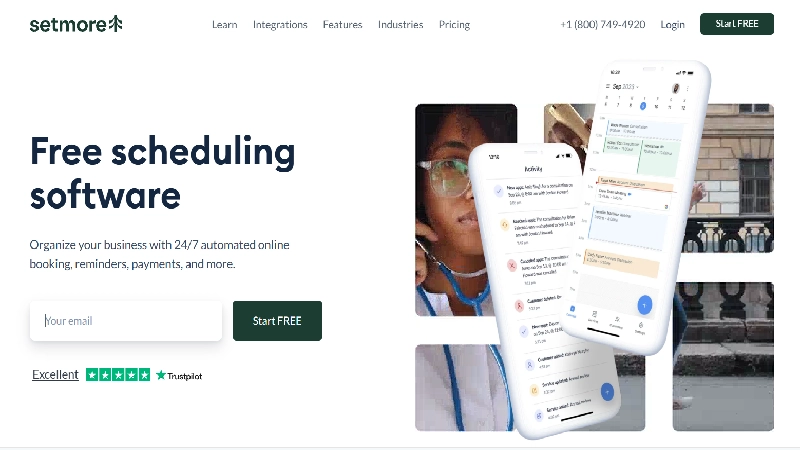
Best for: Small service teams (up to 4 people) who need unlimited bookings without paying anything.
Quick Facts
- Starting price: Free for up to 4 users; paid plans for larger teams
- Free tier: Yes – unlimited appointments, not just a limited trial
- Platforms: Web, iOS, Android
- Standout feature: Payment processing included even on the free tier
Detailed Review Most “free forever” scheduling plans cap you at one user and one event type. SetMore’s stands out for going further: up to four team members can book unlimited appointments at no cost, which makes it one of the most generous entry points for a small service business – a two-person salon, a small tutoring outfit, a two-provider clinic. It layers in payment processing directly, so collecting money for a booked appointment doesn’t require a separate add-on, and automated reminders help cut no-shows even at the free tier. It won’t compete with Acuity on advanced business-management features like packages and subscriptions, or with Mixmax on sales-specific CRM logging, but as a genuinely free option for a small team that needs bookings and payments in one place, it’s hard to beat on price.
| Pros | Cons |
|---|---|
| Unlimited appointments for up to 4 users at $0 | Fewer advanced business features than Acuity (no packages/subscriptions) |
| Payment processing included on the free tier | Team cap of 4 users forces an upgrade as you grow |
| Automated reminders reduce no-shows without extra cost | Smaller integration ecosystem than Calendly |
| Straightforward setup for non-technical teams |
Who it’s best for: Small service teams (2–4 people) that need free bookings and payments together. Who should skip it: Teams larger than 4, or anyone needing deep CRM or sales routing.
Buyer’s Guide: Picking by Goal
If your goal is closing deals faster: Mixmax (Gmail-native, CRM-connected) or Calendly Teams (if you’re not on Gmail). If your goal is getting paid for your time: Acuity Scheduling or SetMore, depending on budget. If your goal is a frictionless booking experience: SavvyCal. If your goal is protecting your own calendar from overload: Reclaim.ai. If your goal is coordinating a group with no shared calendar: Doodle. If your goal is spending $0: SetMore (small teams) or Google Calendar (solo).
Buyer’s Guide: Picking by Skill Level / Setup Time
Zero setup tolerance: Google Calendar – you likely already have it configured. Comfortable with a 15-minute setup: Calendly or YouCanBook.me. Willing to configure workflows and integrations: Acuity, SavvyCal, or Reclaim.ai. Buying for a team, not just yourself: Mixmax or HubSpot Meetings, so scheduling data lands in a shared CRM from day one.
How to Choose: A 5-Question Checklist
- Am I booking with external clients, or coordinating with people inside my own company? External → Calendly, Acuity, SavvyCal. Internal focus-time protection → Reclaim.ai.
- Does a booked meeting need to show up in a CRM automatically? If yes, Mixmax or HubSpot Meetings; if no, almost anything here works.
- Do I need to collect payment at the time of booking? If yes, Acuity or SetMore have this built in; most others don’t.
- Am I scheduling with one person or coordinating a group with no shared calendar? One person → any tool above. Group with no shared visibility → Doodle.
- What’s my real budget once I add the seats I actually need? Price out 12 months at your expected headcount, not the advertised per-seat number – team tiers (Calendly Teams, Reclaim Business) often cost 50%+ more per seat than the entry tier.
Frequently Asked Questions
What’s the best free scheduling tool in 2026?
For solo users, Google Calendar’s built-in booking page costs nothing and needs no setup. For small teams, SetMore’s free plan (unlimited bookings for up to 4 users, payments included) is currently the most generous.
Is Calendly still worth it in 2026?
Yes for individuals and small teams – the free and Standard ($10/seat) tiers remain competitive. It gets less competitive once you need Teams-level routing and CRM sync, where Mixmax or HubSpot Meetings may cost less for the same outcome.
What happened to Clockwise?
Clockwise, the AI calendar-optimization tool, was shut down permanently on March 27, 2026, after Salesforce acqui-hired its founding team to work on agentic AI products. User data was deleted and no successor product exists inside Salesforce. Reclaim.ai is the most commonly recommended migration path.
Do I need a scheduling tool that integrates with my CRM?
Only if scheduling is tied to a sales or customer-success process you’re actively tracking. If you’re a freelancer or solo consultant, CRM integration matters far less than a clean booking page and reliable calendar sync.
What’s the difference between a meeting scheduler and an employee scheduler?
A meeting scheduler (everything in this article) books time with people outside your organization – clients, prospects, candidates. An employee scheduler (Deputy, Homebase, 7shifts) builds shift rosters for hourly staff and is priced per location, not per seat. They solve different problems and shouldn’t be confused when comparing pricing.
Which tool has the best group-scheduling feature?
Doodle, for polling a group with no shared calendar access. Calendly and SavvyCal both offer round-robin and collective scheduling for teams that do share a calendar system.
Verdict
For most people, Calendly remains the safest starting point – the free plan is real, the paid tier is affordable, and almost everyone you’ll ever send a link to already knows how it works. If you’re in sales and live in Gmail, Mixmax is worth pricing out before you renew Calendly Teams, purely for the CRM logging. If your calendar’s real problem is protecting your own time rather than booking with others, Reclaim.ai has become the category leader by default since Clockwise’s shutdown. And if budget is the only constraint, SetMore or Google Calendar will get you booking meetings today for nothing.
Changelog
- September 2026: Initial publication. Verified current pricing for Calendly, Mixmax, Acuity Scheduling, SavvyCal, YouCanBook.me, Reclaim.ai, Doodle, HubSpot Meetings, and SetMore. Confirmed and flagged Clockwise’s permanent shutdown (March 27, 2026) and removed it from active recommendations.
Related Reading
- Best Employee Shift Scheduling Software (coming soon)
- Calendly vs. Acuity Scheduling: Which Should You Pick?
- Best Free CRM Tools for Small Teams
Sources
Research and pricing for this guide drew on the following sources, reviewed and verified as of September 2026:
- Mixmax – 8 Best Automated Scheduling Software Tools (2026)
- Upliftgtm – 7 Best Social Media Scheduling Tools in 2026
- Thestacc – Best Free Social Media Scheduling Tools
- Product Hunt – Social Media Scheduling category
Pricing figures were additionally cross-checked against vendor pricing pages (Calendly, Acuity Scheduling, Reclaim.ai, Doodle, SavvyCal, HubSpot, SetMore) and independent pricing trackers (G2, Capterra, Vendr) current as of September 2026.
Note: the Upliftgtm, Thestacc, and Product Hunt sources above cover social-media content scheduling rather than meeting/appointment scheduling. They’re credited here because they were supplied as reference material for this piece; this article’s category scope (meeting scheduling) and detailed findings draw primarily from the Mixmax source and the vendor/pricing research listed above. A separate “Best Social Media Scheduling Tools 2026” article would be the right place to put those three sources to full use.
