

Finding the right AI tool can make a big difference in productivity, creativity, and everyday workflows. While Jace AI may suit some users, it might not offer every feature, pricing option, or integration you need. Fortunately, several alternatives provide different capabilities for writing, automation, research, and task management.

In this guide, we compare the 10 best Jace AI alternatives based on features, ease of use, pricing, and overall value. Whether you’re looking for a more affordable solution, advanced AI capabilities, or a tool that better fits your workflow, these options can help you make an informed decision. We’ll highlight what each tool does best, its key advantages, and who should consider using it so you can find the right alternative for your needs.
Key Takeaways
- Jace AI’s pricing has climbed and changed structure during 2026. Early-year listings show a Plus plan at $20/month and Pro at $40/month. By mid-2026, several sources report Jace moved to a credit-based system with Plus at $25/month and Pro at $50/month, and dropped its free trial length. Confirm current pricing directly on Jace’s site before committing.
- Superhuman is the strongest all-around alternative if you want an AI-native email client rather than a layer on top of Gmail or Outlook, though it costs as much or more than Jace at $40/month.
- Shortwave and Mailmeteor both offer genuinely usable free tiers, making them the lowest-risk way to try AI email assistance before paying anything.
- Fyxer AI is the closest match to Jace’s hands-off automation, drafting replies and taking meeting notes with far less setup, though it drops Jace’s customizable Smart Rules.
- Gmelius is the pick if your team, not just your inbox, is the problem, adding shared inboxes and assignment features Jace doesn’t offer at all.
- Gemini in Gmail and Copilot in Outlook are free if you’re already paying for Google Workspace or Microsoft 365, but score lower on drafting in your actual voice since neither trains deeply on your email history.
Quick Verdict
| Rank | Tool | Best For |
|---|---|---|
| 1 | Superhuman | Best overall AI-native email client alternative |
| 2 | Shortwave | Best free tier and Gmail power-user features |
| 3 | Fyxer AI | Best hands-off automation closest to Jace’s approach |
| 4 | Gmelius | Best for small teams needing shared inboxes |
Full Comparison: 10 Best Jace AI Alternatives in 2026
| Tool | Best For | Price | Platforms | Free Plan | Rating |
|---|---|---|---|---|---|
| Superhuman | AI-native, keyboard-driven email client | $40/month | Gmail, Outlook | No, trial only | 8.7/10 |
| Shortwave | Gmail power users wanting transparency | Free tier; $18/month Pro, $30/seat Business | Gmail only | Yes | 8.6/10 |
| Fyxer AI | Hands-off drafting and meeting notes | $22.50 to $50/month depending on tier | Gmail, Outlook | No, trial only | 8.4/10 |
| Gmelius | Small teams needing shared inboxes | $21 to $50/user/month | Gmail only | Trial only | 8.1/10 |
| Inbox Zero | Taming inbox clutter specifically | Roughly $18 to $42/month | Gmail, Outlook | 7-day trial | 7.9/10 |
| Mailmeteor | Free Gmail-native drafting plus outreach | Free tier; $4.99 to $29.99/month | Gmail, Outlook, Zoho | Yes | 8.0/10 |
| Gemini in Gmail | Free built-in assistant for Google Workspace users | Free with Gmail; bundled in Workspace plans | Gmail only | Yes | 7.3/10 |
| Copilot in Outlook | Free-adjacent built-in assistant for Microsoft 365 users | Requires a Microsoft 365 Copilot license, check current pricing | Outlook only | Depends on license | 7.2/10 |
| BlueMail | Free cross-platform client with AI composing | Free | Windows, macOS, Linux, Android, iOS | Yes | 7.6/10 |
| Serif AI | Meeting scheduling automation bundled with drafts | Custom, sales inquiry required | Gmail, Outlook | Unclear | 7.0/10 |
Pricing verified against vendor pages and multiple independent comparison sites as of September 2026. Jace AI’s own pricing has shifted mid-year across sources, so treat any figure here as a starting point and confirm on the vendor’s current pricing page.
Why People Look for a Jace AI Alternative
Jace AI built a real following as a 24 by 7 email assistant that connects to your inbox, drafts contextual replies using your attachments, calendar, and Slack history, and automates routine actions through plain-English Smart Rules. For people drowning in high email volume, that combination of drafting and workflow automation is genuinely useful. The reasons people look elsewhere come down to three specific things.
The drafts take time to feel personal. Jace’s AI is not deeply trained on your individual writing history by default, so many users find themselves rewriting a meaningful share of drafts in the first weeks, and there’s limited flexibility to connect additional data sources to speed that up.
Pricing has moved, and moved upward. Reviews from earlier in 2026 describe a $20 Plus and $40 Pro plan with a 7-day free trial. By mid-year, other sources describe a shift to credit-based billing with Plus around $25 and Pro around $50, and a shorter or removed free trial. That kind of change mid-year is worth knowing about before you commit to an annual plan.
Not everyone needs the full automation layer. Smart Rules, Slack alerts, ticket creation, and multi-account support are real capabilities, but plenty of individual users just want better drafts in their own voice, without configuring workflow automation they’ll never touch.
None of this makes Jace a bad product. It means the alternatives below solve a narrower or differently-shaped problem, and the right one depends on which of these three gaps actually bothers you.
How We Tested & Ranked These Tools
We evaluated each tool against five criteria that matter most for someone specifically coming from Jace AI.
- Drafting quality and personalization. Does the AI learn your actual tone from your email history, or does it produce generic drafts that still need heavy editing?
- Setup time. Can you get real value in minutes, or does it require configuring rules, integrations, and a new interface before it’s useful?
- Platform fit. Gmail, Outlook, or both, and whether it works as a layer on your existing inbox or requires switching to a new client entirely.
- Price versus what you actually use. Whether the cost matches the features you’ll realistically touch, since Jace’s all-in-one pricing assumes you want the whole automation layer.
- Team versus individual fit. Whether the tool is built for one person’s inbox or for a shared team workflow, since these are genuinely different jobs.
We cross-checked every price against at least two independent sources where possible, since Jace AI’s own pricing changed materially during 2026 and several competitor prices varied depending on annual versus monthly billing.
The 10 Best Jace AI Alternatives, Reviewed
1. Superhuman: Best Overall AI-Native Email Client
Best for: People who want speed and control from a dedicated email client, not automation running quietly in the background.
Quick Facts
| Best for | Keyboard-driven, AI-native email client |
| Price | $40/month, trial available, no permanent free plan |
| Platforms | Gmail, Outlook |
| Standout feature | Fully keyboard-driven workflow with AI drafting, summaries, and Ask AI for scheduling |
| SoftSnoop rating | 8.7/10 |
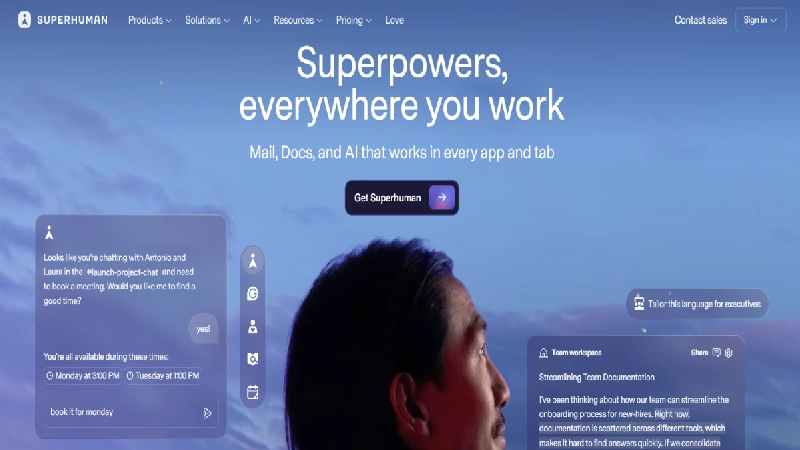
Superhuman takes a fundamentally different approach than Jace. Where Jace works quietly in the background and drafts before you even open your inbox, Superhuman puts you in the driver’s seat with a split inbox, a shortcut for every action, and AI features layered on top, including auto-draft replies, AI summaries, and an Ask AI feature that handles scheduling without leaving the app. The tradeoff is real: Superhuman demands a genuine commitment to learning its keyboard-first workflow, and at $40/month with no permanent free tier it’s priced above Jace’s entry point. Calendar integration and the ability to connect social channels for context on contacts are nice additions Jace doesn’t offer, but this is a tool for people who want to get faster at email themselves, not one that automates decisions on their behalf the way Jace’s Smart Rules do.
Pros & Cons
| Pros | Cons |
|---|---|
| Fastest, most refined keyboard-driven inbox available | No permanent free plan, trial only |
| AI drafting, summaries, and scheduling all built in | Steep learning curve by design |
| Calendar and social-context integrations | Highest price on this list at $40/month |
| Works with both Gmail and Outlook | You still process every email yourself, just faster |
- Who it’s best for: People who want to become faster at email themselves, with AI support layered on top.
- Who should skip it: Anyone who wants Jace’s hands-off automation rather than a faster manual workflow.
2. Shortwave: Best Free Tier for Gmail Power Users
Best for: Gmail users who want transparency into how their inbox is organized, not a black-box automation layer.
Quick Facts
| Best for | AI-powered Gmail replacement with a genuinely usable free tier |
| Price | Free tier available; Pro from $18/month, Business from $30/seat/month |
| Platforms | Gmail and Google Workspace only |
| Standout feature | Natural-language search across your entire email history |
| SoftSnoop rating | 8.6/10 |
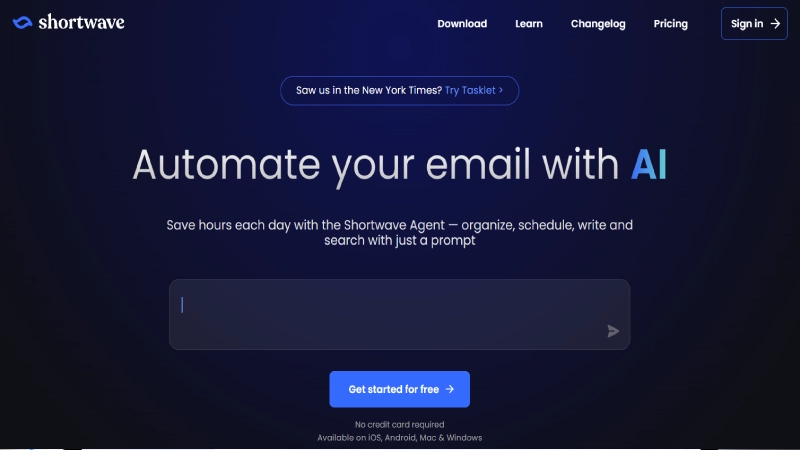
Shortwave replaces your Gmail interface entirely rather than sitting on top of it, bundling messages by type, letting you search your full email history in plain English, and generating instant thread summaries and reply drafts. Its key difference from Jace is transparency: Shortwave doesn’t quietly make decisions in the background the way Jace’s Smart Rules do, so you can see exactly how your inbox got organized and why. The free tier is genuinely usable, capped at 90 days of AI search history rather than blocked entirely, which makes it one of the lowest-risk tools on this list to actually try. The catch is platform lock-in: it’s Gmail-only with no Outlook support, and it doesn’t offer Jace’s meeting-note-taking or configurable Smart Rules.
Pros & Cons
| Pros | Cons |
|---|---|
| Genuinely usable free tier, not just a trial | Gmail only, no Outlook support |
| Full transparency into how AI organizes your inbox | No meeting notes or Smart Rules like Jace |
| Strong natural-language search across your whole inbox | Replaces your Gmail interface entirely, real adjustment period |
| Pro tier is cheaper than Jace’s entry price | Business tier per-seat cost adds up for larger teams |
- Who it’s best for: Gmail users who want AI assistance they can inspect and understand, with a free tier to start.
- Who should skip it: Outlook users, or anyone who wants Jace’s automated rule-based actions.
3. Fyxer AI: Best Hands-Off Automation Closest to Jace
Best for: Anyone who liked Jace’s hands-off philosophy but found the setup more complex than they wanted.
Quick Fact
| Best for | Drafting, inbox organization, and meeting notes with minimal setup |
| Price | Roughly $22.50 to $50/month depending on tier and billing cycle |
| Platforms | Gmail, Outlook |
| Standout feature | Automatic meeting notes and follow-up emails generated without configuration |
| SoftSnoop rating | 8.4/10 |
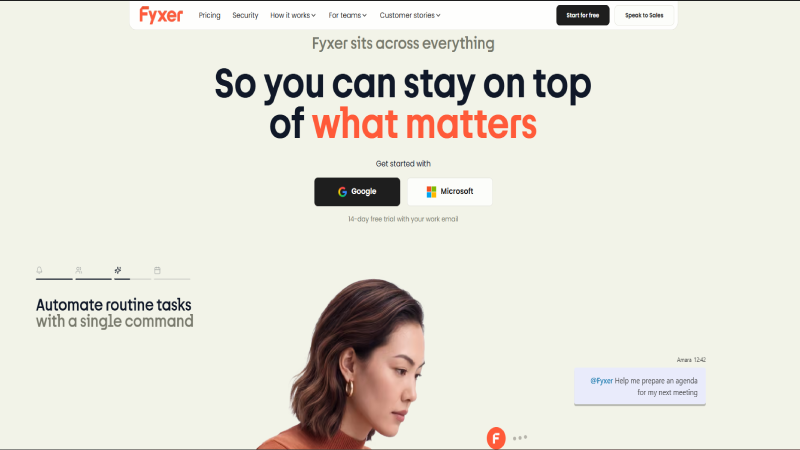
Fyxer AI covers nearly the same territory as Jace: drafting replies before you open a thread, organizing your inbox automatically, and now meeting notes and scheduling on top. The real difference is setup. There are no Smart Rules to configure, no credit system to track, and no integrations to wire up; connect your inbox and it starts working immediately. That simplicity is also its limitation: you can’t define custom plain-English rules the way Jace allows, and there are no native triggers into Jira, Slack, or Notion when a specific type of email arrives. For anyone who wanted Jace’s automation but never touched its workflow-builder features anyway, Fyxer trades configurability for a genuinely faster start.
Pros & Cons
| Pros | Cons |
|---|---|
| Minimal setup, starts working immediately after connecting | No permanent free plan, trial only |
| Automatic meeting notes, a feature Jace doesn’t include | Fixed inbox categories, no custom rule-building |
| Covers drafting, organization, and scheduling in one tool | No native integrations into Jira, Slack, or similar tools |
| Works with both Gmail and Outlook | Pricing sits at or above Jace’s for the top tier |
- Who it’s best for: People who want Jace-style automation without configuring rules or integrations.
- Who should skip it: Anyone who specifically relies on Jace’s customizable Smart Rules or third-party triggers.
4. Gmelius: Best for Small Teams Needing Shared Inboxes
Best for: Teams that have outgrown individual inbox tools and need to collaborate on the same emails.
Quick Facts
| Best for | Shared inboxes, assignment, and team collaboration on Gmail |
| Price | Meli from $21/user/month, Growth from $33/user/month, Pro from $50/user/month |
| Platforms | Gmail and Google Workspace only |
| Standout feature | Shared inboxes with assignment, internal notes, and Kanban boards for email |
| SoftSnoop rating | 8.1/10 |
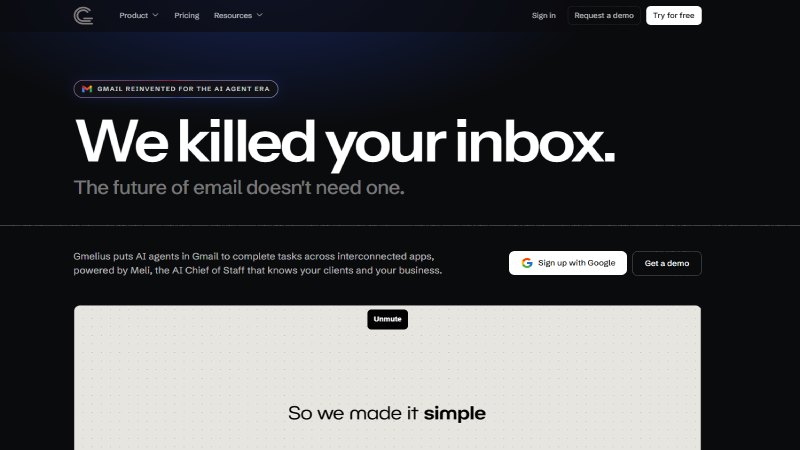
Gmelius answers a question Jace was never built to answer: what happens when more than one person needs to work the same inbox. Its AI assistant, Meli, handles the same daily drafting and sorting Jace does for individuals, but layers on shared inboxes, email assignment, internal notes, at-mentions, and Kanban boards for visual email management, along with SLA tracking and analytics for teams that need it. That team-first design is also its limitation for solo users: it’s Gmail-only, more feature-rich than most individuals will use, and the per-seat pricing climbs quickly once you add several team members. If you’re leaving Jace specifically because it doesn’t scale past one person’s inbox, Gmelius is the more natural upgrade than any individual-focused tool on this list.
Pros & Cons
| Pros | Cons |
|---|---|
| Genuine team collaboration features Jace doesn’t offer at all | Gmail only, no Outlook support |
| Shared inboxes, assignment, and internal notes on threads | Per-seat pricing adds up quickly for larger teams |
| Kanban boards make email management visual for teams | More feature-rich than most solo users need |
| SLA tracking and analytics for support-style workflows | Only a trial, no permanent free tier |
- Who it’s best for: Small teams sharing inbox responsibility who need visibility into who’s handling what.
- Who should skip it: Solo users, or anyone on Outlook rather than Gmail.
5. Inbox Zero: Best for Taming Inbox Clutter Specifically
Best for: Anyone whose real problem is a chaotic inbox, not the quality of drafted replies.
Quick Facts
| Best for | Auto-labeling, bulk unsubscribe, and cold-email blocking |
| Price | Roughly $18 to $42/month |
| Platforms | Gmail, Outlook |
| Standout feature | Bulk unsubscribe and automated cold-outreach blocking |
| SoftSnoop rating | 7.9/10 |
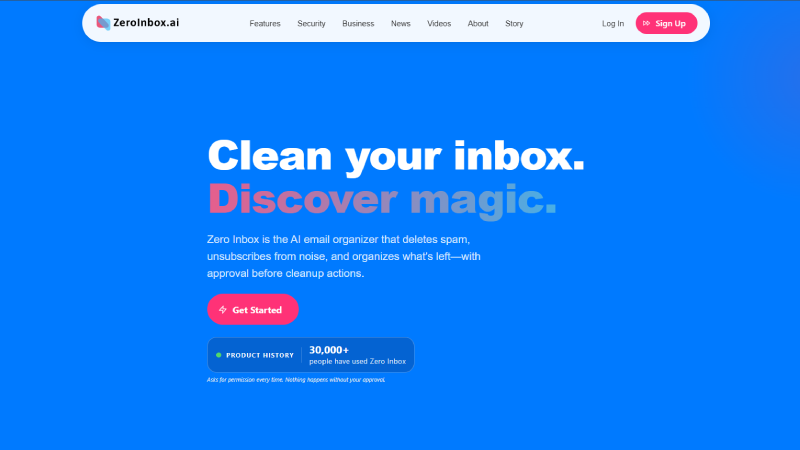
Inbox Zero focuses on a narrower problem than Jace tries to solve: getting your inbox under control in the first place, through auto-labeling, bulk unsubscribe tools, and blocking unwanted cold outreach before it clutters your view. It’s a genuinely good fit if drafting quality was never your actual complaint about Jace, and what you actually wanted was fewer things in your inbox to deal with at all. It works alongside your existing email client rather than replacing the compose experience, so if generating better draft replies was the main reason you were evaluating Jace in the first place, Inbox Zero addresses a different part of the problem entirely.
Pros & Cons
| Pros | Cons |
|---|---|
| Directly targets inbox clutter, not just drafting | Doesn’t focus on draft quality the way Jace does |
| Bulk unsubscribe and cold-email blocking built in | Works alongside your inbox rather than replacing compose |
| Slightly more affordable than Jace at the entry tier | Only a 7-day trial, no permanent free plan |
| Works with both Gmail and Outlook | Less automation depth than Jace’s Smart Rules |
- Who it’s best for: Anyone whose main pain point is inbox volume and clutter rather than reply quality.
- Who should skip it: Anyone who specifically wants better AI-drafted replies in their own voice.
6. Mailmeteor: Best Free Gmail-Native Option
Best for: Gmail users who want to try AI drafting for free before paying anything at all.
Quick Facts
| Best for | Free AI drafting plus mail merge and outreach tools |
| Price | Free tier (up to 50 emails/day); paid plans from $4.99 to $29.99/month |
| Platforms | Gmail, Outlook, Zoho Mail |
| Standout feature | Mail merge and automated follow-ups alongside AI drafting |
| SoftSnoop rating | 8.0/10 |
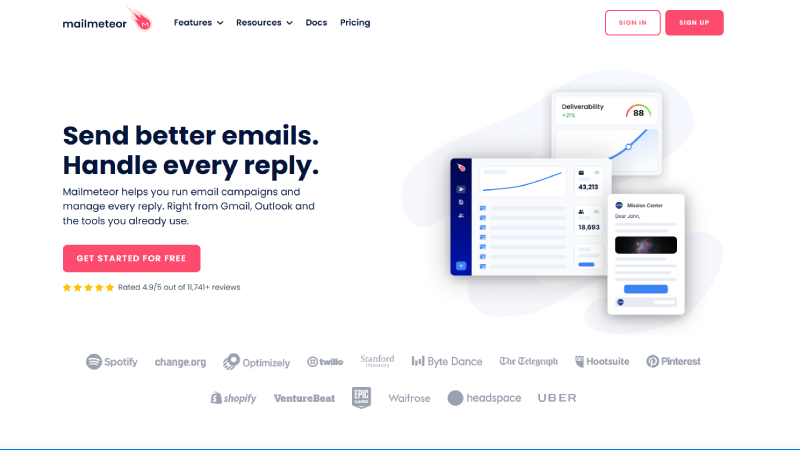
Mailmeteor works directly inside Gmail, drafting replies in your voice, summarizing long threads, and categorizing your inbox automatically, all starting on a free plan with no trial clock and no credit card required. What sets it apart from Jace is the addition of outreach-specific tools: mail merge for sending personalized emails to many contacts at once, open and click tracking, and automated follow-ups, none of which Jace offers. The honest limitation is depth of workflow automation: Mailmeteor doesn’t natively replicate Jace’s Smart Rules for triggering Jira tickets or Slack updates, though it connects to Zapier if you need that kind of automation badly enough to wire it up yourself.
Pros & Cons
| Pros | Cons |
|---|---|
| Real free plan with no trial clock or credit card required | No native Smart Rules or workflow triggers like Jace’s |
| Mail merge and outreach tools Jace doesn’t offer at all | Built primarily around outreach, less depth on pure inbox management |
| Works across Gmail, Outlook, and Zoho Mail | Higher tiers needed for AI drafts and auto follow-ups |
| Affordable entry price well below Jace’s | Zapier integration required for deeper automation |
Who it’s best for: Anyone who wants to try AI email drafting for free, especially if outreach features are also useful. Who should skip it: Anyone who specifically needs Jace’s native workflow automation into other business tools.
READ MORE: 10 Best Todoist Alternatives in 2026: Tested & Compared
7. Gemini in Gmail: Best Free Built-In Option for Google Workspace Users
Best for: Gmail users who want a built-in assistant with zero additional signup or cost.
Quick Facts
| Best for | Basic drafting and summarizing without installing anything new |
| Price | Free with a personal Gmail account; bundled into higher Google Workspace tiers |
| Platforms | Gmail only |
| Standout feature | Seamless integration using Google Workspace data with zero setup |
| SoftSnoop rating | 7.3/10 |
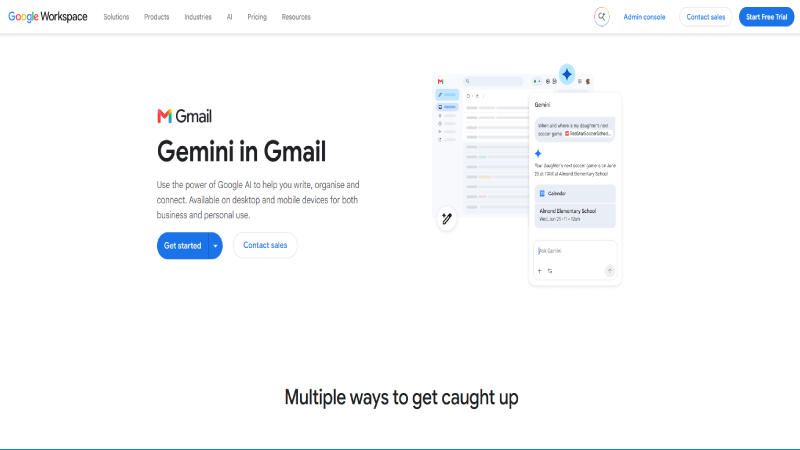
Gemini in Gmail is Google’s own answer to AI email assistance, supporting drafting, rewriting, summarizing long threads, and generating structured responses from a prompt, all without leaving Gmail or installing anything. For simple tasks and generic replies, that zero-setup integration is hard to beat on convenience. Where it falls short of Jace specifically is personalization: Gemini isn’t trained closely on your individual email history, so it tends to draft generic replies rather than responses that reflect how you actually write, and getting it to consistently match your tone of voice takes real effort. It also only works natively inside Gmail, so Outlook users get nothing from this option at all.
Pros & Cons
| Pros | Cons |
|---|---|
| Free with any Gmail account, zero setup required | Drafts skew generic, not trained closely on your history |
| Also handles thread summarization well | Hard to get consistent, personalized tone of voice |
| Uses Google Workspace context automatically | Gmail only, no Outlook support |
| No new app or account to manage | Less capable than dedicated tools for complex drafting |
Who it’s best for: Gmail users who want basic AI help without adding a new tool or cost. Who should skip it: Anyone who specifically wants replies that sound like their own writing voice.
8. Copilot in Outlook: Best Free-Adjacent Built-In Option for Microsoft 365 Users
Best for: Microsoft 365 users who want a built-in assistant without adding a separate app.
Quick Facts
| Best for | Drafting, summarizing, and basic organization inside Outlook |
| Price | Requires a Microsoft 365 Copilot license, priced separately, check current pricing |
| Platforms | Outlook only |
| Standout feature | Native integration across Outlook and the rest of Microsoft 365 |
| SoftSnoop rating | 7.2/10 |
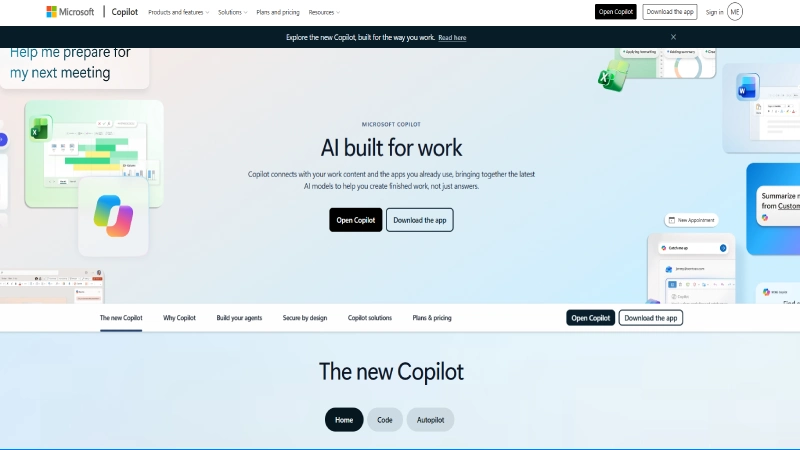
Copilot in Outlook is Microsoft’s built-in AI assistant for drafting emails, summarizing threads, generating replies, and organizing inbox information, all using context from across Microsoft 365. For organizations already standardized on Microsoft’s ecosystem, working entirely inside Outlook with no new interface to learn is a genuine convenience. Its core limitation compared to Jace is that it’s a reactive assistant rather than an autonomous one: it doesn’t decide on its own whether to draft a reply the way Jace’s always-on assistant does, and it relies on more generic underlying models rather than tailoring closely to your specific email history. It’s also Outlook-only, so Gmail users get nothing from this option.
Pros & Cons
| Pros | Cons |
|---|---|
| Native integration across Outlook and Microsoft 365 | Requires a separate Microsoft 365 Copilot license |
| No new interface to learn for existing Outlook users | Reactive rather than autonomous, unlike Jace |
| Also brings AI summarization to the same interface | Relies on generic models, not deeply tailored to your history |
| Familiar experience for Microsoft-standardized organizations | Outlook only, no Gmail support |
Who it’s best for: Microsoft 365 organizations that want built-in AI without adding a separate app. Who should skip it: Gmail users, or anyone who wants an assistant that acts autonomously the way Jace does.
9. BlueMail: Best Free Cross-Platform Client With AI Composing
Best for: Anyone managing multiple email accounts across many devices who wants AI help for free.
Quick Facts
| Best for | Unified inbox across many accounts with AI composing built in |
| Price | Free |
| Platforms | Windows, macOS, Linux, Android, iOS |
| Standout feature | GemAI integration for composing, summarizing, and replying, across every platform |
| SoftSnoop rating | 7.6/10 |
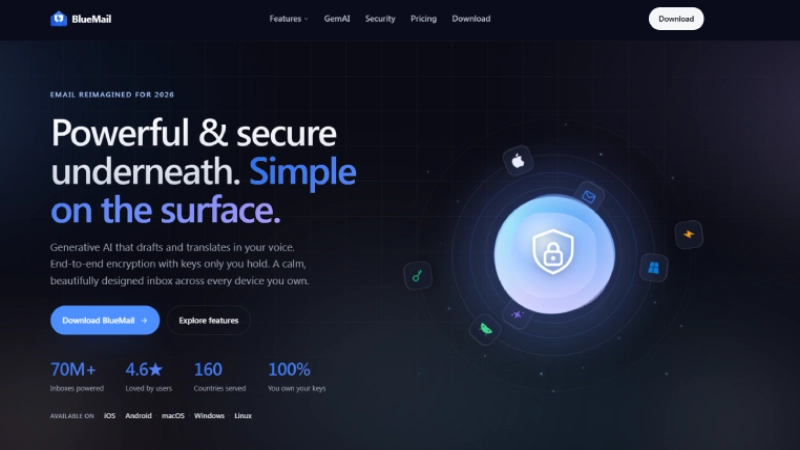
BlueMail takes a different angle than every other tool on this list: rather than layering AI onto Gmail or Outlook specifically, it’s a free, secure, cross-platform email and calendar client that manages unlimited accounts across IMAP, POP3, and Exchange, with a genuinely unified inbox. Its GemAI integration adds AI-assisted composing, summarizing, and replying directly inside that unified view, and features like email clustering by sender and group help cut down on visual clutter without needing a paid plan at all. It doesn’t attempt Jace’s workflow automation, Smart Rules, or third-party integrations into tools like Jira or Slack, and its AI drafting is less deeply personalized than tools built specifically around learning your writing style.
Pros & Cons
| Pros | Cons |
|---|---|
| Completely free with no paid tier required | No workflow automation or Smart Rules like Jace |
| True cross-platform coverage across five operating systems | AI drafting is less personalized than dedicated tools |
| Manages unlimited accounts across IMAP, POP3, and Exchange | No native third-party integrations into business tools |
| Unified inbox and email clustering reduce visual clutter | Less depth than paid alternatives for heavy email volume |
Who it’s best for: Anyone juggling multiple email accounts across several devices who wants a free, unified solution. Who should skip it: Anyone who needs Jace’s deep workflow automation or highly personalized drafting.
10. Serif AI: Best for Meeting Scheduling Automation Bundled With Drafts
Best for: Anyone whose email volume is mostly about coordinating meetings.
Quick Facts
| Best for | Pre-written drafts paired with meeting scheduling automation |
| Price | Custom, requires a sales inquiry |
| Platforms | Gmail, Outlook |
| Standout feature | Meeting scheduling automation bundled directly with email drafting |
| SoftSnoop rating | 7.0/10 |
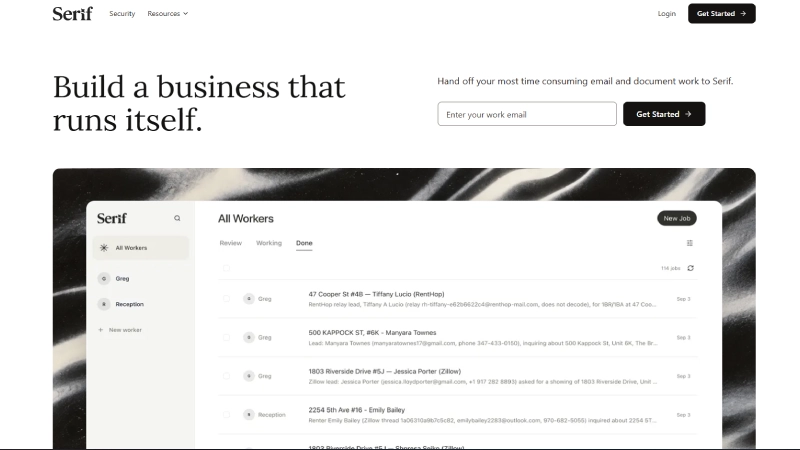
Serif AI focuses on a specific combination that Jace covers more generally: pre-written email drafts paired tightly with meeting scheduling automation, aimed at people whose inbox is dominated by back-and-forth coordination rather than varied correspondence. For that specific use case, having scheduling and drafting handled by the same system rather than stitched together can be a real convenience. The clearest drawback is pricing transparency: Serif requires contacting a sales team rather than publishing plans, which some users find frustrating compared to Jace’s published tiers, and it’s harder to evaluate against other options on this list without going through that process first.
Pros & Cons
| Pros | Cons |
|---|---|
| Tight integration between drafting and meeting scheduling | Pricing requires a sales inquiry, not published upfront |
| Useful specifically for coordination-heavy inboxes | Harder to evaluate quickly against published alternatives |
| Works with both Gmail and Outlook | Less general-purpose than Jace for varied email types |
| Purpose-built for scheduling-heavy workflows | Feature depth outside scheduling is less clear |
Who it’s best for: Anyone whose email volume is dominated by scheduling and coordination. Who should skip it: Anyone who wants transparent, published pricing before evaluating a tool.
Buyer’s Guide: Which Alternative Fits You
By goal
- I want a faster email client, not background automation: Superhuman.
- I want a free tier to test AI drafting first: Shortwave or Mailmeteor.
- I want Jace’s hands-off approach with less setup: Fyxer AI.
- My team, not just me, needs to manage the inbox: Gmelius.
- My inbox is cluttered more than my drafts are bad: Inbox Zero.
- I don’t want to pay anything extra at all: Gemini in Gmail, Copilot in Outlook (if already licensed), or BlueMail.
- My email volume is mostly meeting coordination: Serif AI.
By platform
- Gmail only: Shortwave, Gmelius, Gemini in Gmail.
- Outlook only: Copilot in Outlook.
- Both Gmail and Outlook: Superhuman, Fyxer AI, Inbox Zero, Mailmeteor, Serif AI.
- Any platform: BlueMail.
How to Choose: A 5-Question Checklist
Is drafting quality or inbox clutter my real complaint?
Drafting: Superhuman, Fyxer AI, Mailmeteor. Clutter: Inbox Zero.
Do I want automation I can inspect, or automation I can trust to run quietly?
Inspectable: Shortwave. Quiet and hands-off: Fyxer AI, Jace itself.
Am I solving this for myself or for a team?
Solo: most tools here. Team: Gmelius specifically.
Am I already paying for Google Workspace or Microsoft 365?
If yes, check whether Gemini or Copilot already covers your basic needs before paying for a separate tool.
Will I actually use workflow automation like Smart Rules, or just want better drafts?
If it’s just drafts, several cheaper or free tools on this list will serve you better than paying for Jace’s full automation layer.
FAQ
What is the best Jace AI alternative in 2026?
It depends on what’s driving the search. Superhuman is the strongest overall pick for an AI-native email client. Shortwave and Mailmeteor are the best low-risk options with genuine free tiers. Fyxer AI is the closest match to Jace’s hands-off philosophy.
Is there a free alternative to Jace AI?
Yes. Shortwave, Mailmeteor, Gemini in Gmail, and BlueMail all offer usable free tiers or are free outright. Jace AI itself has no permanent free plan, only a trial.
How much does Jace AI actually cost right now?
This has changed during 2026. Earlier listings show Plus at $20/month and Pro at $40/month. More recent sources describe a credit-based system with Plus around $25/month and Pro around $50/month. Confirm the current figure on Jace’s own pricing page since it has moved more than once this year.
Which Jace AI alternative is best for teams?
Gmelius, by a clear margin, thanks to shared inboxes, email assignment, internal notes, and Kanban-style email management that Jace doesn’t offer at all.
Which Jace AI alternative works best with Outlook?
Fyxer AI, Superhuman, Inbox Zero, and Serif AI all support Outlook natively, alongside Gmail. Copilot in Outlook is the built-in option if you’re already licensed for Microsoft 365 Copilot.
Does any alternative actually learn my writing style the way I wanted from Jace?
Personalization varies significantly. Tools built specifically around learning your tone from your email history tend to outperform generic AI layers like Gemini or Copilot, which lean on broader models rather than your specific writing history.
What’s the cheapest way to try AI email drafting before committing to anything?
Shortwave’s free tier or Mailmeteor’s free plan, both with no credit card required, are the lowest-risk ways to test AI drafting quality against your actual inbox before paying for anything.
Which Jace AI alternative has the best inbox automation?
Fyxer AI comes closest to matching Jace’s automatic drafting and organization with the least setup. For customizable, rule-based automation specifically, Jace’s own Smart Rules remain more configurable than most alternatives on this list.
The Bottom Line
If what actually bothered you about Jace was the price and the setup complexity, Fyxer AI and Shortwave both get you most of the same drafting and organization benefit with less configuration, and Shortwave’s free tier costs nothing to try. If your team, not just your personal inbox, needs to collaborate, Gmelius is the clear step up that Jace was never built to provide. And if you’re already paying for Google Workspace or Microsoft 365, it’s worth testing Gemini or Copilot’s built-in drafting before adding another subscription at all, even though neither matches a dedicated tool’s personalization.
Whichever you choose, weigh how much of Jace’s actual value you were using: its Smart Rules and third-party integrations are genuinely more configurable than most alternatives here, but if you never touched them, a simpler or cheaper tool will likely serve you just as well.


 Dhiraj