

We tested every major Best website builders – from drag-and-drop editors to AI-powered platforms and professional no-code tools. Here’s which ones actually deliver for beginners, small businesses, designers, and online stores.
Building a website in 2026 is easier, faster, and cheaper than ever before. AI-powered builders can generate a complete site from a text description in minutes. Drag-and-drop editors have matured to the point where you can create genuinely professional sites without touching a line of code. And pricing has become remarkably competitive – you can get a fully hosted, custom-domain website for less than the cost of a daily coffee.
But the sheer number of options makes choosing the right platform genuinely overwhelming. Wix offers 2,000+ templates and an enormous app marketplace. Squarespace delivers award-winning design templates that make every site look polished. Shopify dominates e-commerce with tools that power stores from solo creators to billion-dollar brands. WordPress.org gives complete control and ownership but demands technical know-how. And newer platforms like Webflow and Framer are redefining what’s possible for designers who want professional-grade output without writing code.
We analyzed 15 platforms using hands-on testing, data from EXPERTE.com, PCMag, Gizmodo, Website Builder Expert, SiteBuilderReport, and real user feedback from Reddit’s r/Entrepreneur, r/webdesign, and r/smallbusiness. We evaluated ease of use, template quality, design flexibility, e-commerce capabilities, SEO tools, AI features, pricing transparency, and customer support. This guide covers every major option across every budget and skill level.
Quick Verdict – Our Top 4 Picks
| Category | Winner | Why |
| 🏆 Best Overall | Wix | Unmatched features, 2,000+ templates, AI tools |
| 🎨 Best Design | Squarespace | Stunning templates, easiest editor, all-in-one |
| 🛒 Best for E-commerce | Shopify | Purpose-built for selling, multi-channel, scalable |
| 💰 Best Budget Pick | Hostinger | Full AI builder from $2.99/mo with hosting |
How We Tested and Ranked
Each platform was evaluated across eight criteria: ease of use and onboarding experience, template quality and design flexibility, built-in features (SEO, marketing, analytics, blogging), e-commerce capabilities, AI tools and automation, customer support quality, pricing and value for money, and real community sentiment from review platforms and Reddit. Scores reflect a weighted composite that prioritizes the features most important to the platform’s target audience.
1. Wix
Score: 9.6/10
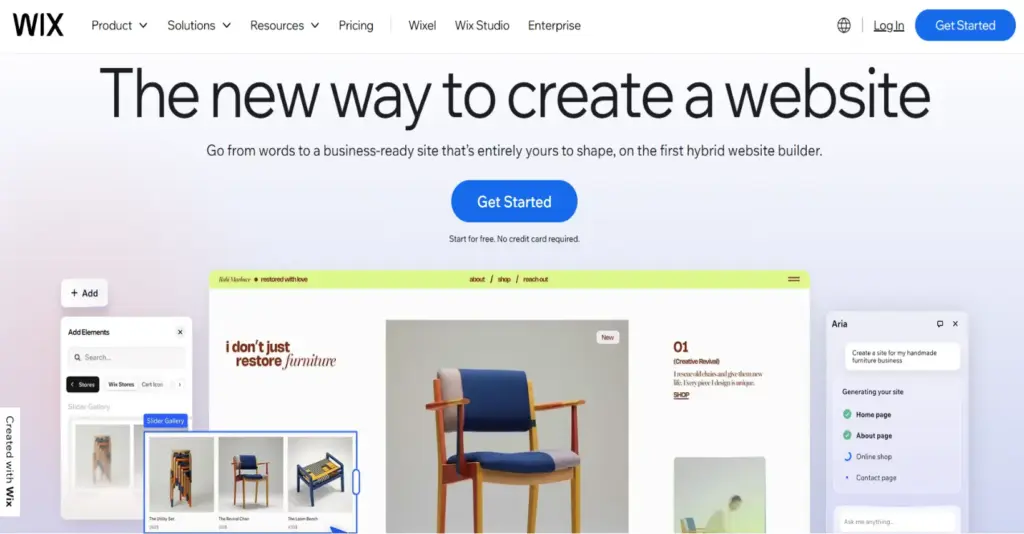
The most versatile website builder with unmatched features and flexibility
| Price | Free plan available; Premium from $17/mo (Light) |
| Platform | Web-based (any browser) |
| Skill Level | Beginner to Advanced |
| Free Plan / Trial | Free plan forever (with Wix branding); 14-day money-back on premium |
Wix has been the top-rated website builder across virtually every major review platform in 2026. EXPERTE.com gave it a 9.9/10 – their highest score. Website Builder Expert named it their #1 pick after 300+ hours of testing. Gizmodo ranked it best overall. The platform offers the best balance of user-friendliness, flexibility, and features available in the market today.
The editor provides true drag-and-drop – you can place any element anywhere on the page, giving far more design control than competitors like Squarespace that use grid-based systems. With over 2,000 professionally designed templates spanning every industry, and an App Market featuring 800+ integrations (booking systems, email marketing, forums, CRM tools), Wix is essentially an all-in-one business platform.
In January 2026, Wix launched Wix Harmony, a new AI-powered builder and vibe coding tool. Powered by AI agent Aria, it allows users to build full websites using natural language prompts while retaining access to the traditional drag-and-drop editor. Combined with existing AI features (logo maker, text generator, SEO assistant, social media caption generator, AI marketing chatbot), Wix’s AI toolkit is the most comprehensive in the industry.
E-commerce is solid with abandoned cart recovery, discounts, and multi-currency support on Business plans ($29+/mo). SEO tools include a personalized checklist, XML sitemaps, and robots.txt editor. The main limitations: you cannot switch templates once your site is live (you’d need to rebuild), and image-heavy sites can feel slow. Processing fees are 2.9% + $0.30 per transaction.
| ✓ STRENGTHS | ✗ WEAKNESSES |
|---|---|
| ✓ 2,000+ templates – largest library ✓ True drag-and-drop (total placement freedom) ✓ 800+ App Market integrations ✓ Most comprehensive AI toolkit (Harmony + Aria) ✓ Strong built-in SEO and marketing tools ✓ Free plan available ✓ Multilingual website support | ✗ Cannot switch templates after building ✗ Image-heavy sites can load slowly ✗ Premium plans above average price ✗ E-commerce only on $29+/mo plans ✗ Vendor lock-in (cannot export site design) |
“I went from WordPress to Squarespace to Wix and I really appreciate Wix. WP made me feel like I had to go back to school, Squarespace was good but not enough features, Wix is a nice middle ground with a lot of nice features.”
– Reddit user, r/webgeeks
🎯 Best For: Small businesses, freelancers, and anyone who wants maximum control and features without coding
2. Squarespace
Score: 9.4/10

The most beautiful templates and the easiest builder to use
| Price | From $16/mo (Personal) to $72/mo (Commerce Advanced) |
| Platform | Web-based (any browser) |
| Skill Level | Beginner |
| Free Plan / Trial | 14-day free trial (no credit card required) |
Squarespace’s templates are widely regarded as the best-designed in the entire website builder market. Every template looks modern, polished, and stunning on any device. SiteBuilderReport named it the best all-around website builder. Website Builder Expert found it to be the easiest builder to use and the best value for money. EXPERTE.com scored it 9.4/10.
The Fluid Engine editor uses a grid-based approach that’s more structured than Wix’s free-form canvas – meaning it’s harder to break your design but you sacrifice some placement freedom. In September 2025, Squarespace released Blueprint Templates with dynamic content that adapts as you share your business goals. The Brand Identity AI tool automatically references your brand description to create on-brand content.
Built-in features are remarkably comprehensive: e-commerce, appointment scheduling and booking tools, email marketing, podcast hosting, member areas, and a strong blogging platform with scheduling and categories. There’s no need for third-party plugins for most use cases. Customer support is available 24/7 via chat and email.
The trade-offs: no free plan (only a 14-day trial), fewer third-party integrations than Wix, and the grid system can feel restrictive for users wanting pixel-level control. E-commerce transaction fees are 3% on the Business plan, dropping to 0% on Commerce plans ($33+/mo).
| ✓ STRENGTHS | ✗ WEAKNESSES |
|---|---|
| ✓ Best-in-class template design (150+) ✓ Easiest builder to use (grid prevents design mistakes) ✓ All-in-one: e-commerce, booking, email, podcast ✓ Strong Brand Identity AI tools ✓ Excellent blogging platform ✓ 24/7 customer support | ✗ No free plan (14-day trial only) ✗ Grid editor less flexible than Wix ✗ Fewer third-party integrations ✗ 3% transaction fee on Business plan ✗ Cannot add custom code on lower plans |
“I tried them all and for me Squarespace wins the battle easily mainly because how freaking easy it is to use and how much time I save. You don’t need to deal with maintaining a server or optimizing it – it’s all being done for you.”
– Reddit user, r/Entrepreneur (top answer)
🎯 Best For: Designers, photographers, artists, bloggers, and service-based businesses that prioritize visual presentation
3. Shopify
Score: 9.3/10

The undisputed king of e-commerce, built to sell at any scale
| Price | From $39/mo (Basic) to $399/mo (Advanced); Starter $5/mo |
| Platform | Web-based + POS hardware |
| Skill Level | Beginner to Advanced |
| Free Plan / Trial | Free 3-day trial; $1/month for first 3 months |
When it comes to selling online, Shopify is in a league of its own. Every review platform agrees: it’s the best e-commerce website builder available. From inventory management to abandoned cart recovery, multi-channel selling, and built-in payment processing, every feature is designed to help you sell more. It powers millions of stores including brands like Kylie Jenner, Cristiano Ronaldo, and Selena Gomez.
Multi-channel selling is Shopify’s killer feature – sell on your website, Facebook, Instagram, TikTok, Amazon, and in-person through the Shopify POS system, all managed from a single dashboard. The app store offers 8,000+ extensions for marketing automation, dropshipping, print-on-demand, and virtually anything else you need. Shopify Payments eliminates third-party transaction fees.
In 2026, Shopify improved its AI assistant Sidekick, which now lets you click on any area of your site and have the AI redesign it. The platform handles hosting, security, and performance, so you never worry about technical maintenance. Customer support is available 24/7.
The drawbacks: Shopify is more expensive than general-purpose builders, and if you don’t use Shopify Payments you’ll pay additional transaction fees (0.5–2%). Content marketing and blogging tools are basic compared to WordPress or Squarespace. Design flexibility is limited compared to Wix’s free-form editor, and migrating away from Shopify is complex.
| ✓ STRENGTHS | ✗ WEAKNESSES |
|---|---|
| ✓ Best e-commerce features (inventory, shipping, payments) ✓ Multi-channel selling (web, social, marketplaces, POS) ✓ 8,000+ app marketplace ✓ Shopify Payments (no extra transaction fees) ✓ AI Sidekick for design assistance ✓ Scales from startup to enterprise | ✗ More expensive than general builders ✗ Extra fees without Shopify Payments ✗ Limited blogging and content tools ✗ Design flexibility restricted ✗ Vendor lock-in; complex migration |
“Shopify is the best e-commerce builder. Webflow is good but when it comes to ease of use, Shopify is the best. Even a newbie can build the store without any prior knowledge of coding.”
– Reddit user, r/webdesign
🎯 Best For: Anyone serious about selling online – from solo creators to enterprise brands, especially those selling across multiple channels
4. WordPress.org
Score: 9.1/10
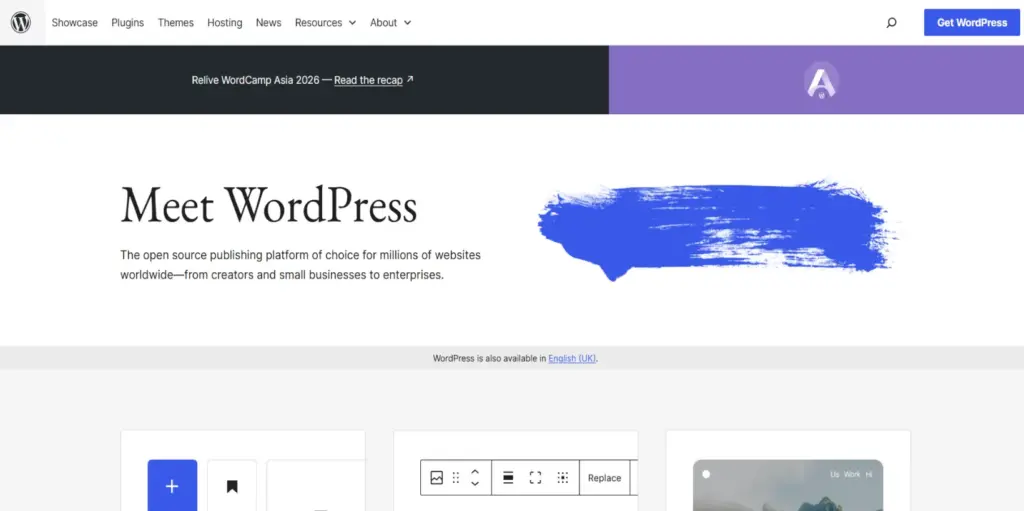
The open-source powerhouse that runs 43% of the internet
| Price | Software: Free; Hosting: $3–30/mo; Themes/plugins: $0–$200+ |
| Platform | Self-hosted (any hosting provider) |
| Skill Level | Intermediate to Advanced |
| Free Plan / Trial | Software is free; hosting providers offer money-back guarantees |
WordPress.org isn’t technically a website builder – it’s an open-source content management system (CMS) that powers over 43% of all websites on the internet. It offers unlimited flexibility and full ownership of your content, code, and data. For SEO, scalability, and customization, nothing else comes close. WPBeginner recommends it as the best overall website builder for these reasons.
The ecosystem is unmatched: 13,000+ free themes, nearly 60,000 free plugins, and total control over every aspect of your site. SEO plugins like Yoast and Rank Math provide advanced schema markup, redirect management, and optimization tools that no hosted builder can match. WooCommerce (the e-commerce plugin) powers millions of online stores with zero platform transaction fees.
The learning curve is real. You need to manage hosting, security, updates, and backups yourself. Page builders like Elementor and Beaver Builder add drag-and-drop functionality but add complexity. The Gutenberg block editor has improved significantly (the April 2025 “Cecil” release brought faster page loads and streamlined customization), but it’s still less intuitive than Wix or Squarespace.
WordPress is best for users who want complete control and are willing to invest time learning the platform. It’s the gold standard for blogs, content-heavy sites, and businesses that want no vendor lock-in.
| ✓ STRENGTHS | ✗ WEAKNESSES |
|---|---|
| ✓ 43% of the internet – unmatched ecosystem ✓ Complete control and data ownership ✓ 13,000+ themes, 60,000+ plugins ✓ Best SEO capabilities (Yoast, Rank Math) ✓ WooCommerce: $0 platform transaction fees ✓ No vendor lock-in; fully portable | ✗ Steep learning curve for beginners ✗ Must manage hosting, security, and updates ✗ Plugin conflicts can break sites ✗ No built-in customer support (community-based) ✗ Requires ongoing maintenance |
“Website designer here: if you’re DIYing and you’ve never built a site before, please don’t go through the headache of using WordPress unless you’re willing to hire someone. It’s better for you to get your site out quickly, get some revenue, then pay experts to rebuild it later.”
– Reddit user, r/Entrepreneur
🎯 Best For: Bloggers, content publishers, SEO-focused businesses, developers, and anyone who demands complete ownership and control
5. Webflow
Score: 9.0/10
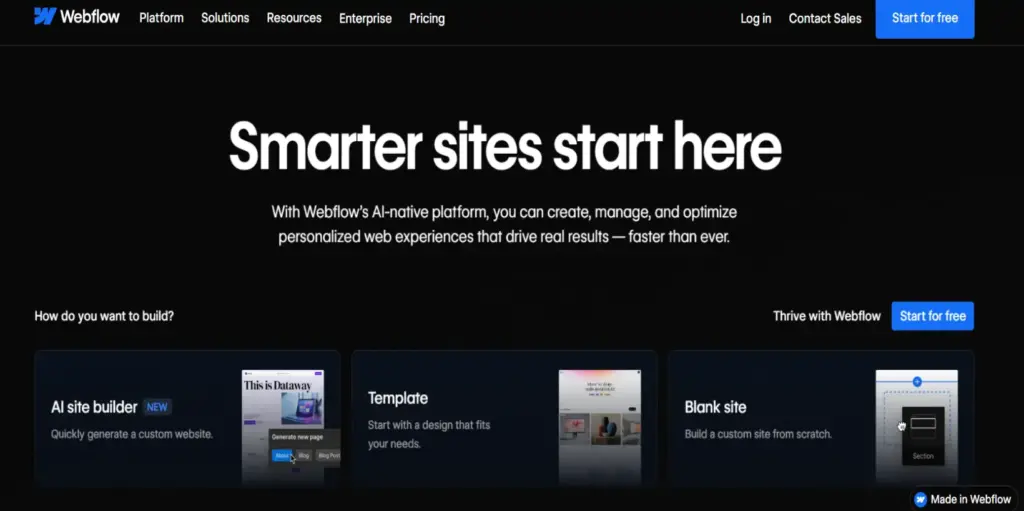
Professional-grade design tool that bridges design and development
| Price | Free plan (staging); Site plans from $18/mo; E-commerce from $42/mo |
| Platform | Web-based (any browser) |
| Skill Level | Intermediate to Advanced |
| Free Plan / Trial | Free plan for staging/testing (Webflow branding, no custom domain) |
Webflow occupies a unique space between traditional website builders and custom development. It offers significantly more design freedom than any drag-and-drop builder while generating clean, production-ready HTML, CSS, and JavaScript. EXPERTE.com scored it 8.8/10, noting it offers much more design flexibility than traditional builders. SiteBuilderReport called it a powerful design tool.
The editor resembles traditional web design tools with panels for elements, styling properties, and a hierarchical structure that mirrors how HTML and CSS actually work. This gives pixel-perfect control but requires basic understanding of web design concepts. The CMS is robust enough for content-heavy sites with dynamic content, collections, and advanced filtering. Over 6,000 templates are available on the marketplace.
Webflow powers agencies, SaaS companies, product launches, and enterprise sites. Its collaboration tools support multi-editor access for teams. AI tools include the AI Assistant and AI Site Builder for generating sites and content. The SEO structure is clean, with good PageSpeed scores and proper semantic markup.
The barrier to entry is clear: Webflow has a steep learning curve, especially for non-designers. Pricing can escalate for teams (per-seat charges). E-commerce functionality, while improving, still doesn’t match Shopify’s depth.
| ✓ STRENGTHS | ✗ WEAKNESSES |
|---|---|
| ✓ Pixel-perfect design control (no code) ✓ Clean, production-ready code output ✓ Robust CMS for dynamic content sites ✓ 6,000+ marketplace templates ✓ Strong collaboration tools for teams ✓ Excellent for SEO (clean code structure) | ✗ Steep learning curve ✗ Not suitable for beginners ✗ Pricing escalates for teams (per-seat) ✗ E-commerce less capable than Shopify ✗ Complex interface can be overwhelming |
“Webflow allows complete customization and never limits my website building creativity. It fits for almost every landing page or simple website with few databases.”
– Capterra user review
🎯 Best For: Designers, agencies, SaaS companies, and developers who want design precision without hand-coding
6. Hostinger Website Builder
Score: 8.5/10

The best budget option with surprisingly capable AI tools
| Price | From $2.99/mo (includes hosting + domain) |
| Platform | Web-based (any browser) |
| Skill Level | Beginner |
| Free Plan / Trial | 30-day money-back guarantee |
Hostinger is the cheapest top-rated website builder on the market – starting at just $2.99/month with hosting and a free domain name included. Despite the low price, the AI-powered builder creates surprisingly polished sites. Gizmodo rated it the best AI website builder. Website Builder Expert recommends it for budget-conscious users with a wide range of AI features.
The AI builder asks for your brand name, website type, and a brief description, then generates a complete site with SEO-friendly content, images, and a customizable layout. Additional AI tools include an image generator, blog writer, logo creator, SEO assistant, and heatmap analytics. The drag-and-drop editor features around 150 responsive templates.
For $2.99/month, you get everything most small businesses need: hosting, custom domain, SSL certificate, email, AI tools, and the builder itself. That’s roughly one-sixth the cost of Wix’s comparable plan. The 24/7 live support is responsive and helpful.
The trade-offs: no app marketplace (unlike Wix), limited built-in features and customization compared to premium platforms, and the templates library is smaller. It’s not suitable for businesses needing advanced functionality, but at this price point, the value is outstanding.
| ✓ STRENGTHS | ✗ WEAKNESSES |
|---|---|
| ✓ Cheapest quality builder ($2.99/mo) ✓ Hosting + domain + email included ✓ Comprehensive AI toolkit ✓ 150 responsive templates ✓ 30-day money-back guarantee ✓ 24/7 live support | ✗ No app marketplace ✗ Limited built-in features vs. premium builders ✗ Fewer templates than Wix or Squarespace ✗ Not ideal for complex or large sites ✗ Cheapest rates require long-term commitments |
🎯 Best For: Startups, solopreneurs, and small businesses on tight budgets who want a professional site without spending premium prices
7. Framer
Score: 8.4/10
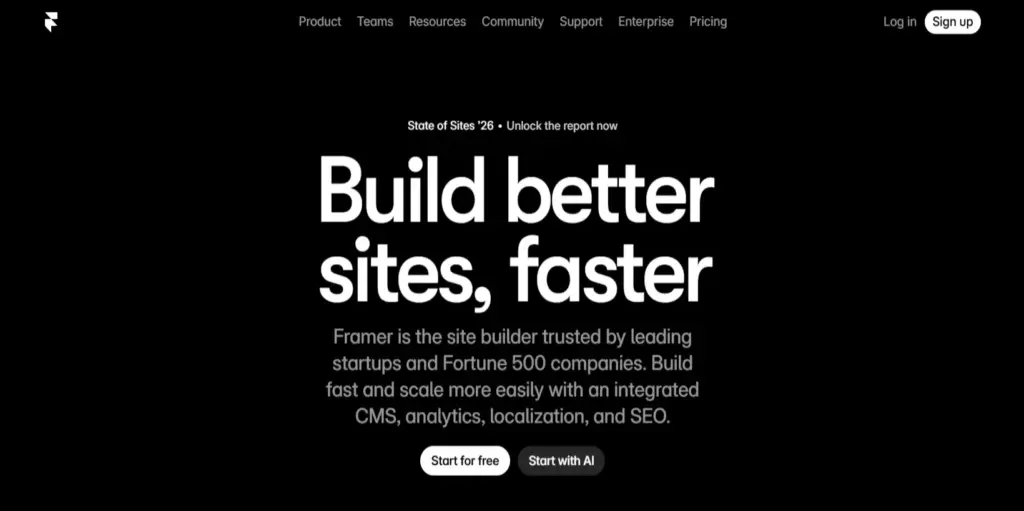
Design-first platform for stunning, high-impact websites
| Price | Free plan available; Pro from $5/mo per site; Business $15/mo |
| Platform | Web-based (any browser) |
| Skill Level | Intermediate (designers) |
| Free Plan / Trial | Free plan (Framer branding, limited pages) |
Framer started as a prototyping tool and has evolved into a full web publishing platform that designers love. SiteBuilderReport called it a competitor to Webflow. The infinite canvas interface feels like working in Figma – shapes, layers, and instant previews with no divs or grids. Animations, transitions, and scroll effects feel native and polished.
For landing pages, portfolios, and SaaS marketing sites, Framer delivers unbeatable visual polish. Smart Components can auto-generate responsive layouts, and the built-in AI tools help with layout suggestions and copy generation. Over 2,100 free templates are available in the marketplace. Sites load fast thanks to native hosting and clean rendering.
The community is growing rapidly (10k+ Reddit members), and the platform has gained strong traction with product teams and creative agencies. Pricing is aggressive: the Pro plan at $5/month per site significantly undercuts Webflow.
Framer is not for beginners. It’s designed for people with design experience who understand visual hierarchy, spacing, and responsive principles. The CMS is less robust than Webflow’s for content-heavy sites, and e-commerce capabilities are essentially nonexistent.
| ✓ STRENGTHS | ✗ WEAKNESSES |
|---|---|
| ✓ Stunning design output (best visual polish) ✓ Figma-like interface (familiar for designers) ✓ 2,100+ free templates ✓ Fast site performance ✓ Aggressive pricing ($5/mo Pro) ✓ Excellent for animations and micro-interactions | ✗ Not suitable for beginners ✗ Limited CMS compared to Webflow ✗ No e-commerce capabilities ✗ Less SEO control than Webflow or WordPress ✗ Smaller ecosystem and community |
“Framer is the future. It’s the perfect tool for the Instagram era of design – beautiful, quick, and design-first.”
– Web Designer Depot editorial (2026)
🎯 Best For: Designers, creative agencies, and product teams building high-impact marketing sites, portfolios, and landing pages
8. Weebly (Square Online)
Score: 7.8/10
Simple, affordable builder powered by Square’s commerce tools
| Price | Free plan available; Pro from $12/mo; Business from $26/mo |
| Platform | Web-based + Square POS integration |
| Skill Level | Beginner |
| Free Plan / Trial | Free plan available (Square branding) |
Weebly, now rebranded as Square Online, is a user-friendly drag-and-drop builder that integrates with Square’s payment processing and POS ecosystem. For small businesses already using Square for in-person payments, the seamless integration makes it a natural choice for adding an online presence.
The editor is straightforward and beginner-friendly, with clean templates and a section-based approach that prevents design mistakes. E-commerce functionality is built around Square’s payment system, which is excellent for small retailers and restaurants. The free plan lets you get started without any upfront investment.
The main limitations: templates feel less modern and customizable than Wix or Squarespace, the builder feels less innovative, and advanced features are limited. It’s best suited for simple business sites and small online stores rather than complex projects.
| ✓ STRENGTHS | ✗ WEAKNESSES |
|---|---|
| ✓ Seamless Square POS integration ✓ Simple, beginner-friendly editor ✓ Free plan available ✓ Good for small retailers and restaurants ✓ Built-in payment processing | ✗ Templates feel dated compared to competitors ✗ Limited design customization ✗ Less innovative than modern builders ✗ Not suitable for complex websites ✗ Advanced features behind paywalls |
🎯 Best For: Small businesses and restaurants already using Square POS who want simple online ordering and an integrated web presence
9. GoDaddy Website Builder
Score: 7.5/10
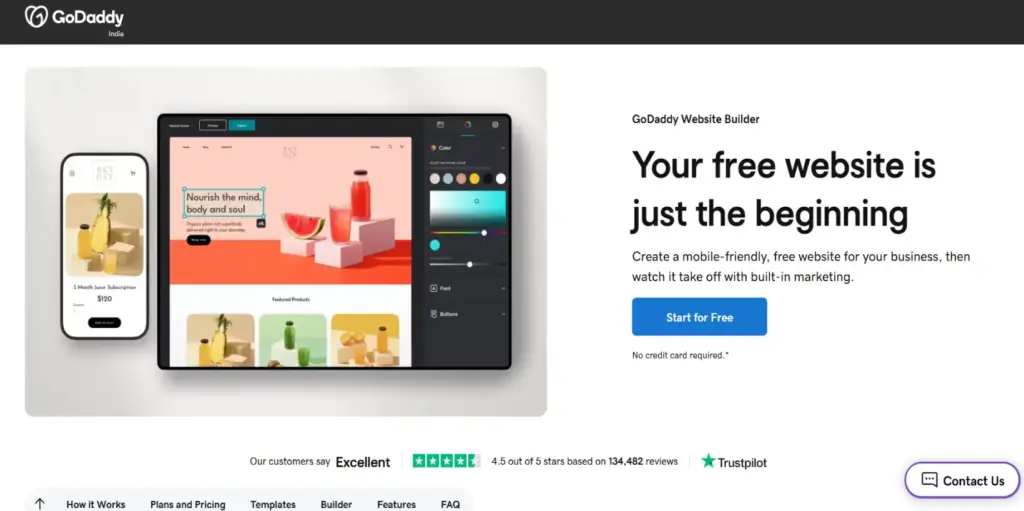
Fast, simple builder for getting a basic site online quickly
| Price | From $11.99/mo (Standard) to $24.99/mo (Commerce Plus) |
| Platform | Web-based + mobile app |
| Skill Level | Complete Beginner |
| Free Plan / Trial | Free plan available (limited features, GoDaddy branding) |
GoDaddy’s builder prioritizes speed and simplicity above all else. If you need a basic business site online in under an hour with minimal decision-making, GoDaddy delivers. Website Builder Expert recommends it for personal or informational sites. The section-based editor is nearly impossible to misuse – which is great for complete beginners but frustrating for anyone wanting creative control.
The platform includes built-in SEO tools, email marketing, social media integration, and online store functionality. The mobile app lets you edit your site on the go. For businesses that keep everything under the GoDaddy umbrella (domain, hosting, email), the integration is seamless.
The drawbacks are significant for anyone beyond basic needs: templates are more basic than competitors, customization is severely limited, there’s no app marketplace, the SEO tools are basic, and Google has noted that GoDaddy sites may not be indexed as well as sites built on platforms with better technical SEO. Not recommended for businesses planning to grow beyond a simple brochure site.
| ✓ STRENGTHS | ✗ WEAKNESSES |
|---|---|
| ✓ Fastest setup for basic sites ✓ Extremely beginner-friendly ✓ All-in-one GoDaddy ecosystem (domain, hosting, email) ✓ Mobile editing app ✓ Free plan available | ✗ Very limited customization ✗ Basic templates compared to competitors ✗ No app marketplace ✗ Basic SEO tools ✗ Sites may have indexing limitations✗ Not suitable for growing businesses |
🎯 Best For: Complete beginners who need a simple informational site quickly, especially those already using GoDaddy for domain and hosting
10. Jimdo
Score: 7.8/10
Local business specialist with smart AI onboarding
| Price | Free plan available; Start from $11/mo; Grow $18/mo |
| Platform | Web-based (any browser) |
| Skill Level | Complete Beginner |
| Free Plan / Trial | Free plan available (Jimdo branding, limited features) |
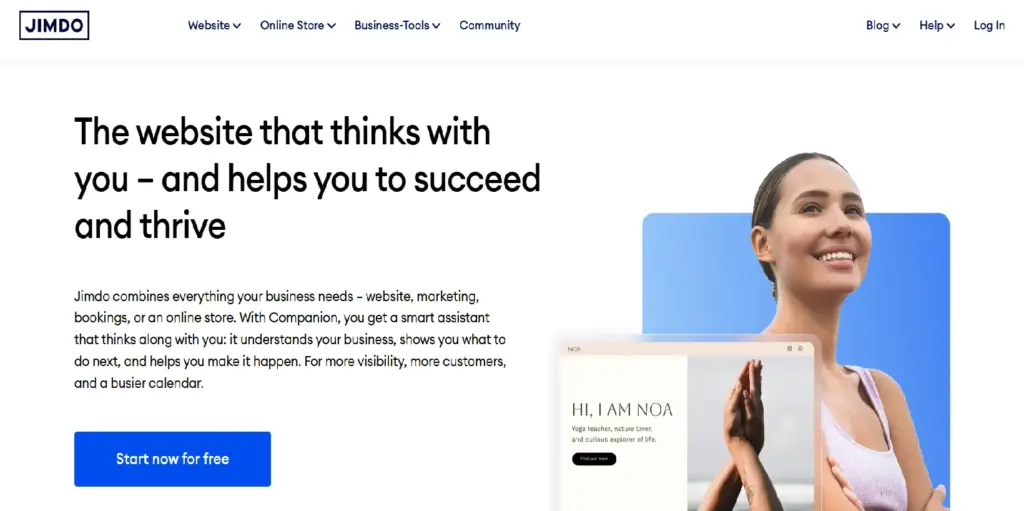
Jimdo Dolphin focuses specifically on local business needs, and it does this well. The AI asks smart questions about your business hours, location, services, and target audience, then builds a site optimized for helping local customers find and contact you. Gizmodo ranked it best for beginners.
EXPERTE.com scored it 8.3/10, noting it works well for simple, functional sites. Built-in analytics show where visitors come from and what they do on your site. The editor is clean and intuitive, with no learning curve to speak of.
The limitations are clear: Jimdo is not for complex sites, unique layouts, or businesses that need advanced features. The design flexibility is minimal, and the template options are limited compared to Wix or Squarespace.
| ✓ STRENGTHS | ✗ WEAKNESSES |
|---|---|
| ✓ Excellent for local businesses ✓ Smart AI onboarding tailored to your business ✓ Clean, intuitive editor ✓ Built-in analytics ✓ Free plan available | ✗ Very limited design flexibility ✗ Not suitable for complex websites ✗ Fewer templates and features ✗ Limited e-commerce capabilities ✗ Less scalable than major competitors |
🎯 Best For: Local businesses (restaurants, shops, service providers) that need a functional, professional site without any technical complexity
READ MORE: Best Accounting Software for Small Business in 2026
11. Duda
Score: 8.3/10
Agency-focused builder with powerful client management tools
| Price | From $19/mo (Basic) to $74/mo (Team) |
| Platform | Web-based (any browser) |
| Skill Level | Intermediate |
| Free Plan / Trial | 14-day free trial |
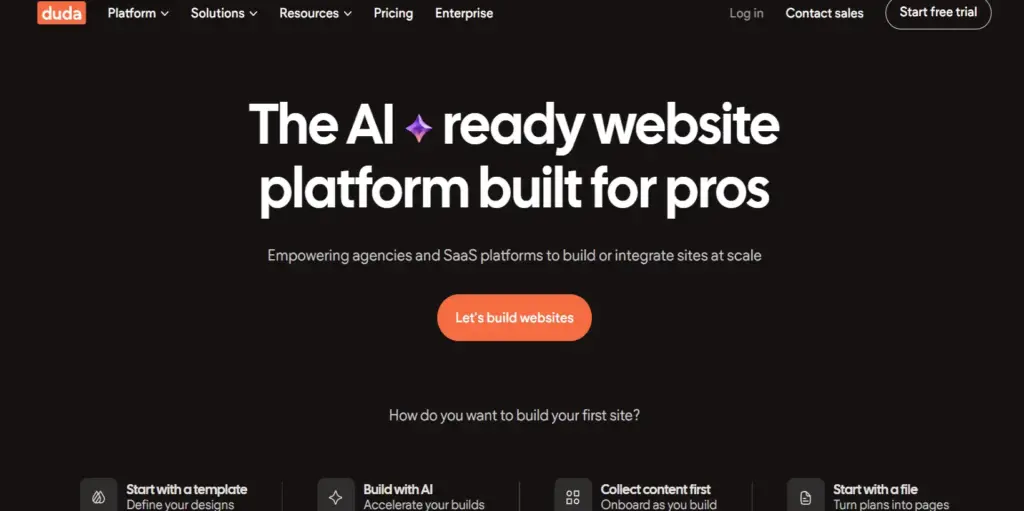
Duda is designed primarily for agencies and freelancers building sites for clients. It excels at white-label solutions, team collaboration, and client handoff workflows. EXPERTE.com scored it 8.6/10, praising its flexible design options and practical client management tools.
The no-code editor offers high design freedom with a section-based approach. Multilingual support, dynamic personalization (showing different content based on visitor location, device, or time), and built-in SEO tools make it a serious platform for professional web design services.
The main drawbacks: Duda is significantly more expensive than consumer-focused builders, and it’s more complex than necessary for someone building a single personal site. It’s purpose-built for professionals, not DIY beginners.
| ✓ STRENGTHS | ✗ WEAKNESSES |
|---|---|
| ✓ Best client management and white-label tools ✓ Dynamic content personalization ✓ High design freedom ✓ Strong multilingual support ✓ Good built-in SEO tools | ✗ Expensive compared to consumer builders ✗ Complex for beginners ✗ Smaller template library ✗ Less brand recognition than Wix/Squarespace ✗ Overkill for single personal sites |
🎯 Best For: Agencies, freelancers, and web design professionals building and managing client websites at scale
12. Strikingly
Score: 7.5/10
One-page website specialist for quick launches
| Price | Free plan available; Limited from $8/mo; Pro $16/mo |
| Platform | Web-based (any browser) |
| Skill Level | Complete Beginner |
| Free Plan / Trial | Free plan available (Strikingly branding, limited features) |
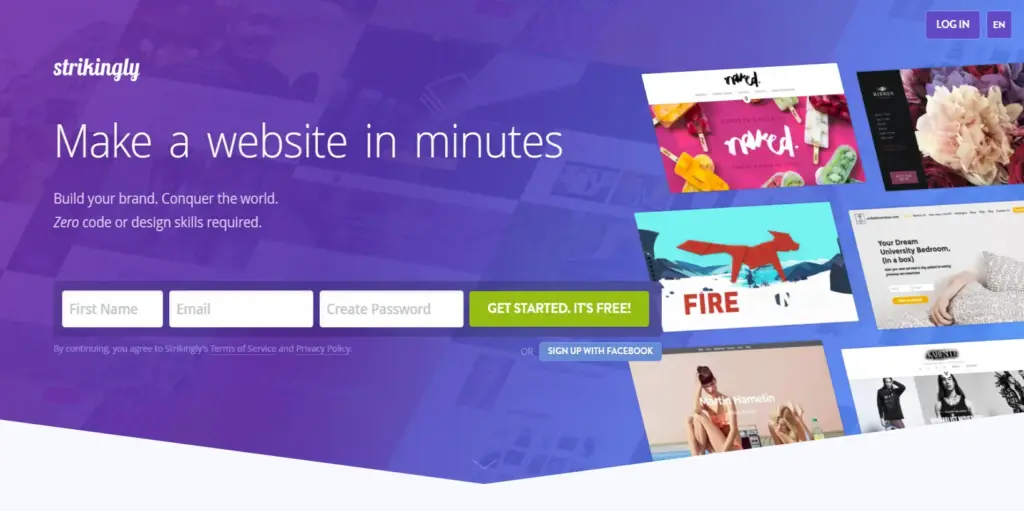
Strikingly is purpose-built for single-page websites and landing pages. If you need a clean, scrollable one-page site for a portfolio, event, personal brand, or product launch, Strikingly makes it incredibly simple. EXPERTE.com scored it 8.3/10 for its focused approach.
The builder offers 180+ templates optimized for one-page layouts, and the editor is among the most beginner-friendly available. Live chat support is responsive and helpful. While Strikingly can now handle multipage sites, other platforms are better for that purpose.
For complex websites, e-commerce, or content-heavy sites, Strikingly is not the right choice. It excels in its niche but is intentionally limited outside of it.
| ✓ STRENGTHS | ✗ WEAKNESSES |
|---|---|
| ✓ Excellent for one-page websites ✓ Very beginner-friendly editor ✓ 180+ templates for landing pages ✓ Great live chat support ✓ Free plan available | ✗ Not suitable for complex or multipage sites ✗ Limited design flexibility ✗ Few pre-designed elements and sections ✗ Basic e-commerce features ✗ Limited integrations |
🎯 Best For: Personal brands, event pages, portfolios, and anyone needing a clean single-page website launched quickly
13. SITE123
Score: 7.3/10
The simplest builder for users who want zero learning curve
| Price | Free plan available; Premium from ~$12.80/mo |
| Platform | Web-based (any browser) |
| Skill Level | Complete Beginner |
| Free Plan / Trial | Free plan available (SITE123 branding) |
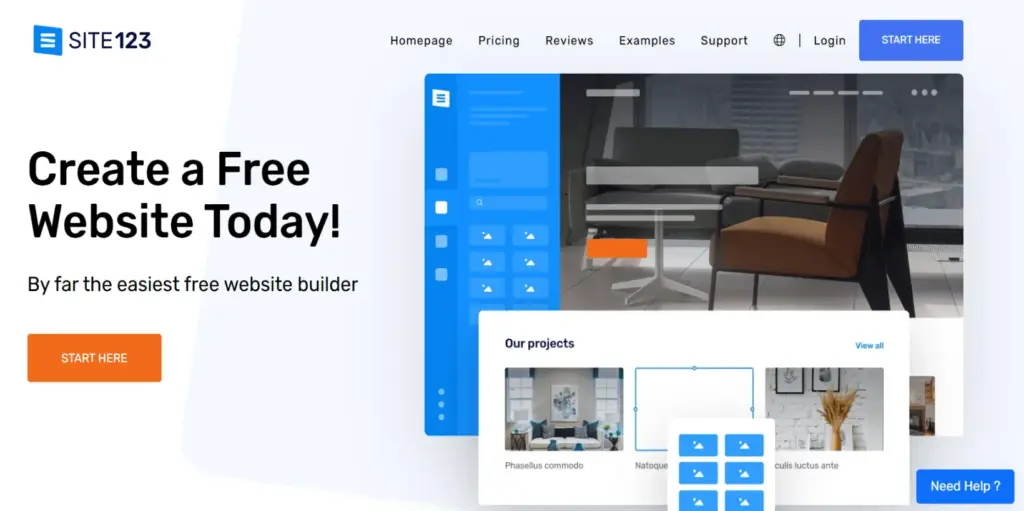
SITE123 deliberately limits design freedom to make website creation foolproof. The philosophy: users can’t go wrong with the design, but they also can’t create truly unique sites. EXPERTE.com scored it 8.3/10, highlighting excellent 24/7 customer support and many pre-designed sections.
The editor is clean, fast, and exceptionally easy to navigate. Multilingual support is built-in. The platform is ideal for users who feel overwhelmed by the options in Wix or Squarespace and just want a presentable site online with minimal effort.
The trade-off is clear: very limited customization. You’re working within strict design boundaries. Pricing and plan details can also be unclear. For anyone who wants creative control, SITE123 will feel constraining.
| ✓ STRENGTHS | ✗ WEAKNESSES |
|---|---|
| ✓ Simplest possible website building experience ✓ Excellent 24/7 customer support (live chat) ✓ Many pre-designed sections ✓ Built-in multilingual support ✓ Free plan available | ✗ Very limited design customization ✗ Cannot create unique or distinctive sites ✗ Unclear pricing structure ✗ Few advanced features ✗ Not suitable for growing businesses |
🎯 Best For: Complete beginners who want the absolute simplest path to a presentable website with no learning curve
14. Carrd
Score: 7.6/10
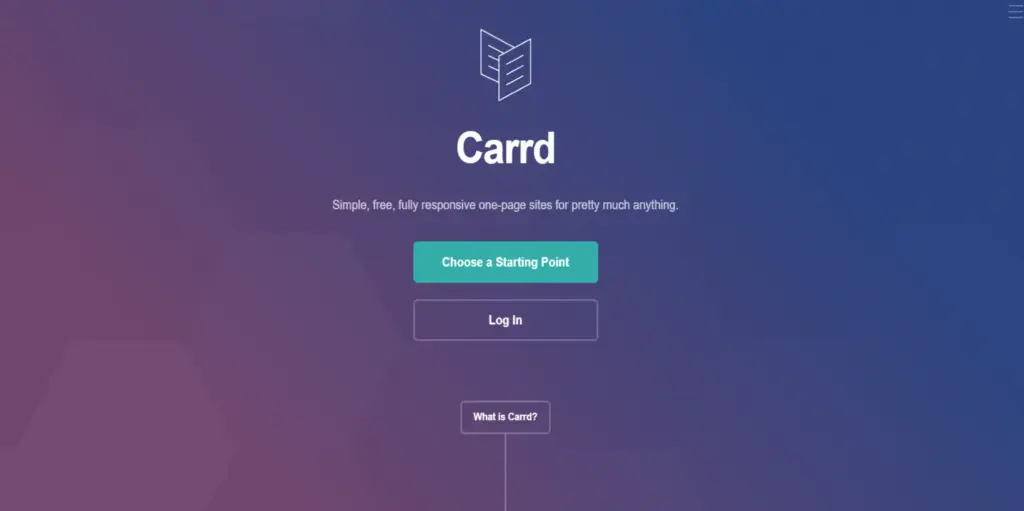
Ultra-affordable single-page builder beloved by indie creators
| Price | Free plan available; Pro from $9/year (yes, per year) |
| Platform | Web-based (any browser) |
| Skill Level | Beginner |
| Free Plan / Trial | Free plan (3 sites, Carrd branding) |
Carrd has carved out a devoted niche as the go-to platform for beautiful, responsive single-page websites at an unbeatable price. SiteBuilderReport ranked it great for one-page websites. At $9/year for Pro (supporting up to 10 sites with custom domains), it’s the cheapest way to get a professional-looking page online.
The platform is laser-focused: personal sites, link-in-bio pages, landing pages, and simple portfolio pages. The editor is streamlined and fast, with modern design elements and responsive layouts. Integrations with forms, payments (Stripe), and email marketing tools cover the basics.
Carrd is not for multipage sites, blogs, or e-commerce. It’s intentionally minimal. But for its specific use case, the combination of beautiful design and rock-bottom pricing is hard to beat.
| ✓ STRENGTHS | ✗ WEAKNESSES |
|---|---|
| ✓ Incredibly affordable ($9/year Pro) ✓ Beautiful responsive one-page designs ✓ Extremely fast and lightweight ✓ Great for link-in-bio and landing pages ✓ Supports forms, Stripe payments, embeds | ✗ Single-page only (no multipage sites) ✗ No blogging or CMS ✗ No e-commerce capabilities ✗ Limited integrations ✗ Not for complex projects |
🎯 Best For: Indie creators, freelancers, and anyone needing a beautiful single-page site or link-in-bio page at the lowest possible cost
15. WordPress.com
Score: 7.4/10
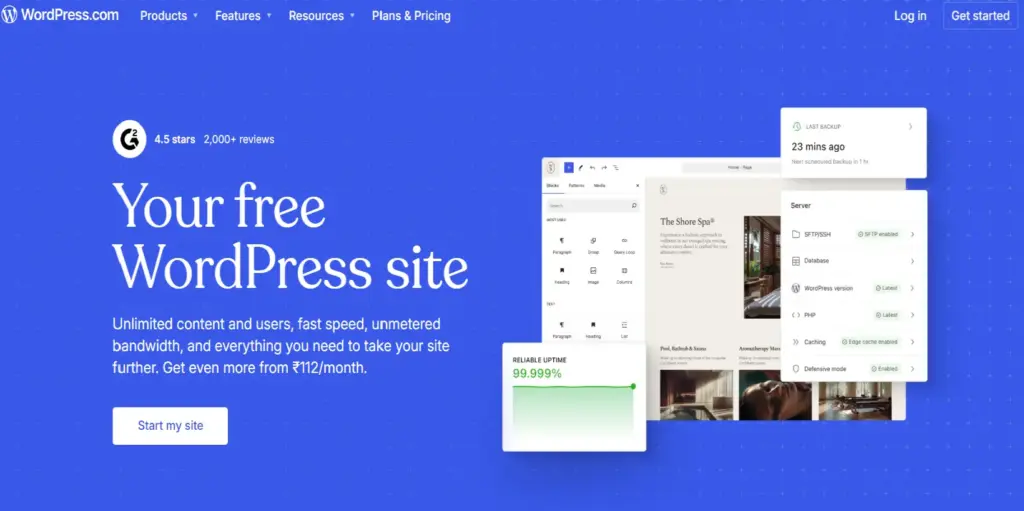
The hosted version of WordPress for a simpler experience
| Price | Free plan available; Personal $4/mo; Business $33/mo |
| Platform | Web-based (any browser) |
| Skill Level | Beginner to Intermediate |
| Free Plan / Trial | Free plan (WordPress.com branding, limited features) |
WordPress.com is the hosted version of WordPress, managed by Automattic. Unlike WordPress.org, it handles hosting, security, and updates for you. SiteBuilderReport notes it’s the hosted WordPress website builder that gives users a simpler on-ramp to the WordPress ecosystem without the technical overhead.
The free and lower-tier plans are quite limited – you can’t install custom plugins or themes until the Business plan ($33/mo). At that price point, you could get self-hosted WordPress with more flexibility for less money. The main value proposition is convenience: everything is managed for you.
For bloggers and content creators who want WordPress’s publishing tools without managing hosting, WordPress.com is a reasonable choice. But for most other use cases, either WordPress.org (for power users) or Wix/Squarespace (for simplicity) are better options.
| ✓ STRENGTHS | ✗ WEAKNESSES |
|---|---|
| ✓ WordPress ecosystem without technical overhead ✓ Managed hosting, security, and updates ✓ Good blogging tools ✓ Free plan available ✓ Scales to Business/eCommerce tiers | ✗ Custom plugins/themes require $33/mo Business plan ✗ Less flexible than WordPress.org ✗ Expensive for what you get at higher tiers ✗ Limited customization on lower plans ✗ Competing with better options at every price point |
🎯 Best For: Bloggers and content creators who want WordPress publishing tools without managing hosting, and beginners exploring the WordPress ecosystem
Full Comparison Table
| Platform | Best For | Starting Price | Free Plan | Score |
| Wix | Overall best; features + flexibility | $17/mo | Yes | 9.6 |
| Squarespace | Beautiful design; easiest to use | $16/mo | No (14-day trial) | 9.4 |
| Shopify | E-commerce at any scale | $39/mo | No (3-day trial) | 9.3 |
| WordPress.org | Full control + ownership | $3/mo (hosting) | Yes (software) | 9.1 |
| Webflow | Professional no-code design | $18/mo | Yes (staging) | 9.0 |
| Hostinger | Best budget builder | $2.99/mo | No (30-day refund) | 8.5 |
| Framer | Design-first landing pages | $5/mo | Yes | 8.4 |
| Duda | Agencies + client management | $19/mo | No (14-day trial) | 8.3 |
| Weebly/Square | Square POS integration | $12/mo | Yes | 7.8 |
| Jimdo | Local businesses | $11/mo | Yes | 7.8 |
| Carrd | Single-page sites | $9/year | Yes | 7.6 |
| GoDaddy | Simplest basic sites | $11.99/mo | Yes | 7.5 |
| Strikingly | One-page websites | $8/mo | Yes | 7.5 |
| WordPress.com | Hosted WordPress blogging | $4/mo | Yes | 7.4 |
| SITE123 | Zero learning curve | $12.80/mo | Yes | 7.3 |
How to Choose the Right Website Builder
Choose by Budget
Free / Under $5/mo: Carrd ($9/year for Pro), Hostinger ($2.99/mo with hosting), or free plans from Wix, WordPress.com, or SITE123. These cover basic sites, landing pages, and personal portfolios.
$10–$20/mo (Most popular range): Wix (from $17), Squarespace (from $16), or Jimdo (from $11). This range covers most small business needs with professional templates, custom domains, and marketing tools.
$20–$50/mo (Business/E-commerce): Shopify (from $39), Wix Business ($29), or Squarespace Commerce ($33). These unlock full e-commerce capabilities, zero-fee payment processing, and advanced marketing tools.
$50+/mo (Professional/Agency): Webflow, Duda, or Shopify Advanced. Purpose-built for agencies, complex sites, and high-volume stores needing professional-grade tools and team collaboration.
Choose by Experience Level
Complete beginner (never built a site): Squarespace (easiest to use), Hostinger (cheapest), GoDaddy (simplest), or SITE123 (foolproof). These platforms prevent design mistakes and get you online fastest.
Comfortable with technology: Wix (most features and flexibility), Shopify (for e-commerce), or WordPress.com (for blogging). These offer more control while remaining manageable.
Designer or developer: Webflow (professional-grade design control), Framer (design-first visual polish), or WordPress.org (unlimited flexibility with full code access). These demand skill but deliver the best results.
Choose by Use Case
Blog or content site: WordPress.org (ultimate control), Squarespace (beautiful + easy), or Wix (great built-in blog tools).
Online store: Shopify (best e-commerce, period), WooCommerce on WordPress.org (most flexibility, no platform fees), or Squarespace Commerce (beautiful stores for smaller inventories).
Portfolio or creative showcase: Squarespace (stunning templates for creatives), Framer (design-first polish), or Webflow (pixel-perfect control).
Local business: Jimdo (built specifically for local businesses), Wix (most features), or GoDaddy (simplest setup).
Landing page or single-page site: Carrd ($9/year – unbeatable value), Strikingly (more templates), or Framer (best design).
Frequently Asked Questions
Q: What is the best website builder for beginners in 2026?
Squarespace is the easiest builder to use, with its grid-based editor preventing common design mistakes. Wix is the most feature-rich beginner option with over 2,000 templates. Hostinger offers the best value at $2.99/month with AI tools that generate your site automatically. For the absolute simplest experience, GoDaddy and SITE123 minimize decision-making to the extreme.
Q: How much does a website builder cost?
Prices range from free (with limitations and platform branding) to $72+/month for premium plans. The sweet spot for most small businesses is $16–$33/month, which covers custom domains, professional templates, e-commerce basics, and marketing tools. Carrd stands out at $9/year for single-page sites. Hostinger offers the best hosted value at $2.99/month. Additional costs may include custom domain renewal ($10–20/year after the first year), premium apps or plugins, transaction fees on sales, and premium themes.
Q: Should I use WordPress or a website builder?
WordPress.org offers unlimited flexibility, full data ownership, and the best SEO capabilities, but it requires managing hosting, security, and updates yourself. Website builders like Wix and Squarespace handle all technical aspects for you and are much easier to learn. For most small businesses and beginners, a hosted website builder is the better choice. For content-heavy sites, developers, or businesses that demand complete control, WordPress.org is superior.
Q: Which website builder is best for e-commerce?
Shopify is the undisputed leader for e-commerce, with the best inventory management, multi-channel selling, payment processing, and scalability. For smaller stores integrated with beautiful content sites, Squarespace Commerce and Wix Business are solid options. For WordPress users, WooCommerce offers the most flexibility with zero platform transaction fees.
Q: Can I switch website builders later?
Switching is possible but often painful. Wix, Squarespace, and Shopify all have some degree of vendor lock-in – you cannot export your site design, only your content (and sometimes not even that easily). WordPress.org offers the best portability since you own everything. Squarespace lets you export to WordPress format. Before committing, consider whether the platform can grow with your needs long-term.
Q: Are AI website builders worth using?
AI builders have improved dramatically. Wix’s Harmony and Aria can generate complete sites from natural language prompts. Hostinger’s AI creates functional sites with content and images in minutes. However, AI-generated sites typically need manual refinement – the AI handles 70–80% of the work, and you polish the rest. They’re excellent for getting started quickly, especially if you’re unsure about design choices.
Final Thoughts
The website builder market in 2026 is mature, competitive, and remarkably accessible. You can build a genuinely professional website for less than $20/month, and several platforms offer capable free plans. AI tools have lowered the barrier to entry even further, generating complete sites from simple text prompts in minutes.
For most people, the decision comes down to three platforms: Wix if you want maximum features and flexibility, Squarespace if you want the most beautiful design with the easiest experience, or Shopify if you’re primarily selling products online. WordPress.org remains the best choice for those willing to invest time in exchange for complete control and ownership. And Hostinger offers remarkable value for anyone on a tight budget. The most important step isn’t choosing the perfect platform – it’s getting your site online and iterating from there.
Disclaimer: This article is for informational purposes only. Pricing and features are accurate as of March 2026 and may change. Some links may be affiliate links. We maintain editorial independence and all recommendations reflect genuine testing and analysis. Please verify current pricing on official websites before purchasing.
