

We tested every major photo editor on the market – from free open-source tools to professional-grade suites used by commercial photographers. Here’s which ones deliver real results and which ones aren’t worth your time.
Quick Verdict – Our Top 4 Picks
| Category | Winner | Why |
| 🏆 Best Overall | Adobe Photoshop | $22.99/mo – The undisputed king of pixel-level editing |
| 🎯 Best for Photographers | Adobe Lightroom Classic | $11.99/mo – Unmatched batch editing and catalog management |
| ⭐ Best Free Editor | Affinity Photo (by Canva) | Free – Photoshop-level power at zero cost |
| 💡 Best AI-Powered | Luminar Neo | $119 one-time – Fast AI tools with no subscription |
15 Best Photo editing software in 2026
Photo editing software in 2026 has evolved far beyond simple brightness and contrast sliders. AI-powered tools can now remove objects with a single click, replace entire skies in seconds, reduce noise from high-ISO shots without destroying detail, and even learn your personal editing style to apply it across thousands of images automatically.
But the sheer number of options can be paralyzing. Adobe still dominates the professional market with Photoshop and Lightroom, but strong challengers have emerged – Affinity Photo is now completely free (thanks to Canva’s acquisition), DxO PhotoLab’s noise reduction remains unrivaled, and Luminar Neo offers AI tools that genuinely save hours of manual work. Meanwhile, browser-based editors like Photopea now rival desktop software, and mobile apps like Snapseed deliver professional results from your phone.
We’ve tested every editor on this list with real RAW files from multiple camera systems, evaluated their AI capabilities, stress-tested batch processing workflows, and scoured user reviews from Reddit’s r/photography, r/AskPhotography, Gartner Peer Insights, G2, Capterra, and specialized photography forums to understand what actual photographers think. Whether you’re a professional studio shooter, an enthusiast hobbyist, or a complete beginner, this guide will help you find the right tool.
How We Tested and Ranked
Every editor was evaluated across six criteria: RAW processing quality and color science, AI capabilities and automation, workflow efficiency and batch processing, user interface and learning curve, value for money (subscription vs. one-time purchase), and real community sentiment from Reddit, G2, Gartner, and Capterra.
#1 Adobe Photoshop Score: 9.5/10
The undisputed king of image manipulation
| Price | $22.99/mo (single app) or $14.98/mo (Photography Plan with Lightroom) |
| Platform | Windows, macOS, iPad, Web |
| Skill Level | Intermediate to Professional |
| Free Trial | 7-day free trial |
Adobe Photoshop set the standard for photo editing and continues to define it in 2026. The latest release focuses heavily on AI-powered workflows through the Firefly engine, with Generative Fill 2.0 offering dramatically improved realism, style prompts, and reference image support. Generative Expand lets you extend images beyond their borders seamlessly, while the upgraded Remove tool now outputs at 2K resolution with fewer artifacts.
The 2026 version introduces Harmonize – a one-click AI tool that automatically matches the lighting, color, and depth of composited elements to the background layer. Third-party AI models including Nano Banana and Flux are now available directly inside Generative Fill, giving photographers more options for different editing tasks. New non-destructive Clarity, Dehaze, and Grain adjustment layers give photographers more control than ever.
Photoshop’s layer-based editing system remains unmatched for complex compositing, retouching, and manipulation. Frequency separation for skin retouching, Content-Aware Fill for object removal, the Liquify tool for subtle adjustments, and neural filters for quick enhancements are all industry-standard capabilities that no competitor fully replicates. Real-time collaboration now lets multiple users edit the same PSD in the cloud.
The main drawbacks remain the subscription pricing (which accumulates significantly over years) and the steep learning curve. Reddit’s r/photography community consistently notes subscription fatigue, with one user summarizing the common sentiment: paying monthly fees to multiple tools adds up fast. However, the Photography Plan bundling Photoshop and Lightroom at $14.98/mo represents solid value for serious photographers.
| ✓ STRENGTHS | ✗ WEAKNESSES |
| ✓ Unmatched compositing and retouching tools ✓ Generative Fill 2.0 is remarkably realistic ✓ New Harmonize feature saves hours on composites ✓ Supports third-party AI models (Nano Banana, Flux) ✓ Industry-standard file compatibility ✓ Available on desktop, iPad, and web | ✗ Subscription-only pricing adds up over years ✗ Steep learning curve for beginners ✗ Resource-heavy; needs powerful hardware ✗ AI credit system can feel limiting ✗ Overkill for simple photo adjustments |
“Photoshop is what agencies, studios, and clients expect. The Generative Fill improvements are genuinely impressive – results are finally realistic enough for professional work.”
🎯 Best For: Professional retouchers, compositors, graphic designers, and anyone doing complex pixel-level image manipulation
#2 Adobe Lightroom Classic Score: 9.4/10
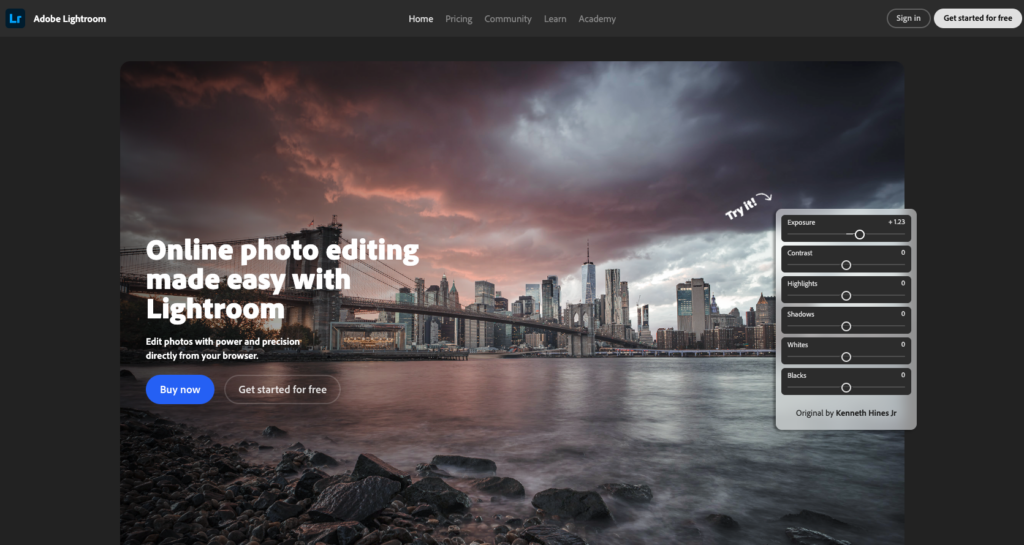
The professional photographer’s command center
| Price | $11.99/mo (with annual commitment) or $14.98/mo (Photography Plan with Photoshop) |
| Platform | Windows, macOS |
| Skill Level | Beginner to Professional |
| Free Trial | 7-day free trial |
Adobe Lightroom Classic remains the central hub for most professional photography workflows in 2026. Its catalog-based digital asset management system handles hundreds of thousands of images with smart collections, keyword tagging, star ratings, and color labels. No competing product matches its organizational depth for high-volume shooters.
The 2026 updates embed AI deeper into the Develop module through Adobe’s Sensei and Firefly technologies. The Denoise tool uses machine learning to analyze RAW data and reduce noise while preserving detail – creating a new DNG file rather than just applying metadata adjustments. The Lens Blur tool generates AI depth maps to simulate bokeh from a fast prime lens. The new assisted culling feature uses AI to identify your best shots based on focus, composition, and exposure, which is transformative for wedding and event photographers managing thousands of images per shoot.
Lightroom Classic excels at batch processing – applying presets, synchronizing edits across hundreds of images, and maintaining consistency across galleries. The preset ecosystem is massive, with both built-in and third-party options. The Firefly-powered Gen-AI Erase tool removes unwanted objects with impressive accuracy.
The main distinction from cloud-based Lightroom (non-Classic) is that Classic stores original files locally, offering faster performance and no cloud storage costs. The interface can feel dated compared to newer editors, and performance on large catalogs requires significant hardware (32GB+ RAM and a dedicated GPU recommended for AI features).
| ✓ STRENGTHS | ✗ WEAKNESSES |
| ✓ Best-in-class catalog management and organization ✓ AI Denoise produces exceptional results ✓ Unmatched batch processing and preset system ✓ Assisted culling is a game-changer for volume shooters ✓ Photography Plan bundles with Photoshop ✓ Massive third-party preset ecosystem | ✗ Subscription-only (no perpetual license) ✗ Interface feels dated compared to modern editors ✗ Large catalogs need powerful hardware ✗ AI features are resource-intensive ✗ Cloud-based Lightroom has better mobile sync |
“For the batch-editing workflow – importing, culling, developing, and exporting hundreds of images consistently – nothing else comes close to Lightroom Classic.”
– Verified photographer, Imagen-AI (2026)
🎯 Best For: Professional photographers (wedding, portrait, event), high-volume shooters, and anyone needing robust catalog management
#3 Affinity Photo (by Canva) Score: 9.2/10
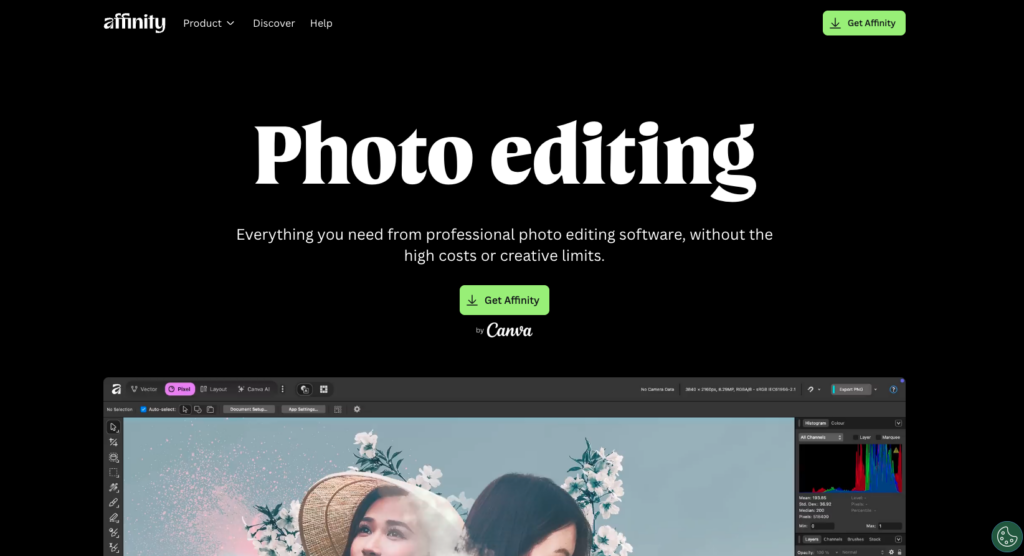
Photoshop-level power – completely free
| Price | Free (owned by Canva since 2024) |
| Platform | Windows, macOS, iPad |
| Skill Level | Intermediate to Professional |
| Free Version | Free – Permanent full version |
Affinity Photo is the most remarkable value proposition in photo editing right now. Since Canva’s acquisition, the entire Affinity suite – including Photo, Designer (Illustrator alternative), and Publisher (InDesign alternative) – is completely free. You get a professional-grade, layer-based photo editor with zero cost and zero subscription.
The editing capabilities genuinely rival Photoshop. Full layer support with blend modes, live filters, advanced masking with edge refinement (even on hair), frequency separation for portrait retouching, HDR stacking, focus stacking, and macro support for batch processing are all included. It reads and writes PSD files natively, making collaboration with Photoshop users seamless.
TechRadar’s team tested the full range of features and found they rival major competitors. The interface is clean and elegant, designed with photographers, artists, and content creators in mind. Performance stays responsive even on modest hardware, which is a notable advantage over resource-hungry alternatives.
The trade-off: you need a Canva account, and by default usage information is shared to help train AI models (though you can opt out). Affinity deliberately avoids AI-powered tools – it’s a traditional, skill-based editor. Many photographers on Reddit and Fstoppers actually consider this a positive, preferring manual control over automated features. Plugin compatibility is more limited than Photoshop’s extensive ecosystem.
| ✓ STRENGTHS | ✗ WEAKNESSES |
| ✓ Completely free – no subscription, no catch ✓ Photoshop-level layer editing and compositing ✓ Native PSD file compatibility ✓ Excellent focus stacking and HDR ✓ Runs well on modest hardware ✓ Includes Designer + Publisher for free | ✗ Requires Canva account (data sharing opt-out available) ✗ No AI-powered editing tools ✗ Limited plugin ecosystem compared to Photoshop ✗ No catalog/DAM management ✗ Some functions less intuitive than Photoshop |
“If you don’t need or want AI tools, you’re left with an old-school, layer-based editor that will either be right up your alley or not your cup of tea. In the saturated photo editing market, that’s no bad thing.”
– Digital Camera World review (2026)
🎯 Best For: Photographers and designers wanting Photoshop-level editing without any cost, especially those who prefer manual control over AI automation
#4 Luminar Neo Score: 9.0/10
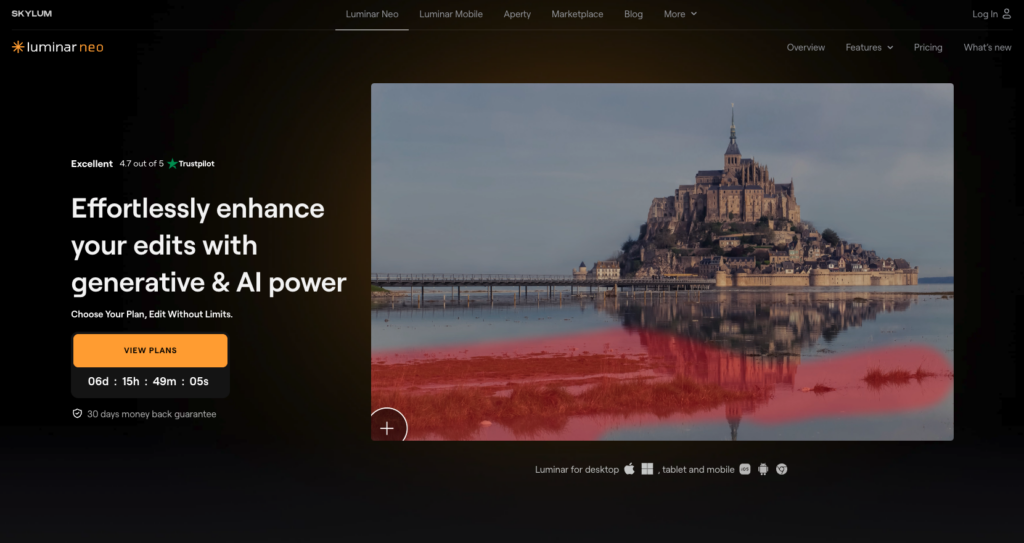
AI-powered editing that actually saves you time
| Price | $119 one-time (desktop) / $159 cross-device / $179 Max |
| Platform | Windows, macOS, iOS |
| Skill Level | Beginner to Intermediate |
| Free Trial | 30-day money-back guarantee |
Luminar Neo by Skylum strikes the ideal balance between AI automation and manual control. It delivers fast, impressive results with single-click AI tools for sky replacement, portrait bokeh, relighting, and object removal, while still offering full curve, color toning, and masking tools for traditional editors who prefer granular control.
The 2026 updates introduced Light Depth (redirecting where light falls in a frame), AI Upscale (improving image resolution), photo restoration (colorizing black-and-white photos and removing scratches), and a text-to-edit AI assistant that lets you describe edits in natural language. The shift to the Luminar Ecosystem adds reliable cloud sync between desktop and mobile with unlimited storage, plus Smart Search for finding images by describing them.
In real-world testing by ThemFrames, the design was praised as modern, vibrant, and extremely easy to grasp. Performance is responsive enough for real-world use, though not quite as snappy as Lightroom or Capture One. The AI assistant worked well on initial prompts but follow-up instructions for the same image didn’t always take effect.
The one-time purchase pricing is a major advantage. The Max License at $179 includes desktop, mobile apps, and a creative library – compared to Adobe’s recurring subscription, it pays for itself within months. Reddit’s r/photography community notes it excels for landscape-specific AI tools.
| ✓ STRENGTHS | ✗ WEAKNESSES |
| ✓ One-time purchase (no subscription required) ✓ Excellent AI sky replacement and relighting ✓ Modern, intuitive interface design ✓ Cross-platform cloud sync with unlimited storage ✓ Smart Search finds images by description ✓ 30-day money-back guarantee | ✗ Not as fast as Lightroom for processing speed ✗ AI assistant inconsistent on follow-up prompts ✗ Some AI tools can over-process at full strength ✗ No catalog/DAM system like Lightroom ✗ Less control than Capture One for color science |
“Luminar Neo strikes the perfect balance between giving you full control over your edits and offering single-click AI tools, making editing quicker and more enjoyable without locking you into a subscription.”
– ThemFrames, hands-on review (2026)
🎯 Best For: Enthusiast photographers, landscape shooters, and anyone wanting AI-powered editing without subscription fatigue
#5 Capture One Pro Score: 9.0/10
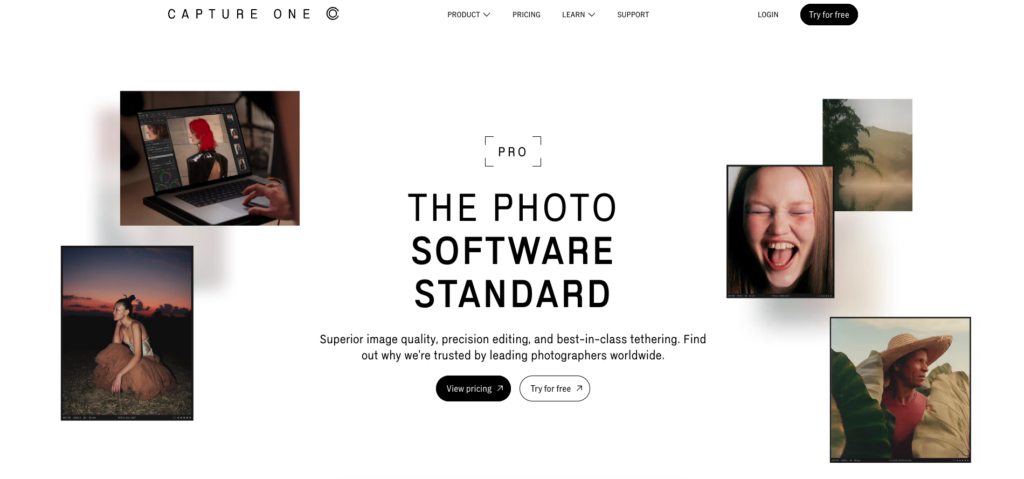
The gold standard for color science and studio work
| Price | $164.52/yr (subscription) or $329 one-time (perpetual) |
| Platform | Windows, macOS, iPad |
| Skill Level | Intermediate to Professional |
| Free Trial | 30-day free trial |
Developed by Phase One (makers of $50,000+ medium-format cameras), Capture One Pro is the choice of fashion, commercial, product, and studio photographers who demand absolute color fidelity. Its RAW processing engine consistently produces images with better micro-contrast, cleaner highlight/shadow transitions, and more natural color rendering than competitors.
Color control is where Capture One truly shines – it’s widely regarded as best-in-class. The Advanced Color Editor with Basic, Advanced, and Skin Tone tabs allows adjustments so precise that skin tones never break or introduce unwanted artifacts. Its layer-based editing system provides surgical precision for complex adjustments, with masks created by brush, gradient, luminosity, or color range.
Tethered shooting remains Capture One’s signature feature, making it the go-to software for studio work. The 2026 version introduced AI “Match Look” styling, along with improved subject separation. Support for over 650 cameras and both catalog and session-based workflows adds flexibility. Capture One Live enables real-time image sharing with clients during shoots.
The pricing is the main barrier. At $164.52/year or $329 for a perpetual license (without future updates), it’s significantly more expensive than alternatives. The learning curve is substantial, and multiple Capterra reviewers note that some functions are hard to understand initially. However, photographers who invest the time consistently say the results justify the cost.
| ✓ STRENGTHS | ✗ WEAKNESSES |
| ✓ Best-in-class color science and skin tone rendering ✓ Industry-leading tethered shooting ✓ Layer-based non-destructive editing ✓ Customizable workspace for personal workflow ✓ Supports 650+ cameras ✓ Both subscription and perpetual license options | ✗ Expensive compared to alternatives ✗ Steep learning curve ✗ Perpetual license doesn’t include future updates ✗ AI features still behind competitors ✗ No Linux support |
“The color profiles are better than other software. The tethered shoot function is a very good feature for studio photography. The processing speed is excellent, even with a not very powerful computer.”
– Verified reviewer, Capterra (2025)
🎯 Best For: Commercial, fashion, and product photographers who demand absolute color accuracy and robust tethering
#6 DxO PhotoLab 8 Elite Score: 8.8/10
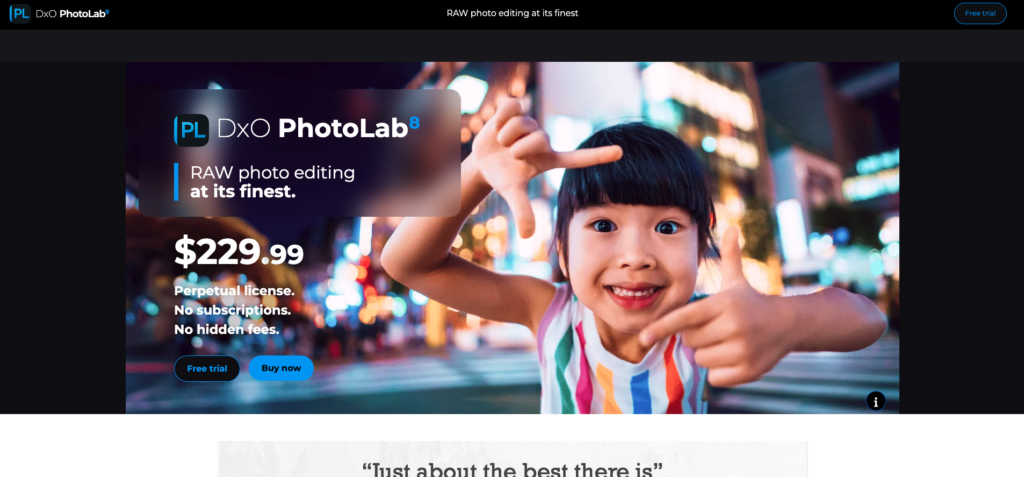
The science-first editor with unrivaled noise reduction
| Price | $229 one-time (Elite) / $129 (Essential) |
| Platform | Windows, macOS |
| Skill Level | Intermediate to Professional |
| Free Trial | 30-day free trial |
DxO PhotoLab is built around two core strengths that no competitor can match: DeepPRIME XD2s noise reduction and lab-developed optical corrections. DeepPRIME uses AI to simultaneously demosaic and denoise RAW files, producing results where ISO 12,800 shots routinely look like ISO 3,200. Wildlife, concert, and low-light photographers who push their sensors to the limit rely on DxO to salvage shots that would otherwise be unusable.
The lens correction database is the most comprehensive in the industry. DxO tests every camera-lens combination in their own labs, automatically fixing distortion, chromatic aberration, vignetting, and even edge softness for thousands of combinations. ClearView Plus removes haze for clearer landscapes, and the U Point technology (inherited from Nik Collection) allows intuitive local adjustments.
PhotoLab 8 Elite introduced improvements to file organization with enhanced searching, filtration, and customization features. The interface has become more accessible by allowing users to hide complex controls and customize tool palettes. It’s a perpetual license with no subscription, though upgrade pricing applies for major versions.
The limitations are clear: DxO is laser-focused on RAW processing and lacks the compositing, retouching, and layer-based editing found in Photoshop or Affinity. Many photographers pair it with Affinity Photo for a powerful, subscription-free workflow. AI-powered automation beyond noise reduction and lens correction lags behind Luminar Neo and Lightroom.
| ✓ STRENGTHS | ✗ WEAKNESSES |
| ✓ DeepPRIME XD2s noise reduction is genuinely unrivaled ✓ Lab-tested lens corrections for thousands of combos ✓ Perpetual license (no subscription) ✓ Exceptional RAW processing quality ✓ U Point technology for intuitive local adjustments | ✗ No layer-based editing or compositing ✗ Limited AI automation beyond noise/lens tools ✗ Expensive for Elite version ✗ Smaller user community ✗ No mobile version |
“DxO’s lens corrections are excellent and even counter edge softness, its raw processing is first rate, and its DeepPRIME process is in a class of its own for noise reduction and detail.”
– Digital Camera World review (2026)
🎯 Best For: Wildlife, concert, and low-light photographers; anyone who shoots at high ISO values and needs the absolute best noise reduction
#7 ON1 Photo RAW 2026 Score: 8.5/10
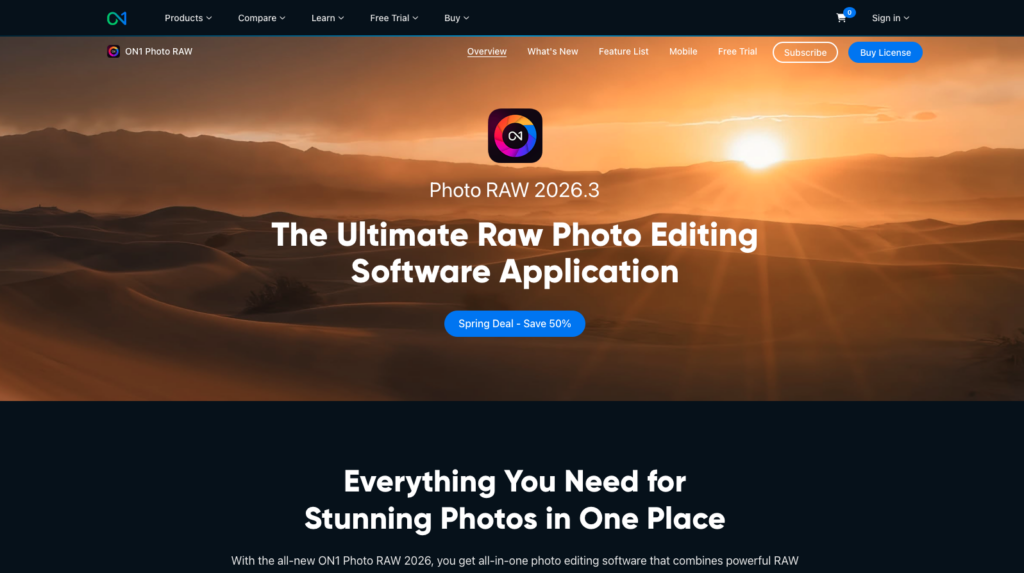
The all-in-one Lightroom and Photoshop replacement
| Price | $49.99 one-time (perpetual) or subscription available |
| Platform | Windows, macOS, mobile |
| Skill Level | Beginner to Intermediate |
| Free Version | Free trial available |
ON1 Photo RAW combines browsing, cataloging, RAW processing, layers, masking, effects, and AI tools into a single platform that can genuinely replace both Lightroom and Photoshop for many photographers. You browse files without importing (unlike Lightroom’s mandatory import step), apply AI masking for subjects or skies, and stack effects non-destructively.
The 2026.2 update improved face restoration results, added faster export times, and introduced a depth lighting tool similar to Luminar Neo’s Light Depth feature. ON1’s Brilliant AI suggests editing starting points based on image analysis. Integrations for NoNoise AI, Sky Swap AI, and Portrait AI expand the ecosystem. All users get 1TB of cloud storage for multi-device editing.
The interface doesn’t follow the standard photo editing layout, which ThemFrames found takes longer to figure out but shows ON1’s ambition to be different. The software runs well with responsive brush tools and accurate sliders, though the layout can feel cramped compared to Lightroom or Luminar Neo.
| ✓ STRENGTHS | ✗ WEAKNESSES |
| ✓ All-in-one: browsing, editing, effects, layers ✓ No import step required (browse folders directly) ✓ Excellent value at $49.99 perpetual ✓ 1TB cloud storage included ✓ Active AI ecosystem (NoNoise, Sky Swap, Portrait) | ✗ Interface takes time to learn ✗ Layout feels cramped ✗ Less refined than Lightroom’s workflow ✗ Not as powerful for compositing as Photoshop ✗ Smaller community and plugin ecosystem |
“ON1 Photo RAW can serve as a simple photo editor, or a more complex, powerful image editing machine. It feels somewhat of a blend of Photoshop and Lightroom.”
– ThemFrames, hands-on review (2026)
🎯 Best For: Photographers wanting a subscription-free all-in-one solution that combines cataloging with advanced editing
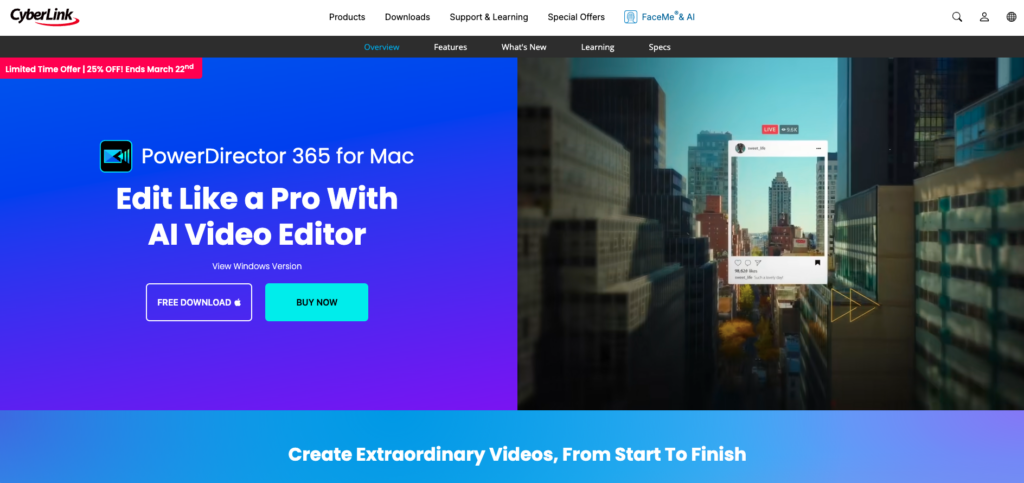
#8 CyberLink PhotoDirector 365 Score: 8.3/10
Feature-packed consumer editor with serious AI tools
| Price | $40/yr (subscription) or $100 one-time (perpetual) |
| Platform | Windows, macOS |
| Skill Level | Beginner to Intermediate |
| Free Version | Free version available (limited) |
CyberLink PhotoDirector combines photo editing with a full compositing section where you can remove backgrounds, alter facial features, work with multiple layers, and more. It offers numerous generative AI tools at a price point well below Adobe’s ecosystem.
TechRadar found switching between tools to be somewhat convoluted, requiring frequent returns to the launcher, and dealing with different interfaces creates a longer learning curve. However, the ease of use of each individual tool and the sheer power at your fingertips more than offsets this. The perpetual license at $100 is significantly cheaper than competing professional software.
| ✓ STRENGTHS | ✗ WEAKNESSES |
| ✓ Affordable subscription and perpetual options ✓ Full compositing with layers and masking ✓ Strong AI tools (background removal, facial features) ✓ Good format support ✓ Regular feature updates | ✗ Switching between tools is convoluted ✗ Multiple interfaces increase learning curve ✗ Less refined than Adobe’s tools ✗ Smaller community than major competitors ✗ Some AI features require subscription |
🎯 Best For: Budget-conscious enthusiasts wanting compositing and AI tools without Adobe’s price tag
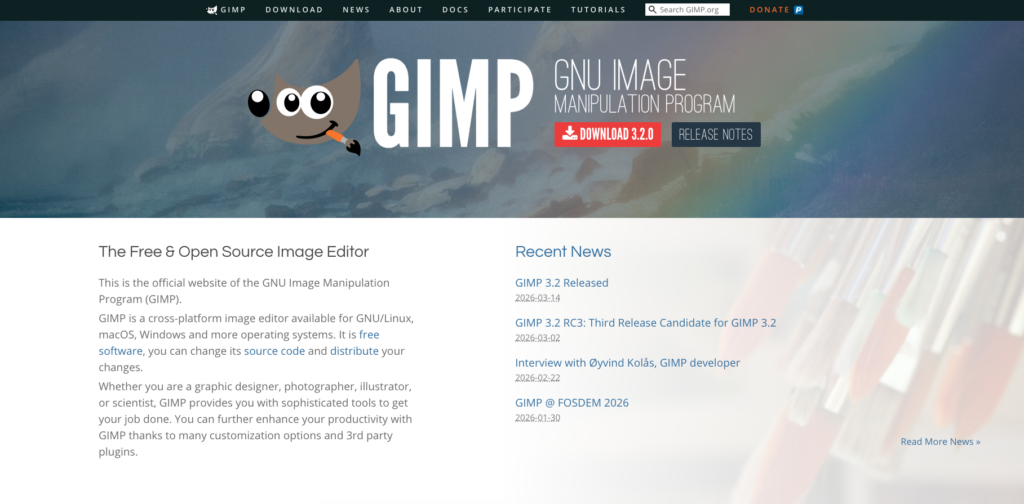
#9 GIMP Score: 8.0/10
The open-source Photoshop alternative that’s stood the test of time
| Price | Free & Open Source |
| Platform | Windows, macOS, Linux |
| Skill Level | Intermediate to Advanced |
| Free Trial | Completely free, forever |
GIMP (GNU Image Manipulation Program) remains the most powerful free, open-source photo editor available. It offers full layer support with blend modes, masks, curves, and levels. The clone stamp and healing tools handle flaws effectively, custom brushes extend creative options, and smart selection tools isolate areas with precision.
The massive community has created hundreds of plugins that extend GIMP’s functionality – many come pre-installed, and you can even install Photoshop plugins. For photographers working with RAW files who prefer full control, GIMP delivers professional capabilities. Cross-platform support including Linux makes it the editor of choice for open-source advocates.
The interface is GIMP’s main weakness. It feels outdated and overwhelming compared to modern editors, with a cluttered menu system that takes significant time to learn. There are no AI-powered tools, no built-in catalog management, and the learning curve is steep. But for users willing to invest the time, GIMP can produce professional results at zero cost.
| ✓ STRENGTHS | ✗ WEAKNESSES |
| ✓ 100% free and open source forever ✓ Full layer-based editing with masks and blend modes ✓ Extensive plugin ecosystem (incl. Photoshop plugins) ✓ Cross-platform including Linux ✓ Active community and regular updates | ✗ Dated, overwhelming interface ✗ No AI-powered tools or automation ✗ Steep learning curve ✗ No catalog or asset management ✗ Less intuitive than modern alternatives |
“GIMP is packed with the kind of image-enhancing tools you’d find in premium software. Its toolkit is breathtaking – layers, masks, curves, levels, clone stamp, and healing tools.”
– TechRadar review (2026)
🎯 Best For: Linux users, open-source advocates, and budget-conscious photographers who prefer manual control and are willing to learn
#10 Photopea Score: 7.9/10
Photoshop in your browser – no download required
| Price | Free (with ads) / $5/mo (ad-free) |
| Platform | Web browser (any platform) |
| Skill Level | Beginner to Intermediate |
| Free Version | Free version with ads |
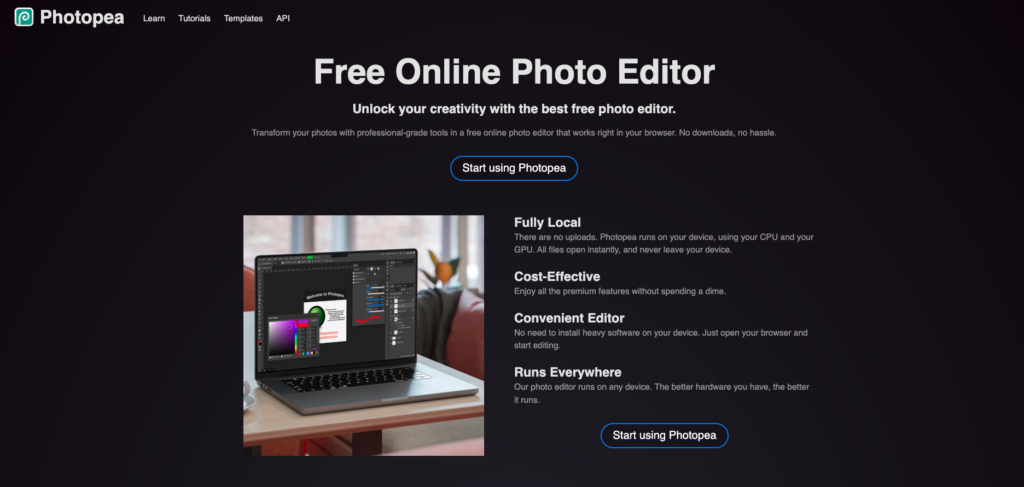
Photopea is a browser-based editor that mirrors Photoshop’s interface remarkably closely. It supports PSD, AI, and XD files natively, has full layer-based editing, clone stamps, healing brushes, and liquify retouching tools – all running entirely in your web browser with no download or installation required.
It’s particularly valuable for Chromebook users, low-spec devices, and situations where you can’t install software. The free version includes ads but is fully functional. At $5/month for ad-free access, it’s a fraction of Photoshop’s cost. It can even be installed as a Progressive Web App (PWA) for offline use.
The limitation is performance: since it runs entirely in the browser and system memory, large projects can slow down. It also lacks the AI-powered features found in desktop editors and doesn’t support RAW files as robustly as dedicated photo editors.
| ✓ STRENGTHS | ✗ WEAKNESSES |
| ✓ Free browser-based Photoshop alternative ✓ Reads PSD, AI, and XD files natively ✓ Full layer editing, no download required ✓ Works on any device with a browser ✓ Can install as PWA for offline use | ✗ Performance limited by browser/system memory ✗ No AI-powered editing tools ✗ Large files can be slow ✗ Ad-supported free version ✗ Less robust RAW support |
🎯 Best For: Users who need Photoshop-like editing on any device without installing software, especially Chromebook users and students
#11 Canva Score: 7.8/10

The drag-and-drop design tool that now edits photos too
| Price | Free / $12.99/mo (Pro) |
| Platform | Web, Windows, macOS, iOS, Android |
| Skill Level | Beginner |
| Free Version | Free version available |
Canva has evolved from a simple graphic design tool into a legitimate photo editing platform. Background removal (Pro users), filters, cropping, text overlays, and AI-powered design suggestions are all available through an incredibly intuitive drag-and-drop interface.
For social media creators, bloggers, and marketing teams, Canva’s strength is combining photo editing with design in one workflow. Need a product photo touched up and placed into an Instagram story template? Canva handles both seamlessly. The template library is massive and constantly updated.
Canva isn’t a serious photo editor for photographers – it lacks RAW support, layer-based editing, and precise color controls. But for its intended audience, it’s unbeatable.
| ✓ STRENGTHS | ✗ WEAKNESSES |
| ✓ Incredibly easy to learn ✓ Combines photo editing with graphic design ✓ Massive template library ✓ Cross-platform everywhere ✓ Background removal (Pro) works well | ✗ Not a serious photo editing tool ✗ No RAW support or color science ✗ Pro features require subscription ✗ Limited precision controls ✗ Not suitable for professional photography work |
🎯 Best For: Social media creators, marketers, and beginners who need quick photo editing combined with graphic design
#12 Snapseed Score: 7.7/10
The only truly free, ad-free professional mobile editor
| Price | Free (completely, no ads, no in-app purchases) |
| Platform | iOS, Android |
| Skill Level | Beginner to Intermediate |
| Free Version | Free – no catches whatsoever |
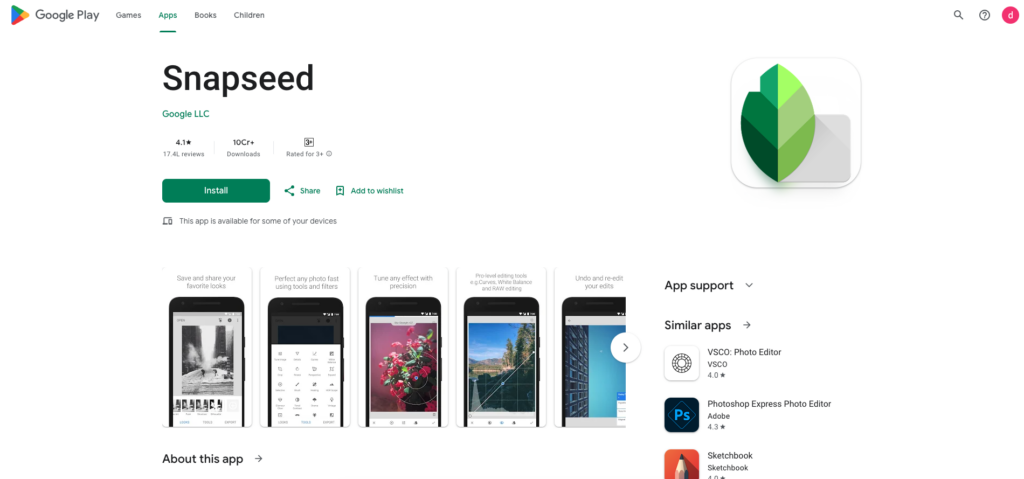
Snapseed is Google’s mobile photo editor, and it’s remarkable for what it offers at zero cost with zero ads and zero in-app purchases. It includes 29 tools covering selective adjustments, healing, HDR simulation, perspective correction, and RAW DNG editing. Custom presets allow consistent looks across batches.
The non-destructive workflow matches paid competitors, and the selective adjustment tool lets you apply edits to specific areas with precision that rivals desktop editors. PCMag named it the best free mobile photo editing app for 2026.
It’s mobile-only with no desktop version, which limits its usefulness for professional workflows. But for on-the-go editing, it’s the gold standard.
| ✓ STRENGTHS | ✗ WEAKNESSES |
| ✓ Completely free, ad-free, no in-app purchases ✓ 29 professional-grade editing tools ✓ RAW DNG support on mobile ✓ Non-destructive editing workflow ✓ Selective adjustments rival desktop editors | ✗ Mobile only (no desktop version) ✗ No cloud sync or catalog management ✗ Limited batch processing ✗ No layer support ✗ UI can feel small on phones |
🎯 Best For: Mobile photographers wanting professional editing tools without any cost or ads
#13 Pixlr Score: 7.5/10
Quick, browser-based editing for everyone
| Price | Free / Premium from $4.99/mo |
| Platform | Web browser, iOS, Android |
| Skill Level | Beginner |
| Free Version | Free version with ads |
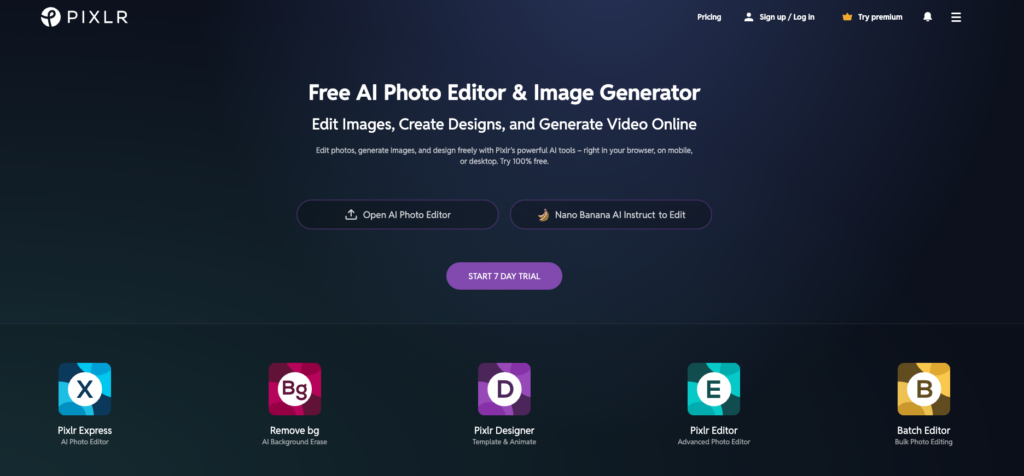
Pixlr offers two online editors: Pixlr X (simplified, filter-based) and Pixlr E (advanced, Photoshop-like). The interface is slick and well-designed with dark or light color schemes. Pixlr E supports layers – an advanced feature rare among free online editors – plus painting and drawing tools.
It’s the fastest way to perform photo editing without installation. Auto tools handle AI-powered adjustments, and the filter/effect library is extensive. Pixlr works across browsers, phones, and tablets.
Like most browser-based tools, it’s limited by system memory and lacks the depth of desktop software. Professional photographers won’t find the precision they need, but for quick edits and social media content, it’s excellent.
| ✓ STRENGTHS | ✗ WEAKNESSES |
| ✓ Free browser-based editing (no install) ✓ Two editors: simple (X) and advanced (E) ✓ Layer support in Pixlr E ✓ Clean, modern interface ✓ AI-powered auto tools | ✗ Limited by browser performance ✗ Ads in free version ✗ Not enough depth for professionals ✗ RAW support is basic ✗ Premium features behind paywall |
🎯 Best For: Anyone needing quick, no-install photo editing in a web browser
#14 RawTherapee Score: 7.4/10
Free, open-source RAW processing powerhouse
| Price | Free & Open Source |
| Platform | Windows, macOS, Linux |
| Skill Level | Intermediate to Advanced |
| Free Trial | Completely free, forever |
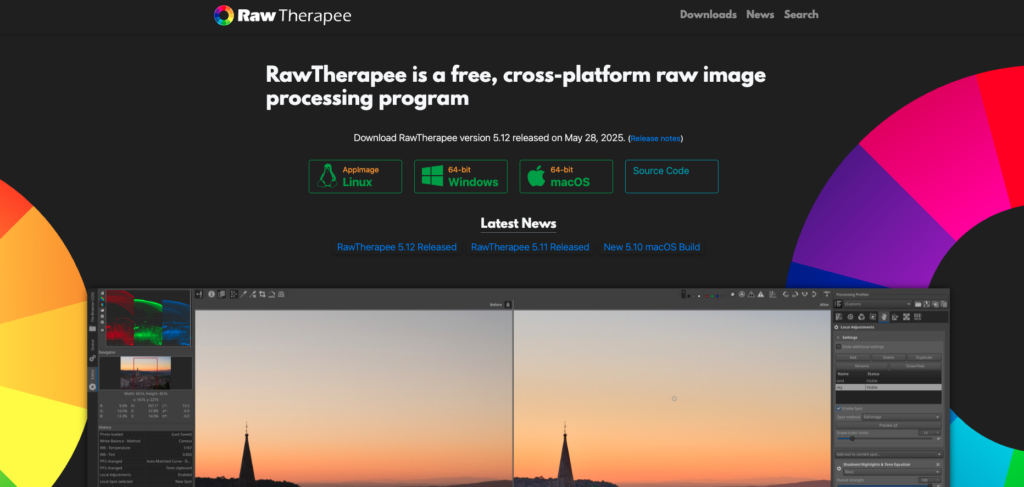
RawTherapee is the best free option for photographers who need powerful RAW processing. At times, this open-source editor offers more control than even Adobe Lightroom Classic, with advanced wavelet processing that’s unique among photo editors. The level of detail available in sharpening, noise reduction, and tonal adjustments is extraordinary.
Cross-platform support including Linux makes it essential for open-source workflows. It handles virtually any RAW format and provides non-destructive editing with real-time previews.
The interface is dense and technical – lots of tables, menus, and parameters that can overwhelm users. ThemFrames found the design far from inspiring but acknowledged that photographers who enjoy deep technical control will appreciate the freedom RawTherapee offers. There are no AI tools, no automation, and the learning curve is significant.
| ✓ STRENGTHS | ✗ WEAKNESSES |
| ✓ Free and open source with no limitations ✓ More RAW processing control than most paid tools ✓ Advanced wavelet processing (unique feature) ✓ Cross-platform including Linux ✓ Non-destructive editing with live previews | ✗ Dense, technical interface ✗ Steep learning curve ✗ No AI tools or automation ✗ No catalog management ✗ Limited retouching capabilities |
“RawTherapee proves that free doesn’t have to mean less functionality. At times, this powerful software boasts more control than Adobe Lightroom Classic.”
– Digital Camera World review (2026)
🎯 Best For: Technical photographers and Linux users wanting the deepest possible RAW processing control at zero cost
#15 Photomator Score: 7.3/10
The sleek, Apple-native photo editor
| Price | $34.99/yr or $64.99 lifetime |
| Platform | macOS, iOS (Apple only) |
| Skill Level | Beginner to Intermediate |
| Free Version | Free trial available |
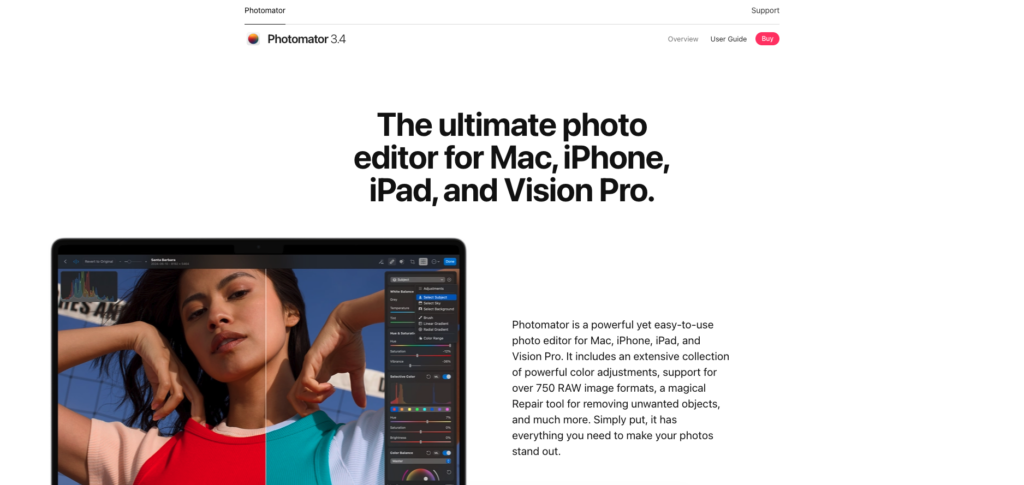
Photomator (formerly Pixelmator Pro) is designed exclusively for the Apple ecosystem with deep Photos app integration, smooth iCloud sync, and native Apple Silicon optimization. It’s fast, responsive, and the interface feels naturally at home on Mac and iOS.
Editing tools include masking, removal tools, adjustment sliders, and AI-powered enhancements. In ThemFrames’ testing, the masking tools were accurate and the removal tool performed well for smartphone images. The main limitation is the complete lack of cross-platform support – it’s Apple-only.
At $34.99/year or $64.99 for a lifetime license, it offers excellent value for Apple users. The combination of Apple Photos integration and professional editing tools makes it a natural fit for photographers who live in the Apple ecosystem.
| ✓ STRENGTHS | ✗ WEAKNESSES |
| ✓ Deep Apple ecosystem integration ✓ Fast, responsive performance on Apple Silicon ✓ Clean, intuitive interface ✓ Affordable lifetime license option ✓ Excellent Photos app sync | ✗ Apple-only (no Windows or Linux) ✗ Limited flexibility beyond Apple devices ✗ Fewer features than full desktop editors ✗ Smaller community and plugin support ✗ No catalog system beyond Apple Photos |
“A smooth, iPhone-first editor that fits naturally into Apple’s ecosystem. Fast, responsive performance with a clean, intuitive interface.”
– ThemFrames, mobile app review (2026)
🎯 Best For: Apple users wanting a polished, affordable photo editor with seamless iCloud and Photos integration
Full Comparison Table
| Software | Price | Platform | Best For | Score |
| Adobe Photoshop | $22.99/mo | Win, Mac, iPad, Web | Pro retouching/compositing | 9.5 |
| Lightroom Classic | $11.99/mo | Win, Mac | Pro batch workflow | 9.4 |
| Affinity Photo | FREE | Win, Mac, iPad | Free Photoshop alternative | 9.2 |
| Luminar Neo | $119+ once | Win, Mac, iOS | AI-powered editing | 9.0 |
| Capture One Pro | $164.52/yr | Win, Mac, iPad | Studio/commercial work | 9.0 |
| DxO PhotoLab 8 | $229 once | Win, Mac | Noise reduction/RAW | 8.8 |
| ON1 Photo RAW | $49.99 once | Win, Mac, Mobile | All-in-one solution | 8.5 |
| PhotoDirector | $40/yr | Win, Mac | Budget AI editing | 8.3 |
| GIMP | FREE | Win, Mac, Linux | Open source power | 8.0 |
| Photopea | FREE | Web browser | Browser-based editing | 7.9 |
| Canva | Free / $12.99/mo | All platforms | Social media/design | 7.8 |
| Snapseed | FREE | iOS, Android | Mobile editing | 7.7 |
| Pixlr | Free / $4.99/mo | Web, Mobile | Quick browser edits | 7.5 |
| RawTherapee | FREE | Win, Mac, Linux | Deep RAW control | 7.4 |
| Photomator | $34.99/yr | Mac, iOS only | Apple ecosystem | 7.3 |
How to Choose the Right Photo Editor for You
Choose Based on Your Budget
$0 (completely free): Affinity Photo is the standout – it’s genuinely Photoshop-level for free. GIMP offers deep editing for open-source fans. Snapseed is the best free mobile editor. Photopea and Pixlr provide solid browser-based options. RawTherapee gives unmatched free RAW processing.
Under $50/year: Photomator ($34.99/yr), PhotoDirector ($40/yr), and ON1 Photo RAW ($49.99 one-time) all deliver excellent value for their price points.
One-time purchase: Luminar Neo ($119–$179), DxO PhotoLab 8 ($129–$229), Capture One ($329 perpetual), and ON1 Photo RAW ($49.99) let you pay once and own the software.
Professional budget: Adobe’s Photography Plan ($14.98/mo for Photoshop + Lightroom) remains the industry standard bundle. Capture One ($164.52/yr) is the premium choice for studio work.
Choose Based on Your Experience Level
Complete beginner: Canva (drag-and-drop design + editing), Snapseed (mobile), or Pixlr (browser-based). Lightroom’s cloud version is also beginner-friendly.
Growing enthusiast: Luminar Neo (AI-assisted), Affinity Photo (learn real editing skills), or ON1 Photo RAW (all-in-one). Lightroom Classic for catalog management.
Professional photographer: Adobe Photoshop + Lightroom Classic (industry standard), Capture One Pro (studio/color), or DxO PhotoLab (RAW/noise). Many pros use two tools – one for workflow, one for deep editing.
Choose Based on What You’re Editing
Portrait and wedding photography: Lightroom Classic for culling and batch editing, Photoshop for retouching, Capture One for superior skin tones.
Landscape and travel photography: Luminar Neo (sky replacement, relighting), DxO PhotoLab (noise reduction for dawn/dusk shots), Lightroom Classic for batch workflow.
Product and commercial photography: Capture One (tethering, color accuracy), Photoshop (compositing, background removal), Lightroom Classic (catalog management).
Social media content: Canva (design + editing), Snapseed or VSCO (mobile presets), Pixlr (quick browser edits).
Low-light and wildlife: DxO PhotoLab (DeepPRIME noise reduction is unmatched), paired with Lightroom Classic for workflow.
Frequently Asked Questions
Q: What is the best free photo editing software in 2026?
Affinity Photo (now owned by Canva) is the best free photo editor by a significant margin. It offers Photoshop-level layer editing, compositing, HDR stacking, and focus stacking at zero cost. For open-source alternatives, GIMP provides deep editing capabilities, and RawTherapee offers unmatched free RAW processing. On mobile, Snapseed is the gold standard – completely free, ad-free, with 29 professional tools.
Q: Is Adobe Photoshop worth the subscription cost?
For professional retouchers, compositors, and designers who need the deepest possible pixel-level control, yes – nothing matches Photoshop’s capabilities. The Photography Plan ($14.98/mo for Photoshop + Lightroom) is the best value. However, Affinity Photo now offers 90% of Photoshop’s features for free, making it an excellent alternative for most users.
Q: What photo editing software do professional photographers use?
Most professionals use a combination: Adobe Lightroom Classic for catalog management and batch editing, Photoshop for complex retouching and compositing, and some use Capture One for its superior color science. DxO PhotoLab is popular among wildlife and low-light photographers for its noise reduction. The trend in 2026 is using specialized tools together rather than relying on a single editor.
Q: Do I need a powerful computer for photo editing?
For basic editing with tools like Snapseed, Canva, Pixlr, or Photopea, any modern device works fine. For RAW processing with Lightroom Classic or Capture One, 16GB RAM and a dedicated GPU are recommended. For AI-heavy features like Lightroom’s Denoise or Photoshop’s Generative Fill, 32GB+ RAM and a GPU with tensor cores significantly improve performance.
Q: Should I choose a subscription or one-time purchase editor?
One-time purchases (Luminar Neo at $119–$179, DxO PhotoLab at $129–$229, ON1 at $49.99, Affinity Photo for free) save money long-term. Subscriptions (Adobe at $11.99–$22.99/mo, Capture One at $164.52/yr) ensure you always have the latest updates. If you’re on a budget, the free options (Affinity Photo, GIMP, RawTherapee) eliminate the question entirely.
Q: Can I replace Photoshop with a free alternative?
For most photo editing tasks, yes. Affinity Photo offers full layer editing, PSD compatibility, and professional tools for free. GIMP provides similar capabilities with an open-source approach. The main gaps are AI-powered features (Generative Fill, neural filters) and the extensive plugin ecosystem that Photoshop has built over decades. For compositing and retouching specifically, Affinity Photo is the closest free match.
Final Thoughts
The photo editing landscape in 2026 is the most exciting it’s ever been. The biggest story is choice – you no longer need to pay Adobe’s subscription to access professional-grade tools. Affinity Photo being completely free changes the equation fundamentally, DxO’s noise reduction remains something no competitor has matched, and Luminar Neo’s AI tools genuinely save hours of manual work without requiring a monthly payment.
For most photographers, the ideal setup involves two tools: one for workflow management (Lightroom Classic or ON1 Photo RAW for organizing and batch processing) and one for deep editing (Photoshop, Affinity Photo, or GIMP for retouching and compositing). Specialized tools like DxO PhotoLab or Capture One add value for specific use cases. And the free options – Snapseed on mobile, Photopea in the browser – mean you can edit professionally anywhere.
The most important thing is to start editing. Try the free trials, test with your own RAW files, and find the tool that fits your workflow. The best photo editor is the one you’ll actually use consistently.
This guide is updated regularly. Last comprehensive review: March 2026. Prices and features may have changed since publication. We recommend checking official websites for the most current pricing.
