
The digital art landscape has never been more exciting – or more competitive. In 2026, artists can choose from dozens of powerful drawing applications across iPads, Android tablets, desktop computers, and even smartphones. The gap between platforms has narrowed dramatically, with Android users finally getting parity with Apple’s creative ecosystem, and free tools like Krita and Adobe Fresco challenging premium paid software on features alone.
But with so many choices comes decision fatigue. Should you invest in a subscription model that guarantees the latest updates, or opt for a one-time purchase that respects your wallet? Do you need specialized comic tools, or is a general-purpose painting app enough? Is it worth being locked into Apple’s ecosystem for Procreate’s unmatched polish, or do cross-platform options offer better long-term flexibility?
This guide cuts through the noise. We spent three months testing over 30 drawing applications across iPads, Samsung Galaxy Tabs, Wacom tablets, Windows PCs, and Macs. We evaluated each tool on brush quality, latency, feature depth, cross-platform support, community resources, pricing fairness, and real-world production capability. The result is this curated list of 10 drawing apps that deserve your attention in 2026 – whether you are a beginner sketching your first digital portrait or a professional delivering commercial illustrations.
Quick Verdict: Our Top 4 Picks
| App | Best For | Price | Score |
|---|---|---|---|
| Procreate | iPad Artists | $12.99 one-time | 9.5/10 |
| Clip Studio Paint | Comics & Manga | From $4.99/mo | 9.3/10 |
| Adobe Fresco | Traditional Painters | Free on iPad | 8.8/10 |
| Krita | Budget Painters | Free | 8.6/10 |
How We Tested and Evaluated
Our evaluation methodology prioritized real-world creative workflows over synthetic benchmarks. Each application was tested through a standardized set of tasks: creating a portrait illustration from sketch to final render, producing a four-panel comic strip, sketching rapid concept art under time constraints, and testing brush responsiveness at various canvas sizes and resolutions.
We assessed seven core criteria across all applications: Brush Quality and Responsiveness (how natural the strokes feel with pressure and tilt sensitivity), Feature Depth (tools for layers, blending, transformations, and specialized workflows), Platform Support (device compatibility and cross-device sync), Learning Curve (how quickly a new user can become productive), Community and Resources (available brushes, tutorials, and support), Pricing and Value (cost relative to features, including hidden fees), and Export and Integration (file format support and workflow compatibility with other tools).
Where possible, we cross-referenced our findings with community reviews from Reddit, Capterra, G2, and Creative Bloq to ensure our assessments align with the broader artist community’s experience. Scores reflect a weighted average across all criteria, with brush quality and feature depth carrying the heaviest weight.
10 Best Drawing Apps for 2026
1. Procreate
Our Score: 9.5/10
The Gold Standard for iPad Digital Illustration
Quick Facts
| Pricing | $12.99 one-time purchase (no subscription) |
| Platform | iPad only (iPadOS) |
| Category | Digital Illustration / Painting |
| Skill Level | Beginner to Professional |
| Free Trial | No (one-time purchase) |
| Developer | Savage Interactive Pty Ltd |
Detailed Review
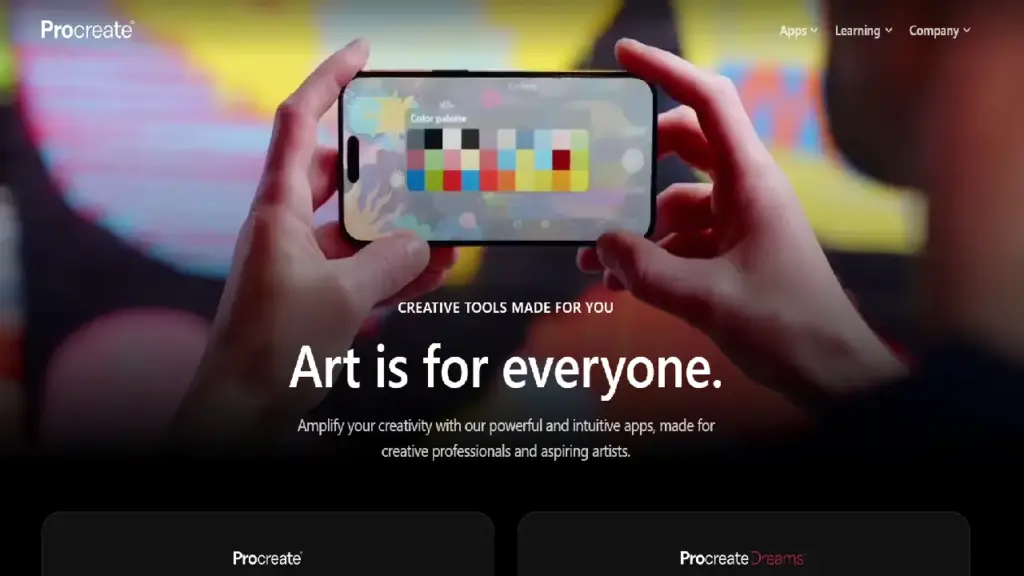
Procreate continues to dominate as the most popular drawing app for iPad users in 2026, and for good reason. Its fluid brush engine, ultra-low latency with Apple Pencil Pro, and a clean interface that fades into the background create an unmatched drawing experience. With over 200 handmade brushes, high-resolution canvases up to 16K by 8K pixels, and a powerful Valkyrie 64-bit graphics engine, this app delivers desktop-level creative power in a portable form factor.
One of the standout features is the built-in time-lapse recording that captures your entire creation process – perfect for sharing on social media or building a portfolio. The QuickShape feature auto-corrects freehand shapes into clean geometric forms, while Animation Assist lets you create simple frame-by-frame animations without needing a separate tool.
What truly sets Procreate apart in 2026 is its unwavering commitment to a no-AI, no-subscription model. The developer has publicly rejected generative AI integration, keeping all creative processes entirely human-driven. At just $12.99 with lifetime free updates, it offers extraordinary value compared to subscription-based competitors that can cost hundreds annually.
| PROS | CONS |
|---|---|
| ✓ Unbeatable one-time price of $12.99 with lifetime updates | ✗ iPad-only – no Windows, Android, or Mac support |
| ✓ Best-in-class Apple Pencil integration with ultra-low latency | ✗ Layer count limited by iPad hardware and canvas size |
| ✓ Massive brush library with deep customization options | ✗ No real-time collaboration or cloud sync features |
| ✓ Built-in time-lapse recording and Animation Assist | ✗ No vector drawing capabilities |
| ✓ No-AI policy keeps all creative control with the artist | ✗ Requires iPad hardware investment ($329+) |
| ✓ Intuitive interface that stays out of your way |
What the Community Says
“You purchase once and use it forever – no subscriptions, no hidden fees. The brush library alone is worth 10x the price.” – r/DigitalArt
BEST FOR: iPad owners seeking the most polished, responsive, and affordable professional illustration experience available.
2. Clip Studio Paint
Our Score: 9.3/10
The Ultimate Toolkit for Comics, Manga, and Animation
Quick Facts
| Pricing | PRO: $63 perpetual / $4.99/mo | EX: $277 perpetual / $8.99/mo |
| Platform | Windows, macOS, iPad, iPhone, Android, Chromebook |
| Category | Illustration / Comics / Animation |
| Skill Level | Intermediate to Professional |
| Free Trial | Up to 3 months free for new users |
| Developer | CELSYS, Inc. |
Detailed Review
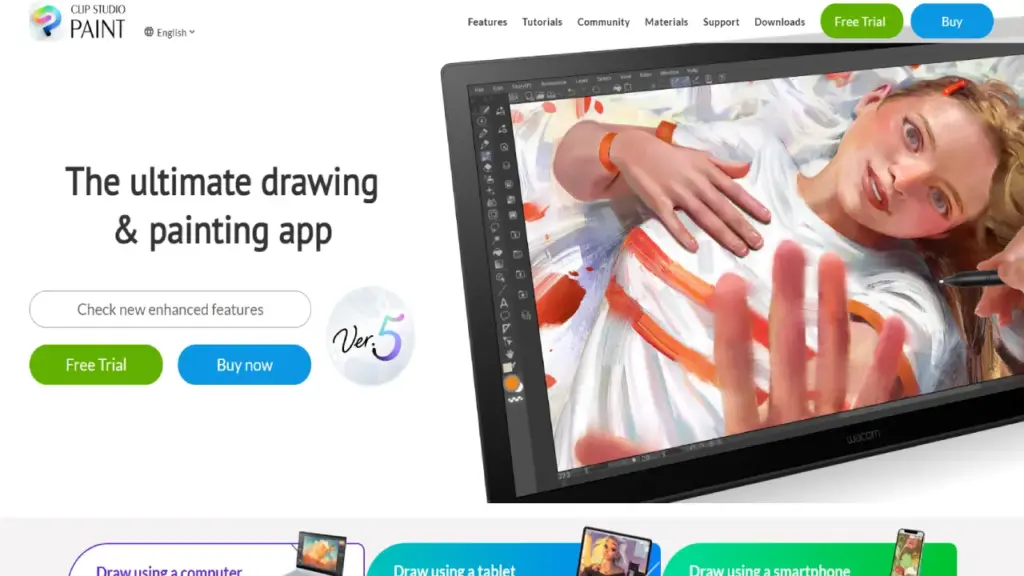
Clip Studio Paint (CSP) is the industry standard for comic artists, manga creators, and animation professionals worldwide. With Ver. 5.0 released in March 2026, the app received major upgrades including Smart Shapes for intuitive line and curve drawing, an improved 3D hand model for reference posing, and enhanced print-ready output features. It is used by over 60 million creators globally across tablets, desktops, and smartphones.
What makes CSP indispensable for comic creators is its comprehensive toolset: panel layout tools, speech bubble creation, screen tones, perspective rulers, and vector layers that allow non-destructive line refinement. The animation timeline supports professional-grade frame-by-frame workflows, and the built-in 3D poseable figures make it easy to reference complex angles without separate 3D software.
The Clip Studio Assets marketplace is a thriving community ecosystem with over 40,000 downloadable brushes, textures, and materials – many of them free. Cloud backup and cross-device sync mean you can start a project on your desktop and continue seamlessly on your iPad during a commute. While the learning curve is steeper than Procreate, the depth of features justifies the investment for serious creators.
| PROS | CONS |
|---|---|
| ✓ Most comprehensive comic and manga creation toolkit available | ✗ Steeper learning curve due to feature density |
| ✓ True cross-platform support across 6+ device types | ✗ Interface can feel cluttered for casual users |
| ✓ Massive community asset library with 40,000+ free resources | ✗ Subscription model has frustrated some long-time users |
| ✓ Powerful vector layers for non-destructive line editing | ✗ EX version is expensive for hobbyists at $277 perpetual |
| ✓ Professional animation timeline with onion skinning | ✗ Performance can lag on lower-end devices |
| ✓ Generous 3-month free trial for new users |
What the Community Says
“Clip Studio is as powerful as Photoshop at a fraction of the price – the comic tools alone make it worth every penny.” – Capterra Review
BEST FOR: omic artists, manga creators, webtoon producers, and animators who need professional-grade tools across multiple devices.
3. Adobe Fresco
Our Score: 8.8/10
Free Professional Drawing with Realistic Live Brushes
Quick Facts
| Pricing | Free on iPad (all features unlocked) | Desktop via Creative Cloud |
| Platform | iPad, iPhone, Windows |
| Category | Digital Painting / Illustration |
| Skill Level | Beginner to Professional |
| Free Trial | Free (iPad) / Included with Adobe CC subscription |
| Developer | Adobe Inc. |
Detailed Review
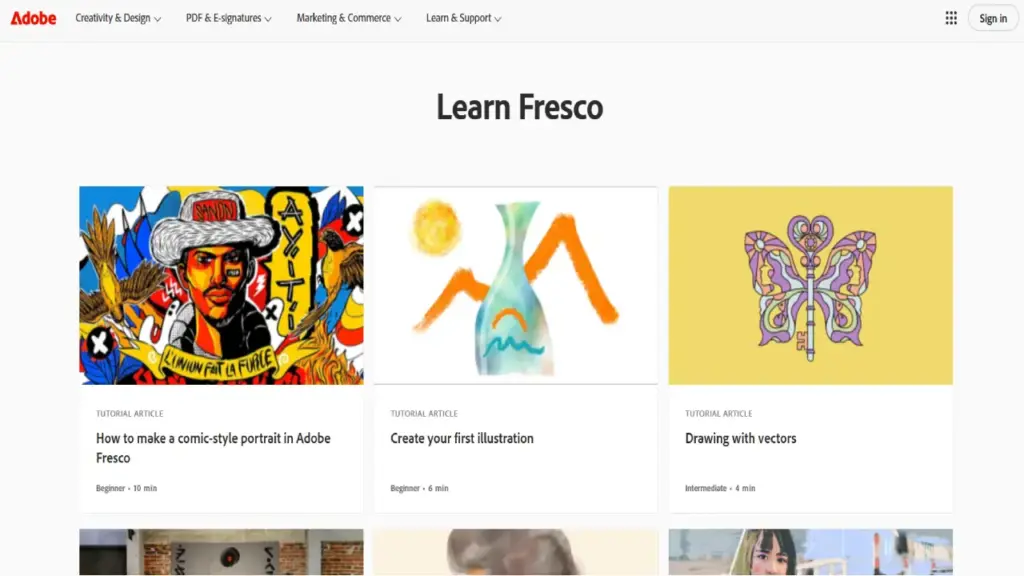
Adobe Fresco has undergone a remarkable transformation heading into 2026. The biggest news is that Fresco is now completely free on iPad, with all premium features unlocked without any subscription – a dramatic shift from the old freemium model that makes it one of the most competitive offerings in the digital art space. For traditional artists transitioning to digital, its Live Brushes that realistically simulate watercolor bleeding and oil paint mixing remain unmatched by any competitor.
The 2025–2026 updates brought several useful iPad-specific improvements: new basic-shape tools, the ability to load selections from vector content, a Pose tool for repositioning strokes, a redesigned unified brush panel, and symmetry features for faster project kickoffs. The app seamlessly connects to Adobe’s Creative Cloud ecosystem, making it easy to push work into Photoshop for final touches or access your cloud library across devices.
While Fresco excels at natural media simulation, its interface still feels less polished than Procreate to some users, and brush navigation can require more clicks to find what you need. However, for artists already embedded in Adobe’s ecosystem or those who want professional-grade painting tools at zero cost on iPad, Fresco is now a compelling choice that rivals paid alternatives.
| PROS | CONS |
| ✓ Completely free on iPad with all features unlocked | ✗ Desktop version requires Adobe Creative Cloud subscription |
| ✓ Unrivaled Live Brushes for watercolor and oil paint simulation | ✗ Interface less intuitive than Procreate for some users |
| ✓ Seamless integration with Adobe Photoshop and Creative Cloud | ✗ No dedicated comic or manga creation tools |
| ✓ Supports both raster and vector workflows | ✗ Brush navigation can feel cumbersome |
| ✓ New Pose tool and symmetry features added in 2026 | ✗ No Android support currently available |
| ✓ Cloud sync keeps projects accessible across devices |
What the Community Says
“Fremo’s Live Brushes are insane – the watercolors actually bleed and bloom like real paint. And now it’s FREE on iPad.” – r/DigitalPainting
BEST FOR: Traditional artists going digital, Adobe ecosystem users, and anyone wanting professional painting tools at no cost on iPad.
4. Krita
Our Score: 8.6/10
Free and Open-Source Powerhouse for Serious Digital Painters
Quick Facts
| Pricing | Completely free and open-source |
| Platform | Windows, macOS, Linux, Android (beta) |
| Category | Digital Painting / Animation |
| Skill Level | Intermediate to Professional |
| Free Trial | Free forever (donations welcome) |
| Developer | Krita Foundation |
Detailed Review
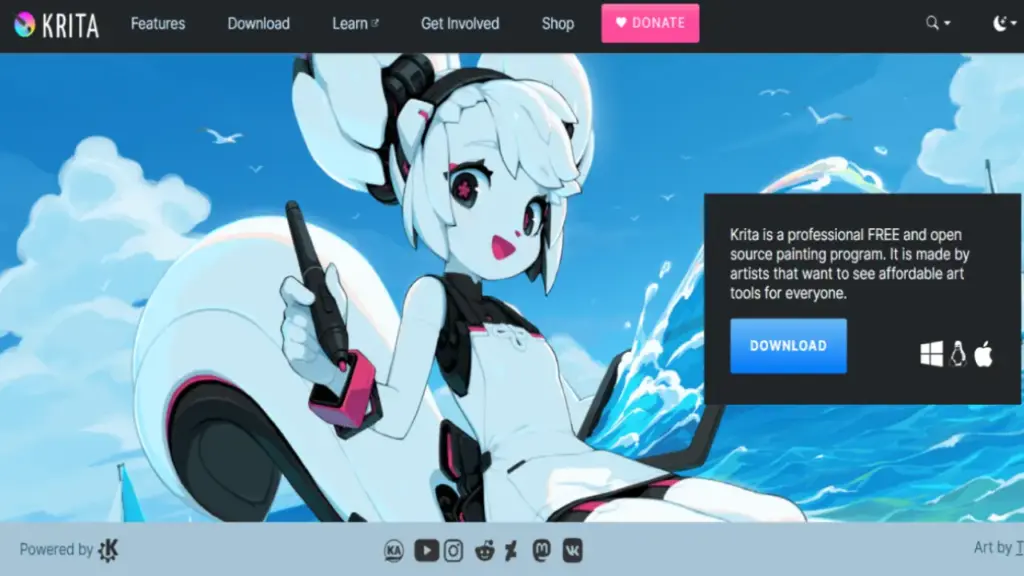
Krita remains the gold standard for free, open-source digital painting software in 2026. Built by artists for artists, it delivers a professional-grade feature set that rivals paid applications costing hundreds of dollars. With nine different brush engines, HDR painting support, color-managed workflows, and a robust animation timeline, Krita punches far above its free price tag.
The Krita development team has been actively working on versions 5.3 and 6.0, with extensive bug fixes and performance improvements rolling out through early 2026. The application excels at digital painting with features like advanced brush stabilizers for smooth linework, drawing assistants for perspective and symmetry, and pressure-sensitive tablet optimization with tilt detection. Comic creators also benefit from panel tools, speech bubbles, and perspective rulers.
Krita’s biggest strength beyond its zero price tag is the depth of customization available. Artists can create entirely custom brush presets using the nine brush engines, download community-made brush packs, and configure the workspace layout to match their exact workflow. The Android version is still in beta and can be buggy, but the desktop experience is polished and production-ready.
Pros & Cons
| PROS | CONS |
| ✓ Completely free with no ads, subscriptions, or premium tiers | ✗ No iOS or iPad version available |
| ✓ Nine powerful brush engines with deep customization | ✗ Android version still in beta with some stability issues |
| ✓ Built-in animation timeline with onion skinning | ✗ Interface can feel overwhelming for beginners |
| ✓ HDR painting and color-managed workflows | ✗ Higher system resource usage than lighter apps |
| ✓ Available on Windows, Mac, Linux, and Android | ✗ Lacks dedicated comic panel tools as robust as Clip Studio Paint |
| ✓ Active open-source community with regular updates |
What the Community Says
“Krita offers powerful painting and animation tools completely free. It’s incredible what you get for zero dollars.” – Creative Bloq
BEST FOR: Budget-conscious artists, Linux users, and digital painters who want professional features without spending a dime.
5. Autodesk Sketchbook
Our Score: 8.4/10
The Most Natural Digital Sketching Experience on Any Device
Quick Facts
| Pricing | Free on mobile | Sketchbook Pro: $24.99 on desktop |
| Platform | iOS, Android, Windows, macOS |
| Category | Sketching / Concept Art |
| Skill Level | Beginner to Intermediate |
| Free Trial | Free on mobile; desktop version is paid |
| Developer | Sketchbook Inc. |
Detailed Review
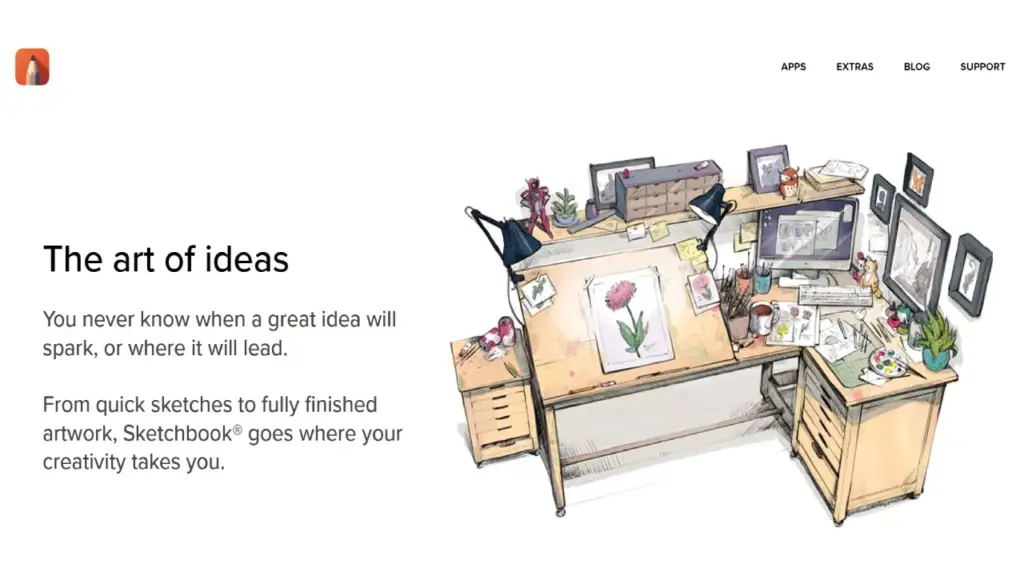
Autodesk Sketchbook has experienced a renaissance after being acquired in late 2024 and receiving substantial new investment. The refreshed app features a completely overhauled brush engine that delivers what many reviewers call the most realistic pencil and pen simulation in any drawing app. The updated interface scales beautifully from smartphones to large tablets, maintaining a clean, distraction-free workspace that traditional artists love.
The app’s philosophy is simplicity. Unlike feature-dense applications like Clip Studio Paint, Sketchbook deliberately keeps its interface minimal – giving you brushes, layers, and a canvas without overwhelming you with options. This makes it the ideal starting point for beginners and a rapid-fire sketching tool for professionals who need to capture ideas quickly. PSD file format support means you can easily move work to Photoshop or Clip Studio Paint for further refinement.
READ MORE: Best Photo Editing Software in 2026: 15 Top Picks Reviewed
The 2026 updates introduced haptic feedback on supported devices, adding a tactile dimension to the drawing experience, along with new canvas textures that affect brush strokes in realistic ways. While Sketchbook lacks the advanced features needed for professional illustration production, its strength lies in making the act of digital sketching feel as close to paper as possible.
Pros & Cons
| PROS | CONS |
| ✓ Free on mobile devices with generous feature set | ✗ Limited layer functionality compared to professional tools |
| ✓ Most natural-feeling pencil simulation available | ✗ Basic export options |
| ✓ Clean, distraction-free minimal interface | ✗ Desktop version requires paid purchase ($24.99) |
| ✓ True cross-platform support including Android | ✗ No animation or comic-specific features |
| ✓ PSD file compatibility for easy export workflows | ✗ Not suitable for complex professional illustration projects |
| ✓ New haptic feedback and canvas textures in 2026 |
What the Community Says
“Sketchbook provides the most natural drawing experience with an interface that gets completely out of your way.” – inkbotdesign.com
BEST FOR: Urban sketchers, concept artists, beginners, and anyone who wants the most natural pen-on-paper digital experience.
6. Ibis Paint X
Our Score: 8.3/10
Feature-Packed Free Drawing App with a Massive Brush Library
Quick Facts
| Pricing | Free (ad-supported) | Remove Ads: $7.99/year or one-time purchase |
| Platform | iOS, Android, Windows |
| Category | Digital Illustration / Manga |
| Skill Level | Beginner to Intermediate |
| Free Trial | Free with ads |
| Developer | ibis inc. |
Detailed Review
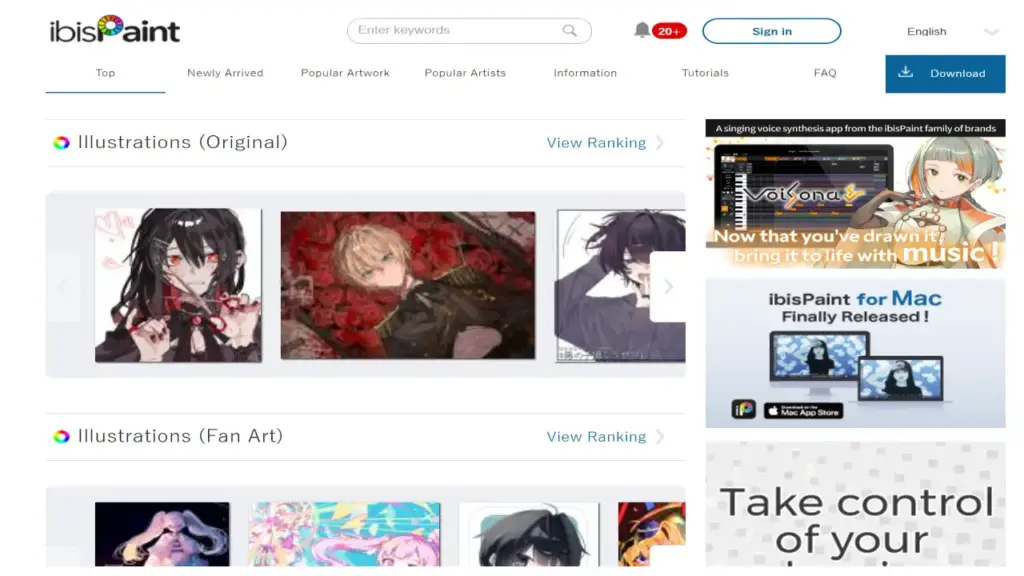
Ibis Paint X is one of the most feature-rich free drawing apps available in 2026, boasting an arsenal that would impress even paid software users. With over 15,000 brushes, 40 screen tones, 76,000 materials, 27 blending modes, 80 filters, and 1,000 fonts, the sheer volume of creative tools is staggering. The ultra-smooth 60fps drawing experience makes every stroke feel responsive, even on mid-range devices.
What makes Ibis Paint X particularly popular among younger and aspiring manga artists is its accessibility. Quick sliders let you adjust brush thickness and opacity on the fly, and the layer system supports opacity blending, alpha blending, and clipping masks. The app also includes a video recording feature that captures your entire drawing process, making it easy to share speed-drawing videos on YouTube or TikTok.
Additional features include stroke stabilization for clean linework, radial and symmetry rulers for precise patterns, and a range of tools specifically designed for manga and animation creation. While the ad-supported free version can be intrusive with interruptions, the premium removal option is very affordable compared to most competitors.
Pros & Cons
| PROS | CONS |
| ✓ Over 15,000 brushes and 76,000 materials included free | ✗ Free version displays frequent and intrusive ads |
| ✓ Ultra-smooth 60fps drawing experience | ✗ Interface can feel cluttered with so many features |
| ✓ Built-in video recording for process sharing | ✗ Not designed for professional print-resolution work |
| ✓ Excellent manga and comic creation tools | ✗ Limited desktop feature set compared to mobile |
| ✓ Available on iOS, Android, and Windows | ✗ No macOS or Linux support |
| ✓ Very affordable premium upgrade to remove ads |
What the Community Says
“15,000 brushes for free is wild. I use Ibis Paint for all my manga sketches before moving to Clip Studio for finals.” – r/manga
BEST FOR: Aspiring manga artists, mobile-first creators, and beginners who want maximum features at zero cost.
7. Affinity Designer 2
Our Score: 8.5/10
Professional Vector and Raster Design Without the Subscription
Quick Facts
| Pricing | $69.99 one-time purchase per platform |
| Platform | Windows, macOS, iPad |
| Category | Vector Illustration / Graphic Design |
| Skill Level | Intermediate to Professional |
| Free Trial | Free trial available |
| Developer | Serif (Canva) |
Detailed Review
Affinity Designer 2 stands as the premier alternative to Adobe Illustrator for digital artists who want professional vector illustration tools without an ongoing subscription. In 2026, it has become an increasingly popular choice among Windows, Mac, and iPad users who need a powerful alternative to the iPad-only Procreate or the subscription-heavy Adobe ecosystem.
The app uniquely combines vector and raster workflows in a single interface through its Persona system – switch between a Vector Persona for precise path editing, a Pixel Persona for raster painting, and an Export Persona for asset slicing. The 2026 update brought the Android version up to par with its Apple counterparts and introduced new brush stabilization features that significantly improve line quality for artists without premium styluses.
For character designers, logo artists, and illustrators who need scalable vector output, Affinity Designer delivers files that can be used across print, web, and merchandise without quality loss. The one-time purchase model at $69.99 per platform is a breath of fresh air in an industry dominated by monthly subscriptions.
| PROS | CONS |
| ✓ One-time purchase with no subscription required | ✗ Not specifically designed for digital painting or illustration |
| ✓ Powerful dual vector and raster workflow | ✗ Separate purchase required for each platform |
| ✓ Excellent cross-platform support (Windows, Mac, iPad) | ✗ No animation or comic-specific tools |
| ✓ Professional-grade output for print and web | ✗ Learning curve for artists unfamiliar with vector tools |
| ✓ Strong brush stabilization for cleaner lines | ✗ No Android phone support (tablets only in 2026) |
| ✓ Compatible with PSD, PDF, SVG, and EPS files |
What the Community Says
“Affinity Designer is what you get when someone actually respects artists’ wallets. Pro-level vector tools, one price, done.” – r/ArtTools
BEST FOR: Vector illustrators, character designers, and graphic artists who need scalable output without Adobe subscription costs.
8. MediBang Paint
Our Score: 7.9/10
Lightweight Free Comic Creation Across Every Device
Quick Facts
| Pricing | Free (ad-supported) | Premium: $2.99/month |
| Platform | Windows, macOS, iOS, Android |
| Category | Comic Creation / Digital Painting |
| Skill Level | Beginner to Intermediate |
| Free Trial | Free forever (premium optional) |
| Developer | MediBang Inc. |
Detailed Review
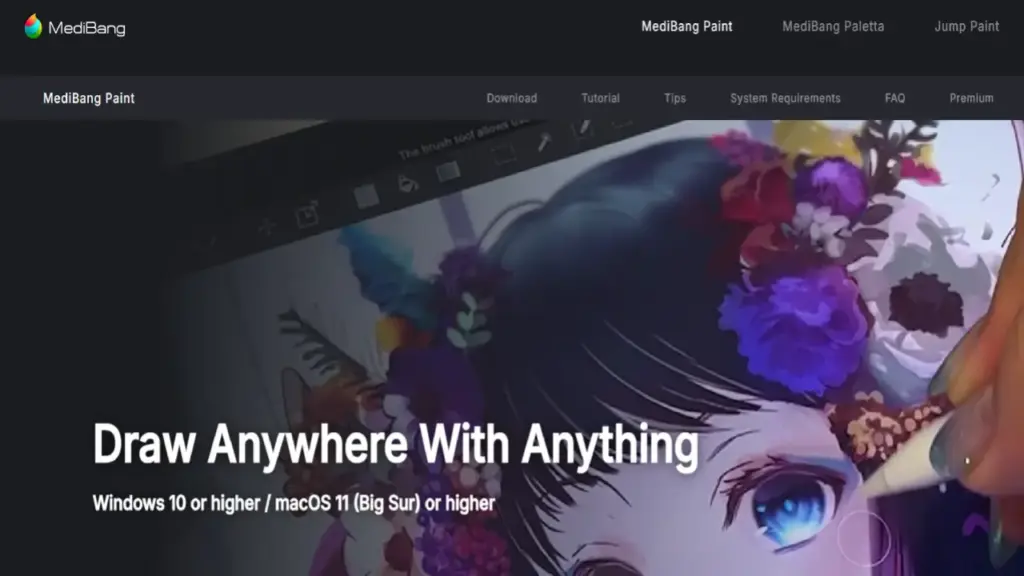
MediBang Paint is a lightweight, free, cross-platform drawing app that punches well above its weight class. Designed primarily for comic and manga creation, it offers panel layout tools, screen tones, speech bubbles, and a library of pre-made backgrounds and materials – all without charging a penny. The app runs smoothly on older hardware where heavier applications like Clip Studio Paint or Krita might struggle.
One of MediBang’s standout strengths is its cloud-based project management. You can start a comic on your Windows desktop, add details on your iPad during lunch, and review it on your Android phone before bed – all with seamless sync. The built-in collaboration features also allow multiple artists to work on the same project, which is rare in free drawing applications.
While MediBang lacks the advanced brush engines and painting tools of premium competitors, it excels as a gateway app for beginners and a quick-production tool for webcomic creators. The premium subscription at just $2.99/month removes ads and adds extra cloud storage, making it one of the most budget-friendly options for aspiring comic artists.
| PROS | CONS |
| ✓ Completely free with comprehensive comic creation tools | ✗ Limited advanced brush and painting capabilities |
| ✓ Lightweight and runs well on older hardware | ✗ Ad-supported free version can be distracting |
| ✓ Cloud sync across all major platforms | ✗ Fewer customization options than Clip Studio Paint |
| ✓ Built-in collaboration for team projects | ✗ Print resolution output is limited |
| ✓ Large library of free materials, tones, and backgrounds | ✗ Interface feels dated compared to newer competitors |
| ✓ Very affordable premium tier at $2.99/month |
What the Community Says
“For a free comic creation app, MediBang is shockingly capable. The cloud sync across devices is a game-changer for my workflow.” – r/webcomics
BEST FOR: Aspiring comic and manga creators, collaborative teams, and artists who need a lightweight cross-platform solution.
9. ArtRage Vitae
Our Score: 8.1/10
The Most Authentic Traditional Media Simulation in Digital Art
Quick Facts
| Pricing | $39.90 one-time (desktop) | $4.99 (mobile) |
| Platform | Windows, macOS, iOS, Android |
| Category | Natural Media Painting |
| Skill Level | Beginner to Professional |
| Free Trial | Free demo available |
| Developer | Ambient Design Ltd. |
Detailed Review
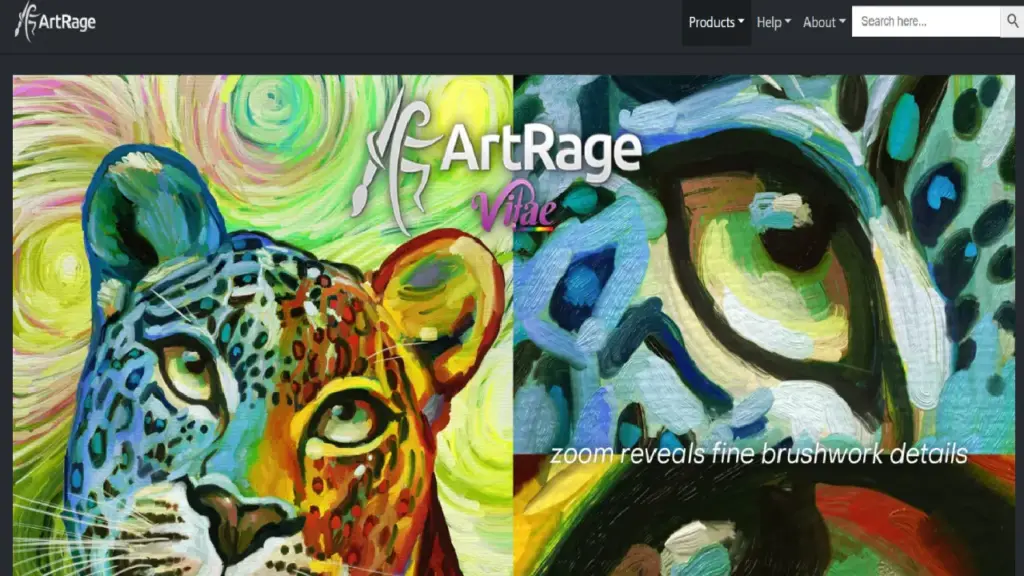
ArtRage Vitae occupies a unique niche in the drawing app landscape by focusing exclusively on simulating traditional art media with extraordinary realism. Oils smear and blend with visceral thickness, watercolors bloom and bleed across the canvas grain, pencils bite into virtual texture with visible graphite deposits, and palette knives push paint around with satisfying physicality. None of this is automated or AI-assisted – every stroke is entirely your own.
For traditional painters making the leap to digital, ArtRage eliminates the clinical, overly-clean feel that plagues many digital art applications. The canvas texture actively interacts with your brush strokes, creating results that look convincingly handmade. The paint mixing is physically modeled, meaning colors interact on the canvas the way real pigments would – a feature that Adobe Fresco’s Live Brushes approach but ArtRage executes with more tactile depth.
The app does not try to be everything for everyone. There are no comic tools, no animation timelines, and no vector capabilities. Instead, ArtRage laser-focuses on making digital painting feel analog. For artists who care about texture, warmth, and the unpredictability of real media, it is unmatched. The one-time purchase pricing across platforms keeps it accessible without subscription pressure.
| PROS | CONS |
| ✓ Most realistic traditional media simulation available | ✗ Not ideal for clean, digital-style artwork |
| ✓ One-time purchase with no subscription | ✗ Performance can suffer on lower-end devices |
| ✓ Physically modeled paint mixing and canvas interaction | ✗ No comic, animation, or vector tools |
| ✓ No AI features – entirely manual creative process | ✗ Smaller community and resource ecosystem |
| ✓ Available across desktop and mobile platforms | ✗ Less frequent updates than major competitors |
| ✓ Approachable interface for traditional artists |
What the Community Says
“If you miss the feeling of real paint under a brush, ArtRage is the closest digital will ever get. It’s pure, manual artistry.” – Creative Bloq
BEST FOR: Traditional painters going digital, fine artists, and anyone who wants their digital work to retain a handmade aesthetic.
10. Infinite Painter
Our Score: 8.0/10
Android’s Premium Drawing App with Powerful Brush Tools
Quick Facts
| Pricing | Free trial | Pro: $9.99 one-time purchase |
| Platform | Android, iOS |
| Category | Digital Painting / Illustration |
| Skill Level | Beginner to Intermediate |
| Free Trial | Yes (limited features) |
| Developer | Infinite Studio Mobile |
Detailed Review
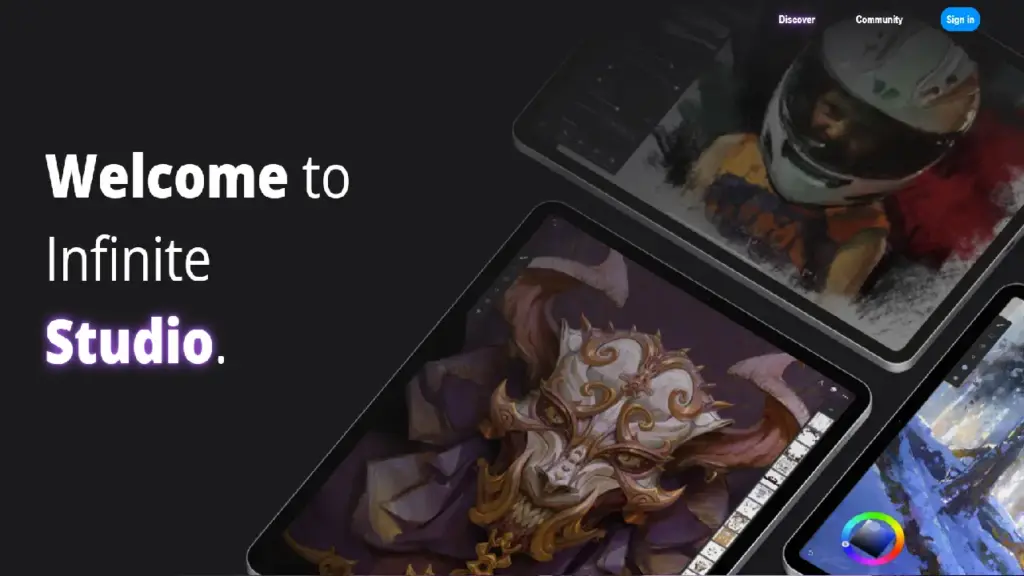
Infinite Painter has emerged as the go-to premium drawing app for Android users who want a polished, powerful painting experience specifically optimized for their devices. While iOS users have Procreate, Android artists have long been underserved – and Infinite Painter fills that gap admirably with tight Samsung S Pen integration, an intuitive brush engine, and smooth performance even on mid-range tablets.
The 2026 update brought significant performance optimizations, particularly for Samsung devices with S Pen support, along with a new cloud backup feature that ensures you never lose work when switching between devices. The app offers sophisticated perspective guides, a natural-feeling brush engine with over 160 pre-loaded brushes, and a layer system with blending modes that rival desktop applications.
At just $9.99 for a one-time purchase, Infinite Painter offers outstanding value for Android artists. The brush creation tools are surprisingly deep, allowing artists to build custom brushes from scratch using imported textures and fine-tuned dynamics. While it lacks the ecosystem depth of Procreate or Clip Studio Paint, it delivers a focused, premium painting experience on a platform where quality options are scarce.
| PROS | CONS |
| ✓ Best-in-class S Pen and Android tablet optimization | ✗ Smaller brush and resource community than major competitors |
| ✓ One-time purchase at an affordable $9.99 | ✗ No desktop or web version available |
| ✓ Powerful perspective guides and drawing assists | ✗ Limited animation capabilities |
| ✓ Deep brush creation and customization tools | ✗ No comic-specific tools |
| ✓ New cloud backup feature prevents work loss | ✗ iOS version lags behind Android in optimization |
| ✓ Smooth performance on mid-range Android devices |
What the Community Says
“Finally, an Android drawing app that doesn’t feel like a compromise. Infinite Painter with the S Pen is genuinely great.” – r/AndroidApps
BEST FOR: Android tablet users, Samsung Galaxy Tab owners with S Pen, and mobile artists seeking a premium alternative to Procreate.
Full Comparison Table: All 10 Drawing Apps
| App | Price | Platforms | Best For | Free Option | Score |
|---|---|---|---|---|---|
| Procreate | $12.99 once | iPad | Illustration | No | 9.5 |
| Clip Studio Paint | From $4.99/mo | All platforms | Comics/Manga | 3-mo trial | 9.3 |
| Adobe Fresco | Free (iPad) | iPad, Win | Painting | Yes | 8.8 |
| Krita | Free | Win/Mac/Linux | Painting | Yes | 8.6 |
| Affinity Designer 2 | $69.99 once | Win/Mac/iPad | Vector Art | Trial | 8.5 |
| Sketchbook | Free mobile | All platforms | Sketching | Yes | 8.4 |
| Ibis Paint X | Free (ads) | iOS/Android/Win | Manga | Yes | 8.3 |
| ArtRage Vitae | $39.90 once | All platforms | Natural Media | Demo | 8.1 |
| Infinite Painter | $9.99 once | Android/iOS | Android Art | Trial | 8.0 |
| MediBang Paint | Free | All platforms | Comics | Yes | 7.9 |
Buyer’s Guide: How to Choose the Right Drawing App
By Budget
Free Options
If you want professional-quality tools at zero cost, your best bets are Krita (desktop painting powerhouse), Adobe Fresco (free on iPad with Live Brushes), MediBang Paint (cross-platform comic creation), and Ibis Paint X (massive feature set for mobile). Sketchbook is also free on mobile devices for sketching.
Under $15 – Best Value
Procreate at $12.99 is the uncontested value champion if you own an iPad. Infinite Painter at $9.99 is the Android equivalent. Both are one-time purchases with no recurring costs.
$25–$70 – Professional Tier
Affinity Designer 2 ($69.99), ArtRage Vitae ($39.90), and Sketchbook Pro ($24.99) deliver professional capabilities at one-time prices. Clip Studio Paint PRO at $63 perpetual is also in this range.
$100+ – Premium / Studio
Clip Studio Paint EX ($277 perpetual) is the top-tier option for professional comic studios and animation teams that need multi-page management, unlimited animation frames, and team collaboration features.
By Experience Level
Beginners
Start with Sketchbook (simplest interface), Ibis Paint X (most free features), or Procreate (intuitive and affordable on iPad). These apps prioritize ease of use without overwhelming new artists with complex menus.
Intermediate Artists
Level up with Clip Studio Paint PRO (best all-round toolset), Krita (professional features for free), or Adobe Fresco (excellent for natural media exploration). These offer deeper feature sets while remaining learnable.
Professional / Commercial Artists
Professionals should consider Procreate (fastest iPad workflow), Clip Studio Paint EX (industry-standard for comics), Affinity Designer 2 (vector production), or combine Adobe Fresco with Photoshop for maximum flexibility.
By Use Case
Digital Painting & Illustration
Procreate (iPad), Krita (desktop), or Adobe Fresco (free iPad painting with Live Brushes) are the top choices for general digital painting and illustration work.
Comics, Manga & Webtoons
Clip Studio Paint is the undisputed leader. MediBang Paint is the best free alternative, and Ibis Paint X works well for mobile manga creation.
Concept Art & Quick Sketching
Sketchbook offers the most natural sketching experience. Procreate and Infinite Painter are also excellent for rapid concept capture.
Traditional Art Simulation
ArtRage Vitae delivers the most convincing physical media simulation. Adobe Fresco’s Live Brushes are a strong free alternative for watercolor and oil techniques.
Vector Illustration & Branding
Affinity Designer 2 is the clear winner for scalable vector artwork, character design, and brand asset production without subscription costs.
Frequently Asked Questions
Q1: What is the best free drawing app for beginners in 2026?
For beginners, Sketchbook (free on mobile) offers the simplest, most intuitive interface. Ibis Paint X provides the most features at no cost, and Krita is the best free option on desktop.
Q2: Is Procreate worth buying in 2026?
Absolutely. At $12.99 with lifetime free updates and no subscription, Procreate delivers extraordinary value for iPad users. It offers professional-grade brush tools, time-lapse recording, animation support, and a no-AI policy that keeps creative control entirely with the artist.
Q3: What is the best drawing app for Android tablets?
Infinite Painter is the premium choice for Android users, especially those with Samsung S Pen tablets. Ibis Paint X and MediBang Paint are excellent free alternatives with comprehensive feature sets.
Q4: Can I use these drawing apps professionally for commercial artwork?
Yes. Procreate, Clip Studio Paint, Adobe Fresco, Krita, and Affinity Designer 2 are all capable of producing commercial-quality artwork. Many professional illustrators, comic artists, and concept designers use these tools for client work, publishing, and merchandise production.
Q5: Which drawing app has the best brush engine in 2026?
Procreate offers the most refined overall brush experience on iPad. Clip Studio Paint has the most versatile and customizable brushes across platforms. For realistic natural media simulation, ArtRage Vitae and Adobe Fresco’s Live Brushes are unmatched.
Final Thoughts
After testing over 30 drawing applications across every major platform, one truth stands out: the best drawing app is the one that disappears while you create. Technical specs, brush counts, and feature lists matter – but they mean nothing if the tool creates friction between your imagination and the canvas.
If you own an iPad, Procreate remains the undeniable champion at $12.99 – it is fast, beautiful, and committed to keeping art human. For comic and manga creators, Clip Studio Paint’s Ver. 5.0 update cements its position as the industry standard with unmatched panel, tone, and animation tools. Budget-conscious artists have never had it better, with Krita, Adobe Fresco, and MediBang Paint offering genuinely professional capabilities at zero cost.
Android users should no longer feel like second-class citizens in the digital art world – Infinite Painter, Ibis Paint X, and Clip Studio Paint all deliver excellent experiences on Samsung and Android tablets. And for traditional painters who want to preserve the warmth and texture of physical media, ArtRage Vitae’s simulations remain in a class of their own.
Leave a Reply